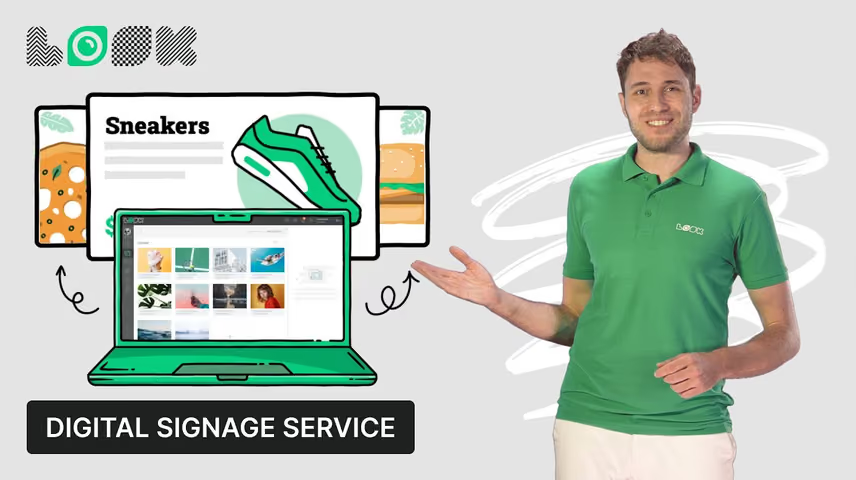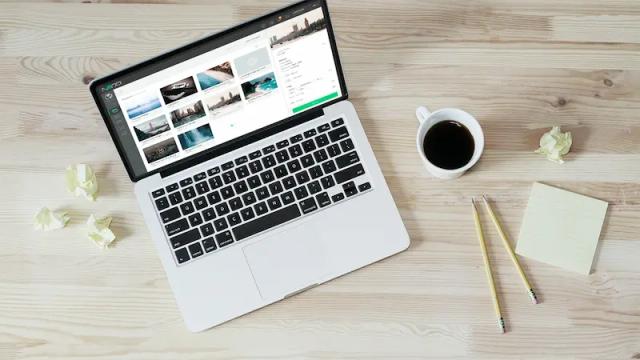
Cloud digital signage software for business

One platform to manage all your screens anytime and anywhere

Captera Rating
4.9
G2 Rating
5.0
Get started for free
No credit card required. No limitations.
Book a demo

Digital signage solutions

Digital signage for retail

Retail

Increase traffic and the average transaction value in your store by mixing special offers with the eye-catching videos and entertaining content items within the remotely managed digital signage network.
Digital signage for restaurants

Restaurants & cafes

Display the latest menu changes, event announcements, or chef specials on digital screens across your restaurants to keep your business running smoothly without wasting your staff's time.
Digital signage for advertising

Advertising

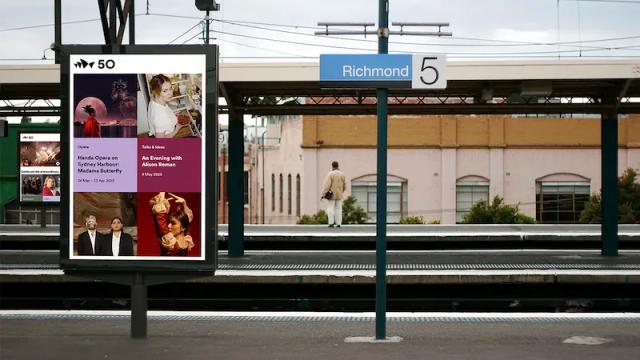
Launch, modify, and schedule your indoor and outdoor digital signage advertising campaigns, track status with proof-of-play feature, and get up-to-date statistics at any time and from any place.
Digital signage for corporate

Corporate

Engage your staff and increase their loyalty, building a strong communication channel in your corporate environment with motivational videos, fresh company news and achievement announcements.
Show all solutions
Arrow down icon

To use Look digital signage software

Look service works seamlessly on any hardware, whether you're planning to purchase or already use it
Or

Install FREE Look App

Transform any TV or compatible device into digital signage by installing the free Look app.
WindowsAmazon Signage
Androidgoogle-tvLinuxOS Fire Amazon
macOSWebOSOS Tizen OS Raspberry Pi
Supported Operating Systems

Plug Look HDMI Player

Connect the Plug & Play Look Player to your display’s HDMI input for instant setup. Worldwide shipping.
Buy nowLook HDMI Player

Free digital signage templates

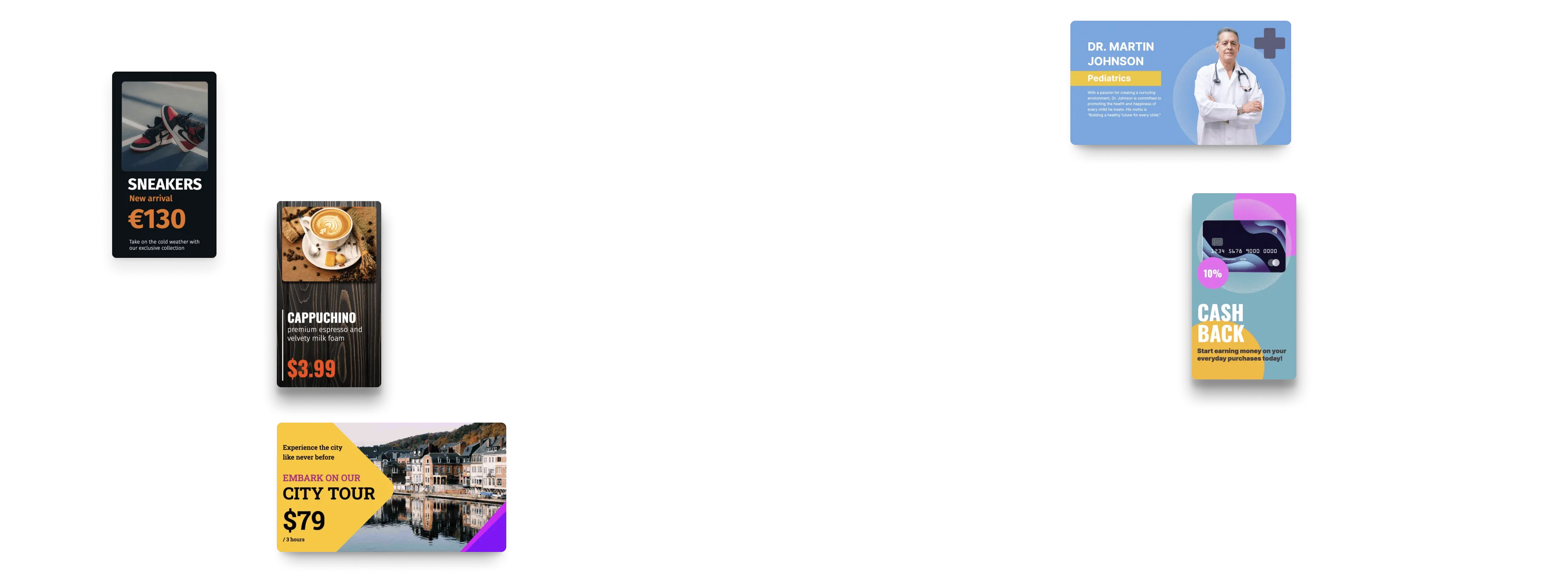
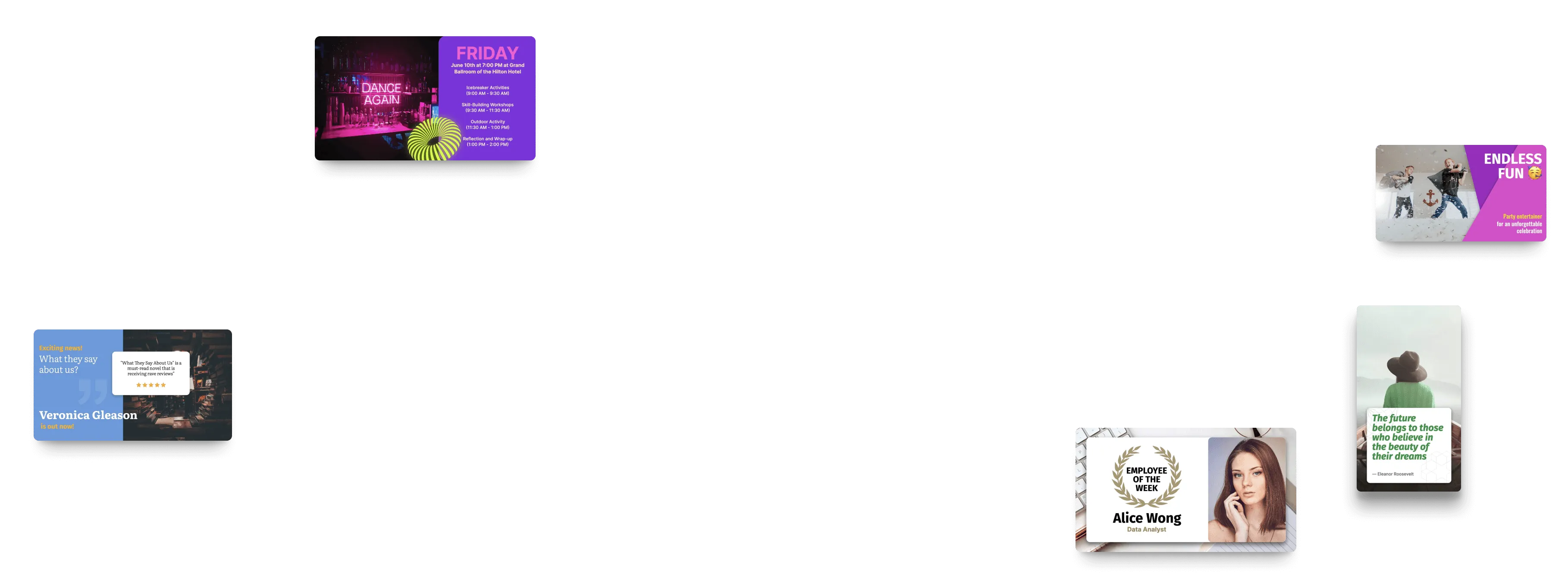
Save time and money with our collection of free, editable digital signage templates for various industries. Choose a ready-made design or customize elements to create eye-catching content.
common layout templatecommon layout templatecorporate template

What our customers say

Real businesses, real results.
Captera Rating
4.9
G2 Rating
5

We have 22 locations and zero issues with Look software. It’s so easy to use and has a lot of useful tools that we utilize in our day-to-day business. All-in-all, our experience was top-notch.

Ervin Piotrowski
YourLocalListers

Our experience with Look has been nothing but amazing. Customer service is excellent, and the product works perfectly. It's remarkable and I wouldn't go with any other company.

Casey Lore
Coziahr Harley-Davidson

In terms of using the system, the other options that I found were a little clunky and Look was not only affordable but really easy for us to deploy and get up and running.

Michael Bowers
Xtreme Express LLC
60 000+
Screens
11 000+
Users
120+
Countries

Look’s built-in digital signage apps

Quickly create your own engaging dynamic content based on social media, entertainment channels, news feeds or information services right in your Look personal account
Weather
RSS
Google Review
Youtube
Power BI
Instagram
Flight Schedule
WiFi Share

Start earning with us

We have several levels in our official Partner program, which can meet your needs at the different stages of your business.
user icon

Standard level

all the advantages of our service in a real field sales
done icon black
Discount from our subscription fees
done icon black
Personal account manager
none line icon
Customized CMS
none line icon
Customized software player
none line icon
Customized billing
Become a partner
star icon transparent

White Label

build your own cloud-based digital signage service
done icon black
Discount from our subscription fees
done icon black
Personal account manager
done green icon
Customized CMS
done green icon
Customized software player
done green icon
Customized billing
explore option

Frequently asked questions

What is digital signage software?

Cloud digital signage software is an online platform for managing, scheduling, and publishing content across all your screens from one dashboard. No local servers, no manual updates at each display. Whether you run one screen or thousands, you control the entire network remotely. You update content instantly, schedule campaigns in advance, and keep every display running smoothly anywhere in the world.

What is the difference between cloud and on-premises digital signage?

Cloud digital signage software runs entirely online: you manage every screen remotely, push updates instantly, and scale your network without touching a single device. It brings lower upfront costs, automatic software updates, and the freedom to grow with your business. On-premises digital signage runs on local infrastructure and gives organizations more direct control over their data and network, but it demands heavy investment in hardware, IT support, and ongoing maintenance. For most businesses, the cloud is the faster, simpler, and more cost-effective way to start.

What features should I look for in digital signage software?
The features that matter most are an easy-to-use CMS, scheduling and playlist management, multi-screen and multi-location control, analytics and reporting, strong security, offline playback, and broad hardware compatibility. A reliable platform should also handle a range of content formats: images, videos, HTML5, dashboards, social media feeds, and live data integrations. Together, this mix keeps your network reliable and easy to run as you add screens.
What analytics are useful in digital signage?

Useful analytics include proof-of-play reports, playback verification, uptime monitoring, screen health alerts, and, where it applies, audience analytics. These reports let businesses confirm content is playing as intended and gauge how the screen network is performing.

How do you implement a digital signage system?

Step 1. Define your goals: decide what your screens need to do and where they'll go.
Step 2. Pick your hardware: choose compatible displays and media players that fit your setup.
Step 3. Set up your CMS: create your account, configure your network, and get familiar with the dashboard.
Step 4. Upload your content: images, videos, dashboards, or whatever you want on your screens.
Step 5. Build playlists and schedule campaigns: assign content to the right screens and set your timing.
Step 6. Test before you go live: run a quick walkthrough under real conditions to catch anything off.
Step 7. Launch and monitor: track performance after launch and adjust based on what actually works.

Why is content strategy important for digital signage?

Great content starts with knowing your audience. Who walks past each screen, what do they need to see, and how often does that message need to change? Answer those before you open the CMS. The software handles delivery, but relevance, timing, and a clear message are what make people actually stop and look. Get the strategy right and the screens do the rest.

How does cloud-based digital signage software work?

Cloud digital signage runs on three parts: a cloud content management system (CMS), a media player, and a display. You upload content straight into the CMS, build playlists, schedule campaigns, and assign them to specific screens or screen groups. The media player pulls content from the cloud and plays it on schedule, and playback keeps going even if the connection drops. You manage the whole network from any device, any time: update content, add screens, or rework the schedule in minutes.

Is cloud digital signage better than on-premise digital signage?

For most businesses, cloud digital signage is the stronger choice: it deploys faster, scales more easily, and needs no dedicated IT infrastructure. That said, on-premise systems still make sense for organizations with strict compliance requirements, air-gapped networks, or tightly controlled IT environments where data never leaves the local infrastructure. If none of that applies to your business, cloud digital signage gives you more flexibility, a lower total cost of ownership, and the freedom to manage your screens from anywhere.

Why is scheduling important in digital signage software?

Scheduling lets your content run on autopilot: you decide what plays, where, and when, without touching each display by hand. Advanced options include dayparting, recurring campaigns, location-based content, audience-specific messages, and emergency overrides that take instant control of every screen when it counts. The result is a fully automated communication system that keeps your screens current around the clock and frees your team to focus on what's next.

Is digital signage software secure?

Security is the foundation of a reliable platform, not an afterthought. A production-ready system has to include encrypted data transmission, role-based permissions, two-factor authentication, single sign-on, and audit logs, with no gaps and no shortcuts. On top of that, solid cloud infrastructure keeps everything running efficiently at scale. And if the internet goes down, offline playback kicks in automatically, so your screens keep running with no manual intervention.

What are the most common mistakes when choosing digital signage software?

More than anything else, bandwidth issues slow teams down, especially as the network grows. Just as frustrating, and completely avoidable, is starting with software that's limited from day one. Many rollouts lean too hard on features and skip a solid content strategy. Some overlook multi-user permissions and end up with the wrong edits on the wrong screens, others skip hardware compatibility checks and then fight connection problems. Always test under real conditions before you launch, no exceptions. Handle these six points and the hardest part of the project is behind you.

What are the future trends in digital signage?

The main trends include AI-powered content personalization, automated campaign optimization, interactive displays, sensor-triggered content, and edge computing. These technologies are making digital signage smarter, more responsive, and more reliable.

What do I need to run digital signage?

You need a digital signage software account, an internet connection, a display, and a compatible media player. Most modern TVs and monitors work right out of the box. And if your device already runs a supported OS like Android, Tizen, or WebOS, you install the app directly, with no extra hardware. For content, use images, videos, dashboards, announcements, menus, or promo materials. Not sure where to start? A library of free ready-made templates gets your first screen live in minutes, even without a designer on the team.

What is digital signage software used for?

Cloud digital signage covers a wide range of use cases: advertising, digital menu boards, KPI dashboards, wayfinding, social media walls, emergency alerts, room booking displays, HR announcements, and customer education. Retailers use it to drive sales with promotional content, companies use it for internal communications and real-time KPI tracking, and hospitality businesses use it to keep guests informed about events and dynamic menus. It works just as well in healthcare, education, transportation, and public spaces, anywhere you need the right message on the right screen at the right time.

Can digital signage manage multiple locations?

Yes, and it's one of its biggest strengths. From a single dashboard you control every screen across every location without setting foot on-site. Group displays by location, department, audience, or campaign, push targeted content to each group independently, adjust schedules on the fly, and keep every screen in the network up to date, whether you run five displays or five thousand.

What devices work with digital signage software?

Most digital signage platforms run on a wide range of hardware: dedicated media players, Smart TVs, system-on-chip displays, professional screens, and consumer devices. On the software side, Look supports Windows, Android, Google TV, Linux, Amazon Fire OS, macOS, webOS, Tizen, Raspberry Pi, and Amazon Signage. Chances are you already own compatible hardware. Either way, check the vendor's compatibility list before buying anything new: it takes two minutes and saves a headache later.

How much bandwidth does digital signage software need?

How much bandwidth you need depends on what you're running and how many screens you have. Static images are light; video-heavy campaigns across dozens of locations are another story, and they demand serious capacity and a network plan to match. Before you deploy, map out your requirements: content types, update frequency, and screen count. Get that wrong and you get stuttering playback, broken syncs, and screens that stop doing their job.

How does AI improve digital signage?

AI is changing how teams build and run digital signage campaigns. Content creation, automated recommendations, campaign timing, personalized messaging, dynamic pricing, audience targeting: AI touches all of it. What used to take a whole team now takes a few clicks. And as these tools get more accessible, small and mid-sized businesses are catching up fast, running campaigns that used to be out of reach.