Tips
Financial Services Marketing: Up-to-Date Tactics to Use
February 3, 2026
February 29, 2024
by
Roman Filyakov


🌍 120+ countries


Up to 25%
lower perceived wait times when branches run engaging dynamic content instead of static waiting-room messaging.
Source: "Reduces Perceived Wait Times by Up to 25%"
1 -> 1000s
smooth scaling from one screen to thousands while keeping branch messaging managed from one cloud dashboard.
Source: "Remote Content Management and Scalability"
24/7
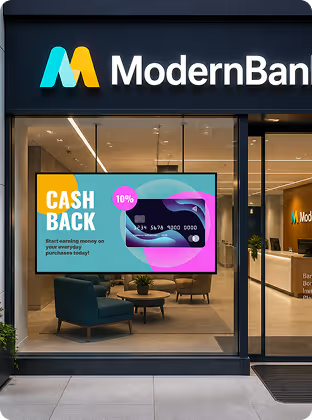
street-facing window displays keep communicating with foot traffic after branch closing time.
Source: "Bank Window and Media Wall Displays"
5 -> 1000
the same platform can run a five-screen pilot and grow to a thousand-branch deployment without workflow rebuilds.
Source: "Assessing Support and Scalability"
What is banking digital signage?
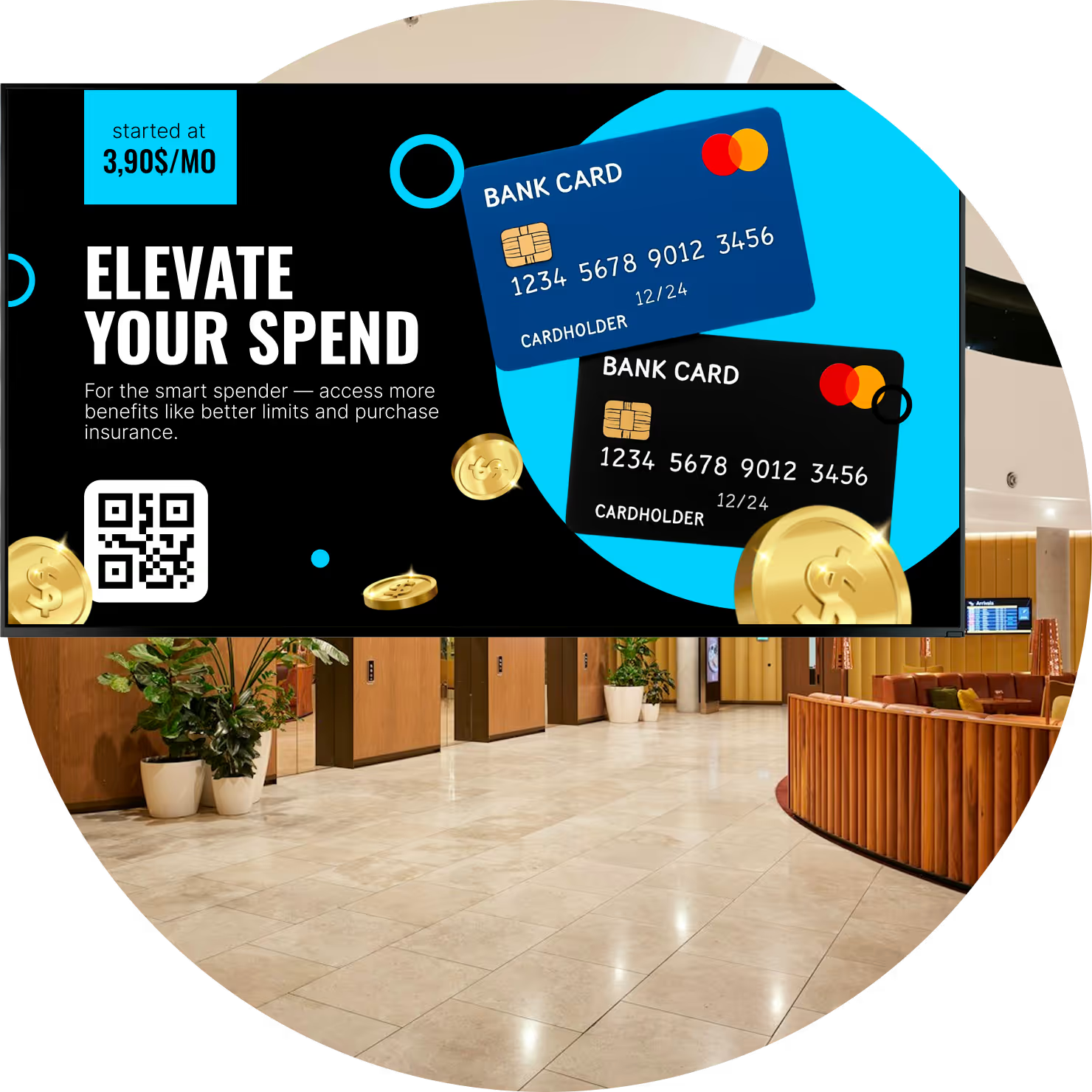
Digital signage for banking uses electronic screens in branches, corporate offices, and street-facing windows to communicate with customers and employees. Powered by digital signage software and media players, these displays show live currency rates, welcome messages, queue guidance, product promotions, and interactive services.
Unlike printed signs, digital displays update in minutes from anywhere.
Branch teams can instantly update interest rates, launch a new credit card promotion, or push urgent notices to every location while keeping brand and compliance messaging consistent.

Printed posters and brochures go stale quickly
No instant update path for rates or urgent notices
Inconsistent messaging across branch locations
Limited wayfinding during high-traffic periods
No auditable playback trail for compliance teams

Remote updates in minutes from one dashboard
Live rates, financial headlines, and stock tickers
Consistent branding and legal terms across branches
Queue, wayfinding, and advisory-room scheduling support
Proof-of-Play logs for compliance reporting

3 core components
1
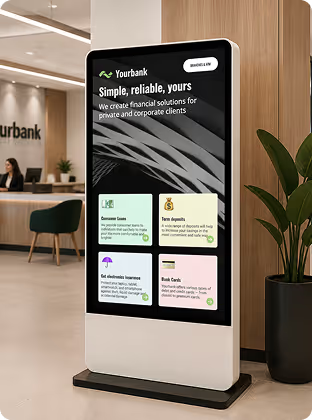
Branches can use standard lobby displays, teller-line screens, interactive touchscreens, and high-brightness window displays. Each screen type supports a different communication goal inside the same network.
2
Media players process and play content from the CMS on every display. The plug-and-play Look HDMI Player supports reliable playback, while the free Look App lets teams use supported smart TVs already in place.
3
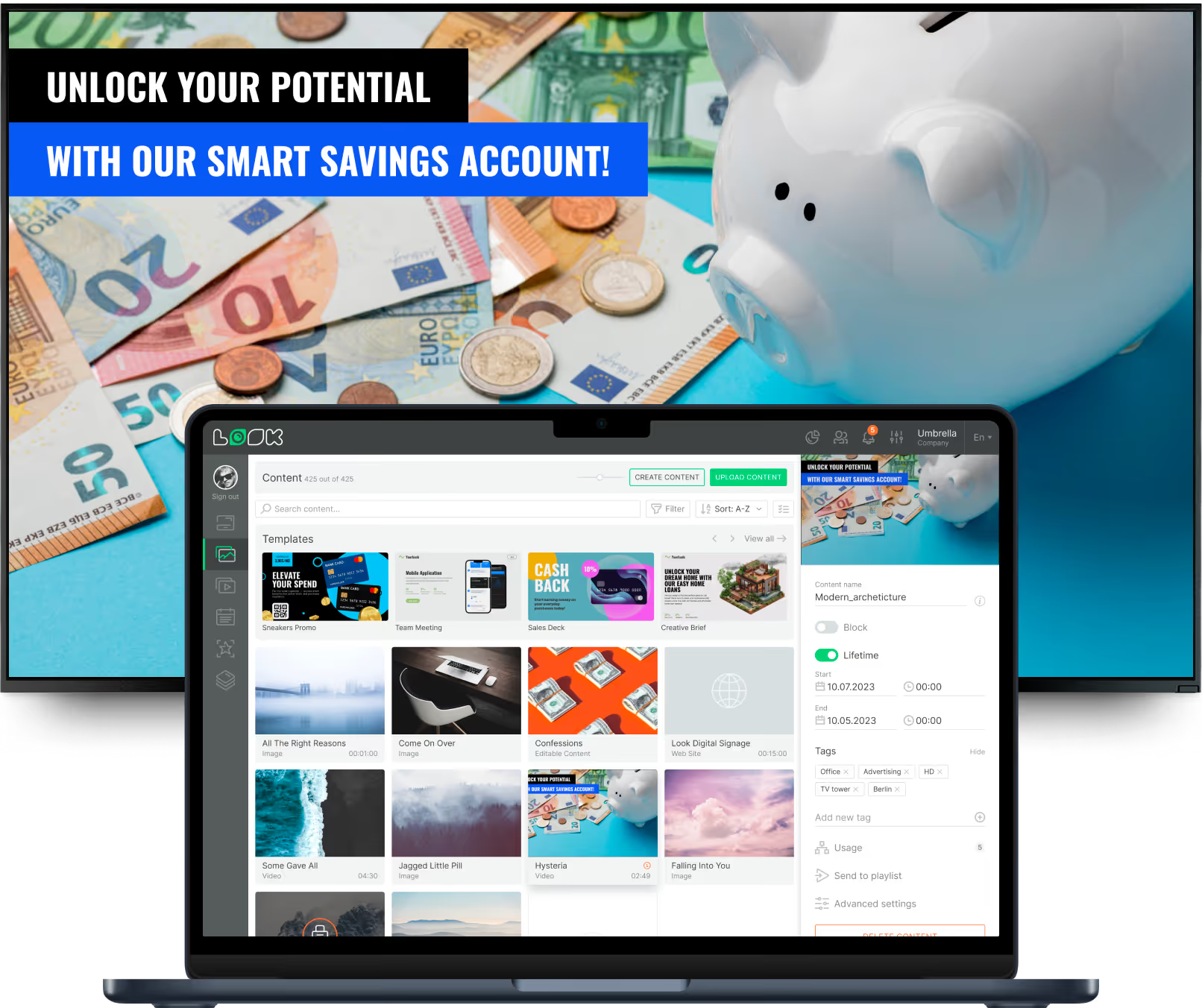
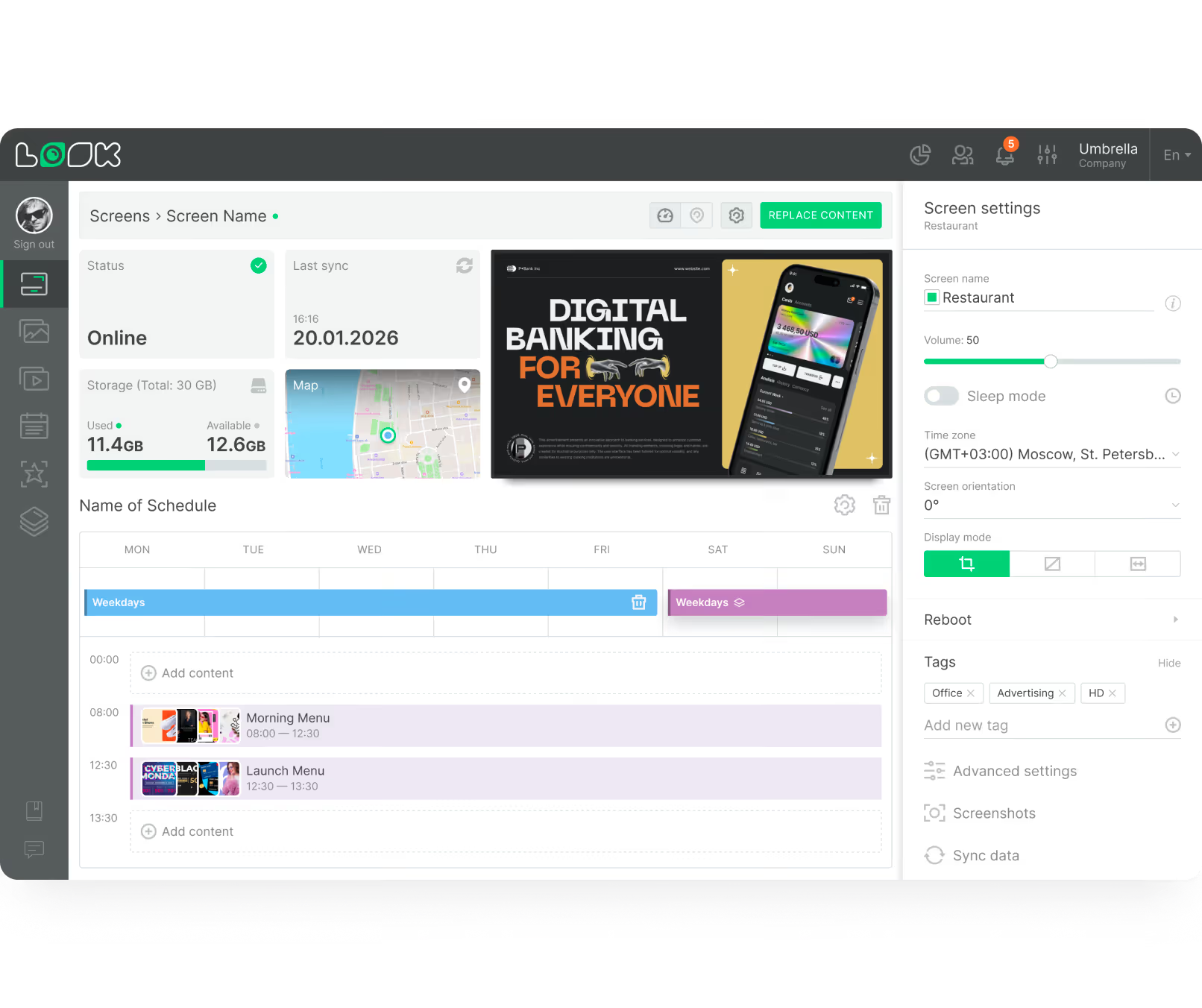
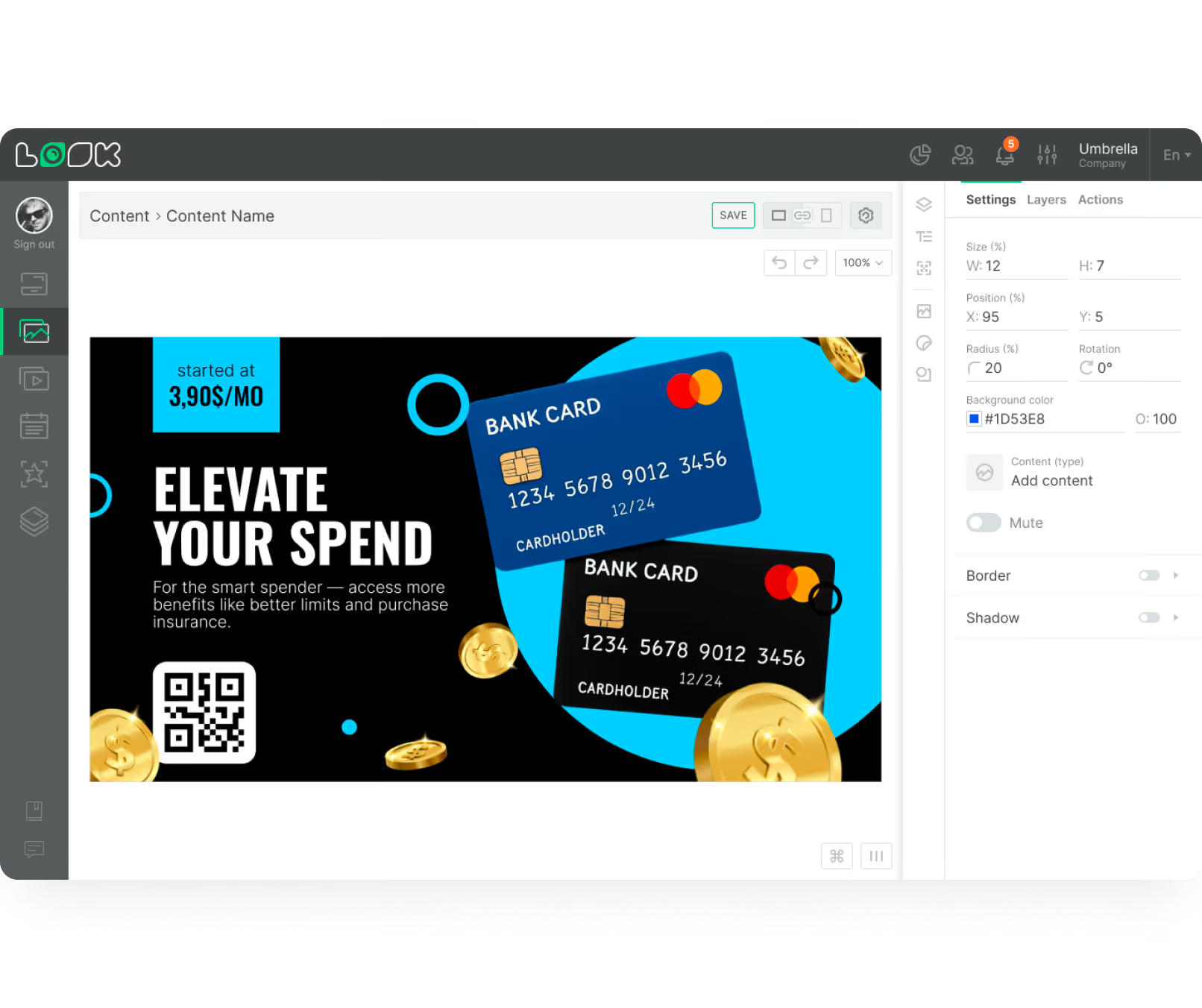
A central CMS builds playlists, schedules content, and assigns screens by location. A secure network layer connects CMS and players to meet strict IT and regulatory requirements in financial environments.
Why banks use it









Sub-type targeting
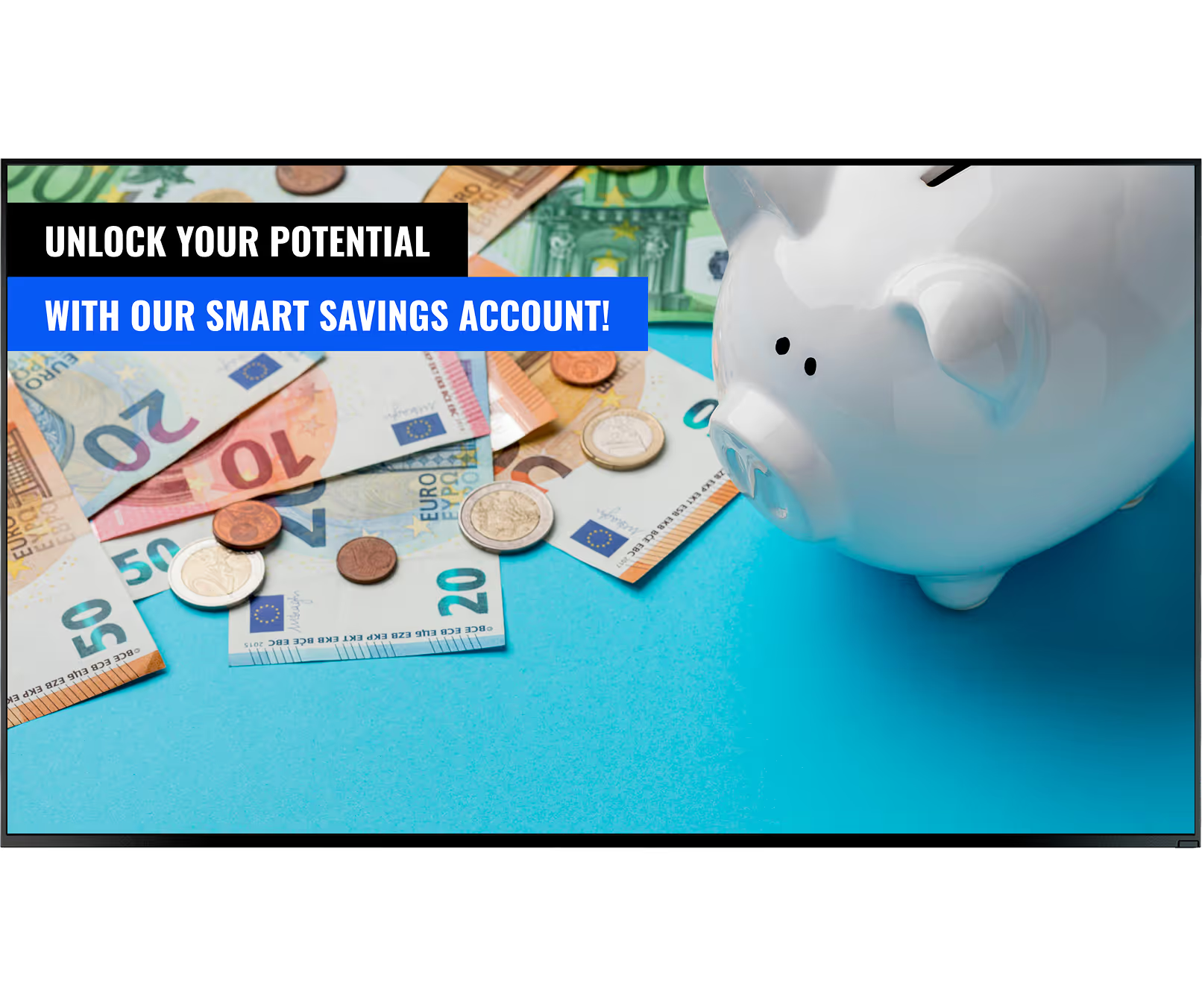
A regional bank in the case study used screens for financial literacy videos, local weather, and news while customers waited. Post-installation surveys showed a drop in perceived wait times and more lending-product questions at the teller desk.
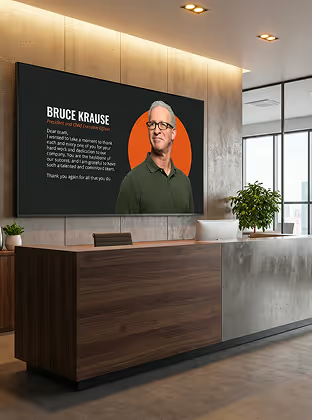
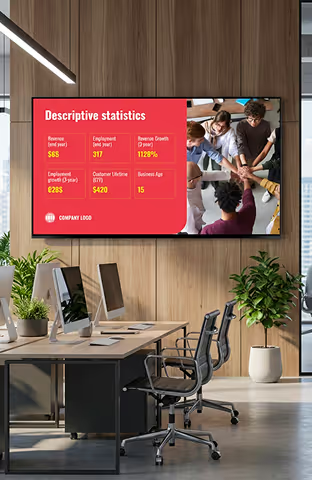
A national credit union used breakroom screens connected to a centralized CMS to push compliance updates and KPI dashboards instantly. This approach created a more informed workforce and reduced hours spent printing and distributing internal memos.
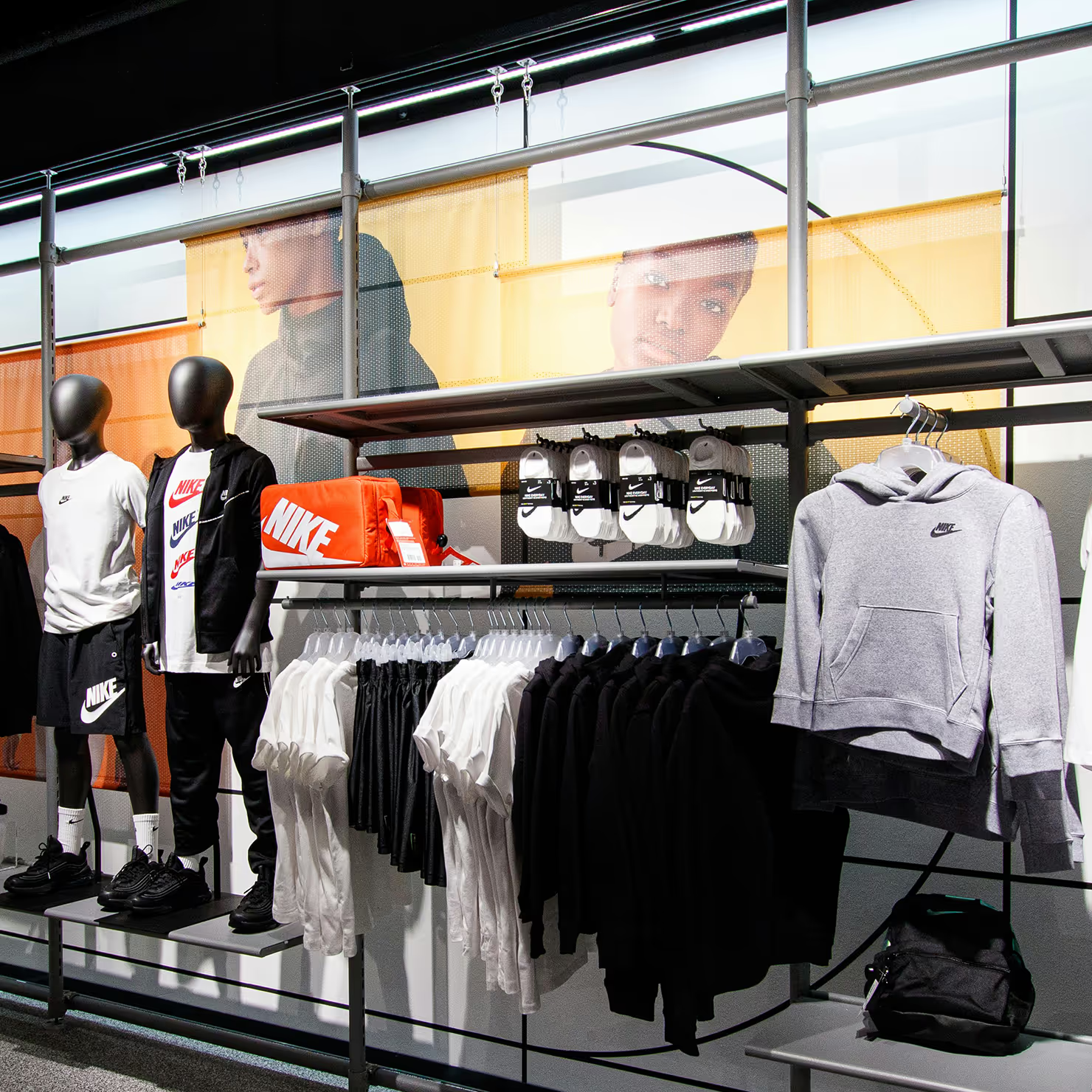
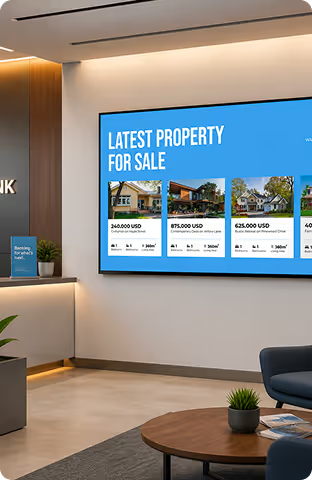
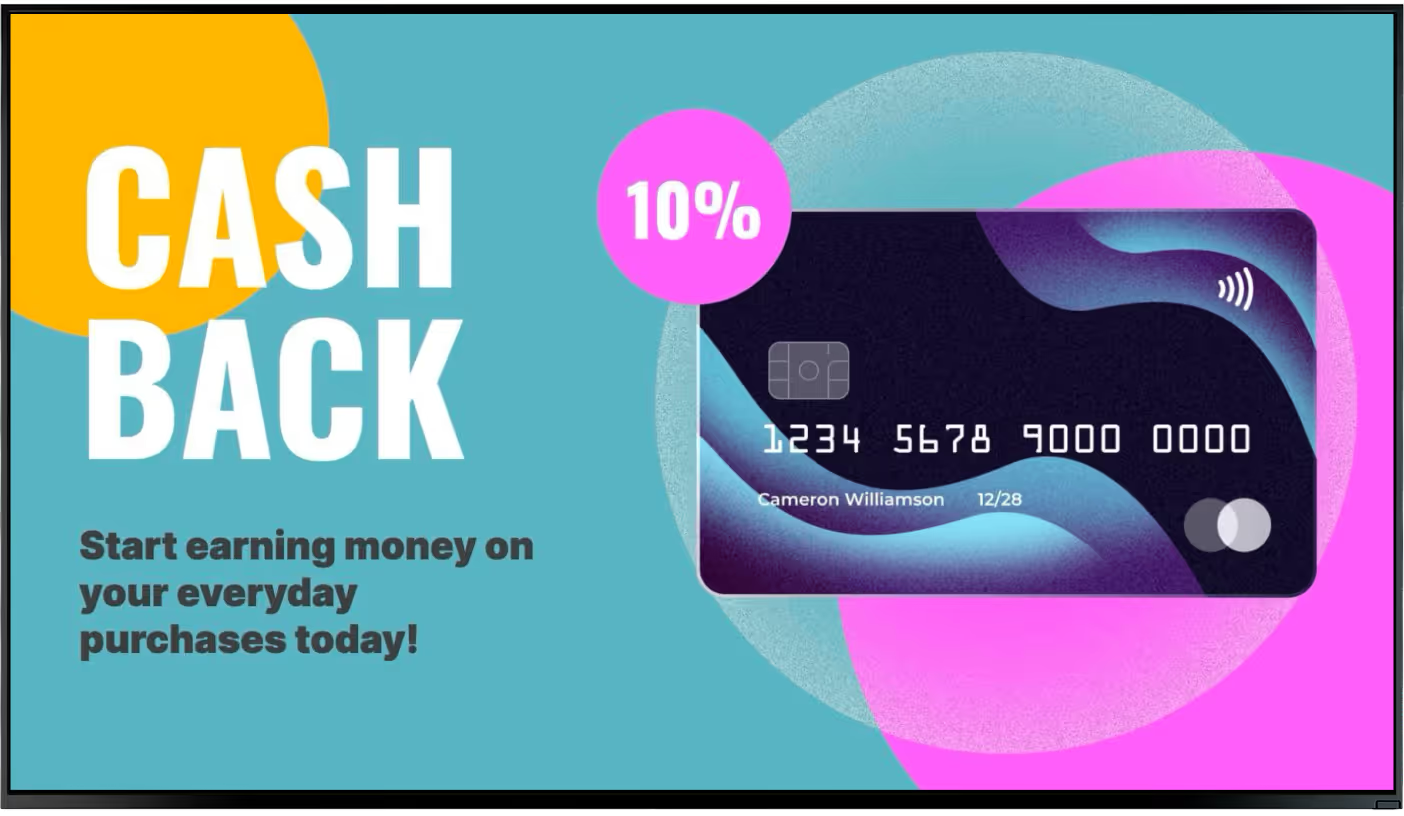
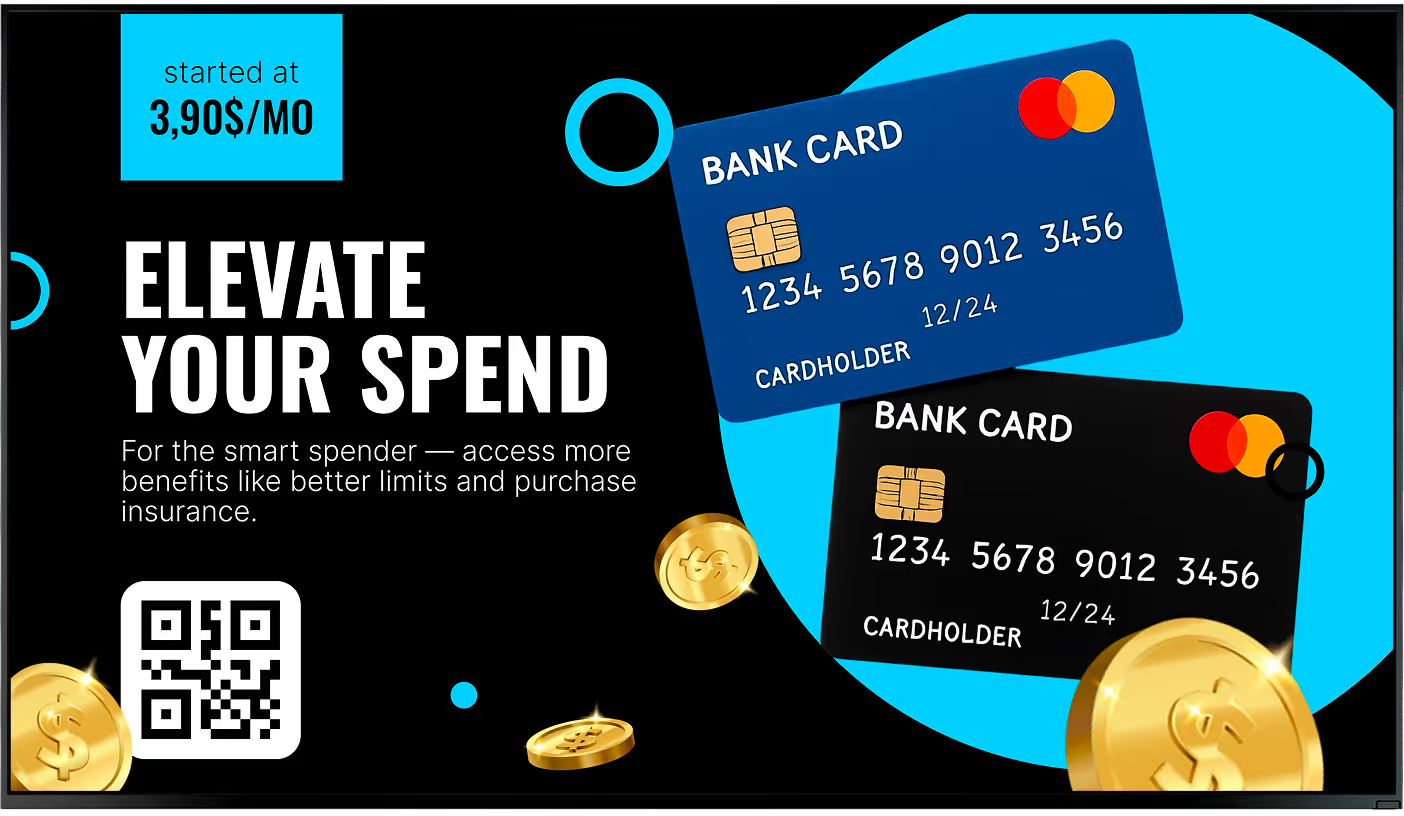
One established bank replaced brochure racks with high-definition layouts to refresh branch presentation. The updated environment supported a more modern experience and an increase in new account openings from younger audiences.
The FAQ outlines a small-bank rollout path that starts on a single screen using a free app. Teams then scale as needed while reducing recurring printing costs and staff time spent on manual signage updates.
Bank operators can manage content remotely and scale from one screen to thousands of displays without rebuilding workflows. Centralized permissions help headquarters control legal and promotional accuracy across every location.
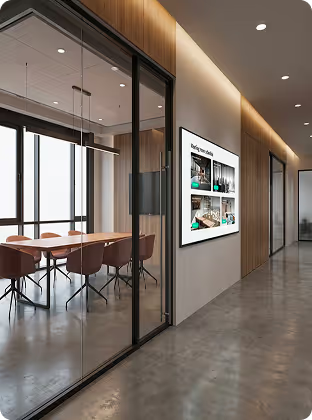
Branches with private advisory rooms can run meeting-room signage linked to calendar systems to avoid double-bookings. Interactive service browsing and appointment workflows also support a customer journey built around advisory services.
Use cases
Hardware & setup
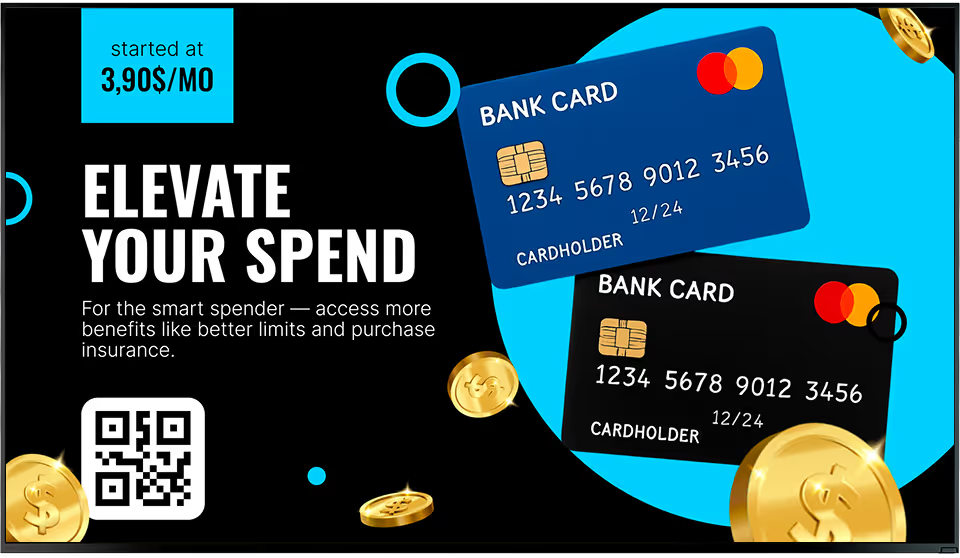
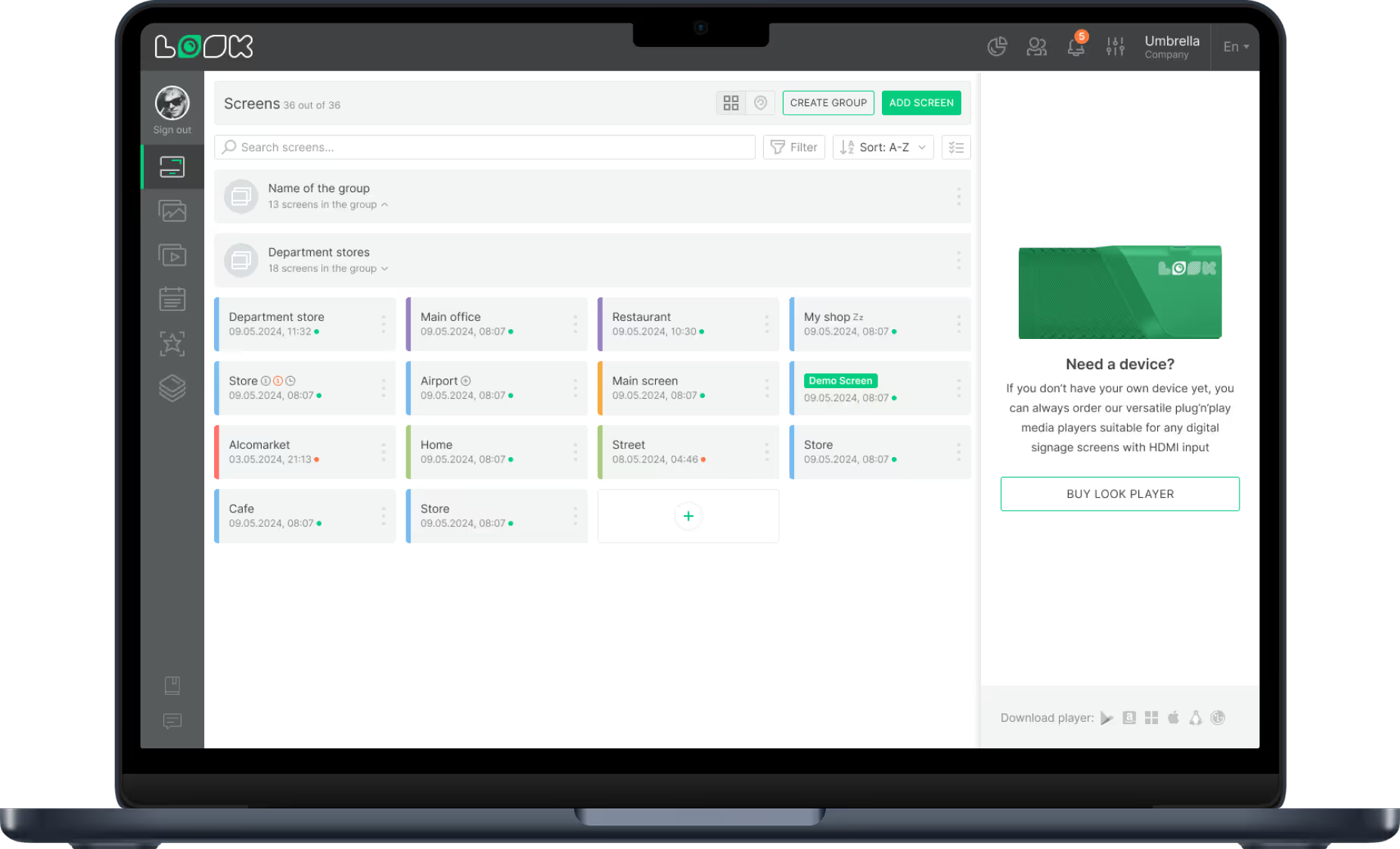
The free Look App lets banks pilot quickly on supported displays they already own. This is useful for small-branch pilots where teams want to validate content workflows before adding dedicated hardware.




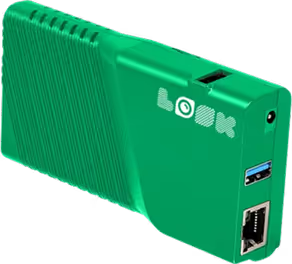
The Look HDMI Player connects directly to branch displays and processes scheduled playlists from the CMS. It is designed for reliable always-on playback where operational continuity and simple rollout matter most.
Banking hardware note:
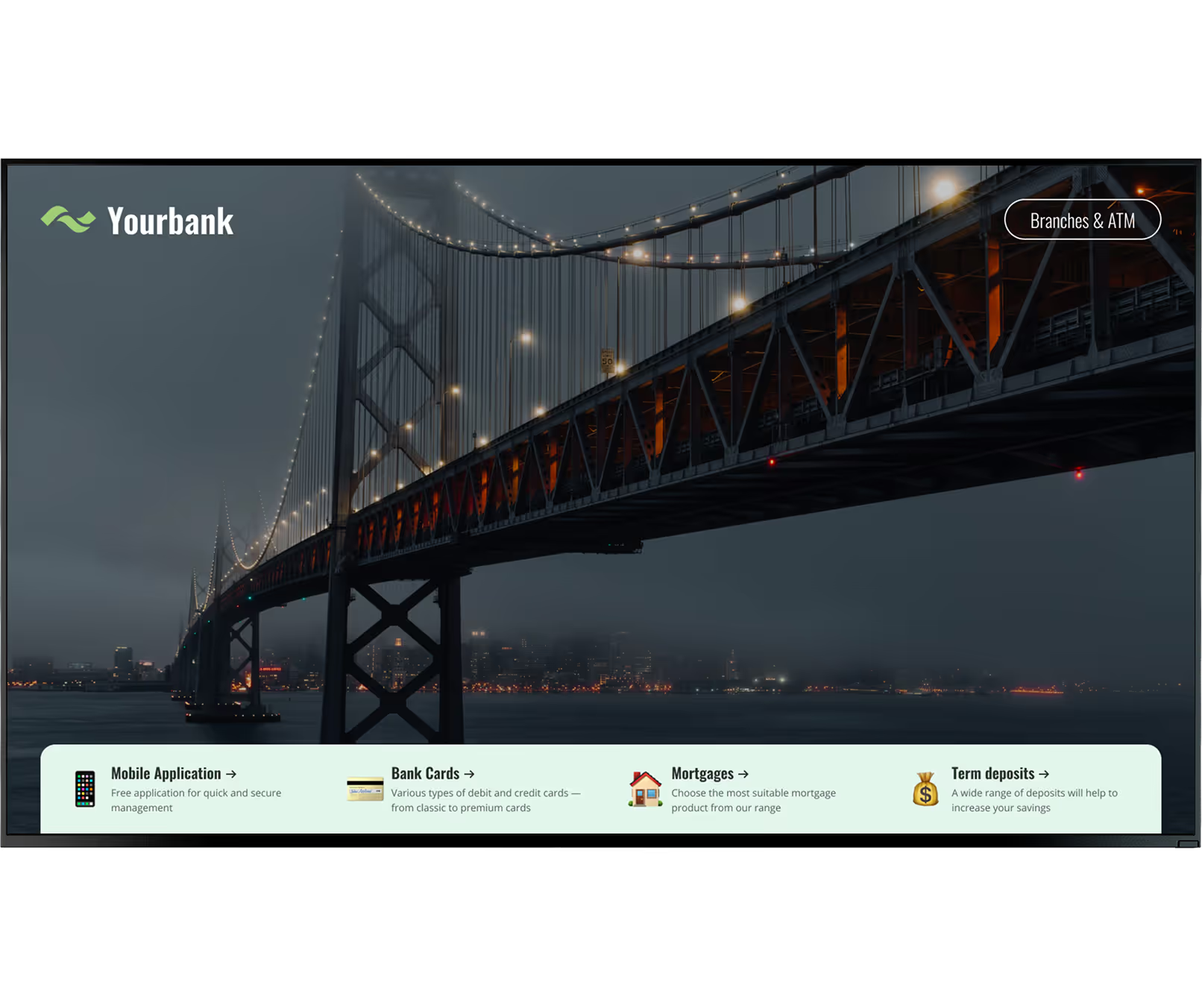
Street-facing branch windows need high-brightness displays to stay readable in daylight and continue as a 24/7 communication channel after closing. Include secure mounts/enclosures and stable network infrastructure so lobby, teller, and advisory screens remain reliable and compliant.
How it works


Features









Content best practices
01
Outdated content is quickly ignored in branch environments. Establish recurring update cycles and use tools like Look AI Wizard for quick headline and image variants during rate and seasonal changes.
02
Smart Scheduling should map content to real traffic patterns instead of one generic loop all day. Run quick service tips during line-heavy windows and deeper planning content during quieter advisory periods.
03
Personalized layouts feel more relevant when they reference local events or local business clients. Add QR codes so customers can move directly from screen content to a personalized mobile path.
04
Displaying community involvement and social posts helps humanize the bank brand on branch screens. Prompt short QR-based surveys to collect operational feedback you can use for future messaging improvements.
05
Use Playback Analytics to monitor uptime, kiosk engagement, and campaign impact on product inquiries. Combine these signals with Proof-of-Play logs to verify that each campaign ran as planned.
06
The FAQ guidance recommends a mix of informational, promotional, and engaging content in one playlist. Keep text brief and rely on strong visuals so messages remain clear in a high-traffic branch setting.
Avoid this
Fix: Establish a regular update schedule and automate seasonal or rate-related refreshes with scheduling tools so content stays current.
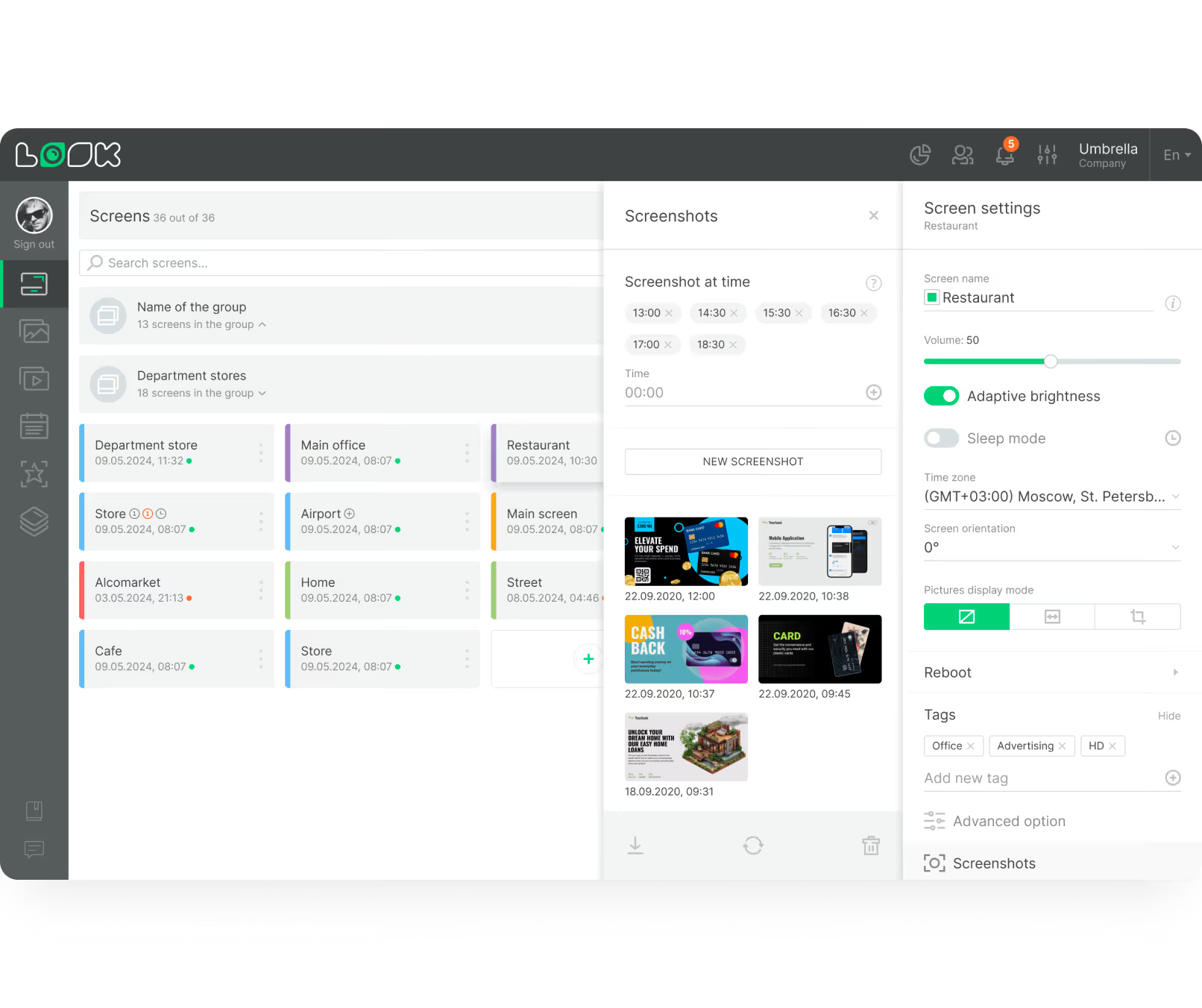
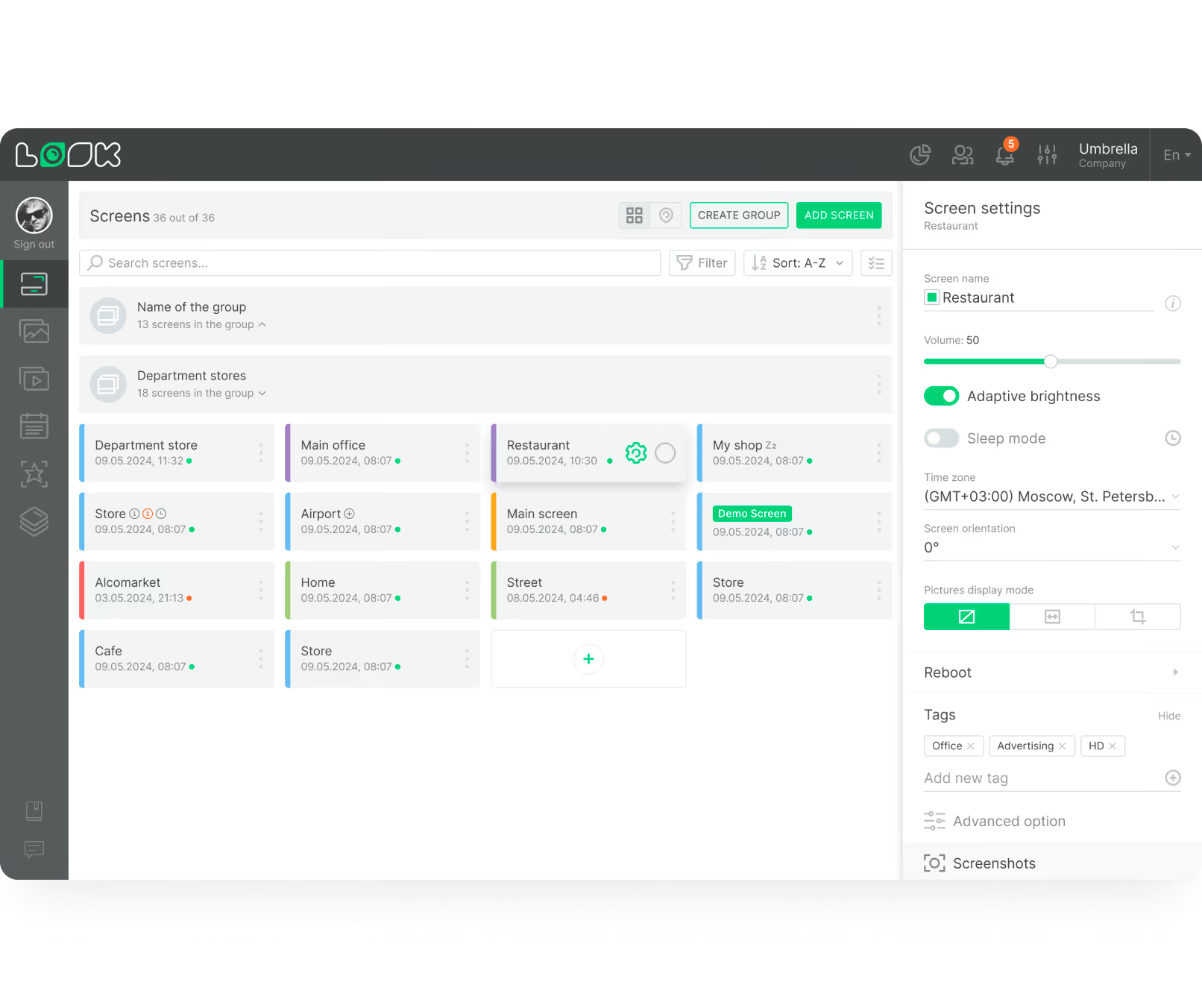
Fix: Tag and group screens by branch, zone, and audience so each location receives targeted playlists tied to its traffic and service type.
Fix: Use monitoring plus Proof-of-Play logs to maintain auditable playback records across every branch display.
Fix: Configure alert workflows that let administrators interrupt regular playlists and broadcast urgent network-wide notices in real time.

Success stories
In terms of using the system, the other options that I found were a little clunky and Look was not only affordable but really easy for us to deploy and get up and running.


Look is well-priced, it’s a very user-friendly software cloud-based service, where you can update your screens from wherever you are. We can definitely recommend to others!
Our experience with Look was simply excellent. We were able to offer our clients a new feature-rich solution that can meet their various requirements in terms of digital signage, with a relatively affordable monthly cost.






FAQ
Banking environments need security, compliance, and operational reliability from day one. Our team can help map branch zones, rollout phases, and governance requirements before you publish the first playlist.
Templates


No credit card required

100% of features, no trial limitations

Fast human support 24/7