
News
The Real Cost of Digital Menu Boards With Look's Insights
February 9, 2026
August 19, 2024
by
Evgeny Kirillov


🌍 120+ countries



70%
of employees feel out of the loop at work due to poor internal communication
Source: internal communications research
<2 min
to push a policy update, safety alert, or KPI change across every screen in your network
vs. hours with print distribution
$0
cost per content update — no paper, no ink, no labour to distribute or hang physical notices
vs. traditional print communication
1 → ∞
screens manageable from a single dashboard — scale from a pilot screen to thousands globally
Look DS platform capability
What is corporate digital signage?
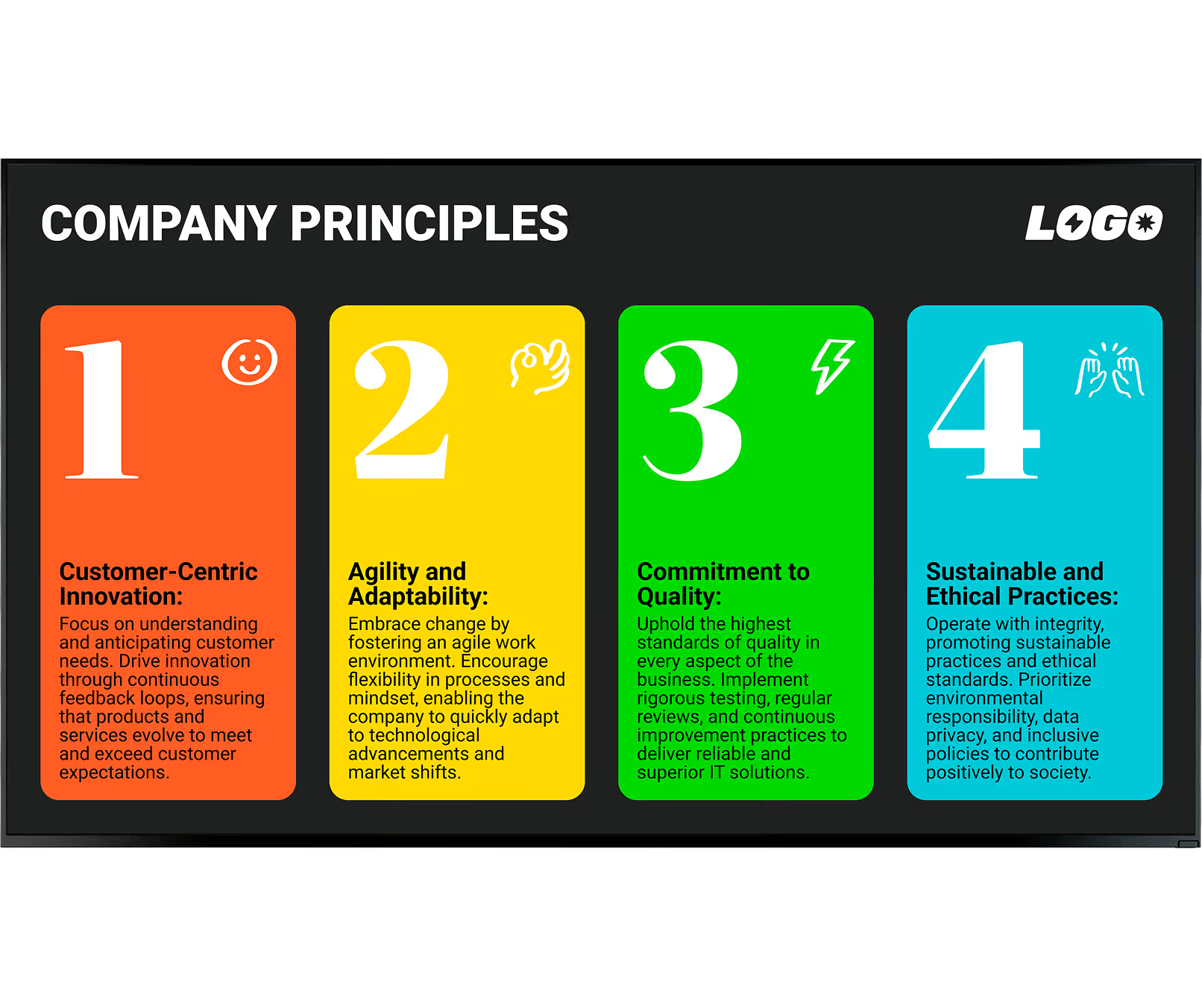
Corporate digital signage is unlike retail signage — it points inward, not outward. It uses high-definition screens, video walls, and small display tablets to share a steady stream of relevant content with your team. The software lets you manage a single screen or scale from 1 to thousands across different countries, all from one dashboard.
Corporate setups adapt to the space.
A large display in the lobby can welcome visitors, small tablets manage conference room bookings, factory floor screens show production numbers, and the breakroom TV displays local news and company announcements — all managed from one cloud platform, without complex setup.

Ignored, deleted, or never opened
Physical delivery takes hours or days
Invisible to deskless & frontline staff
Stale the moment they are printed
Costly to update and redistribute

Visible where people actually gather
Updates reach all screens in minutes
Reaches every location simultaneously
Always current — live data, real time
Zero cost per update, ever
3 core components
1
Your screens and a commercial-grade media player. Use existing devices with the Look App installed, or plug in a dedicated Look HDMI Player for reliable, always-on playback.
2
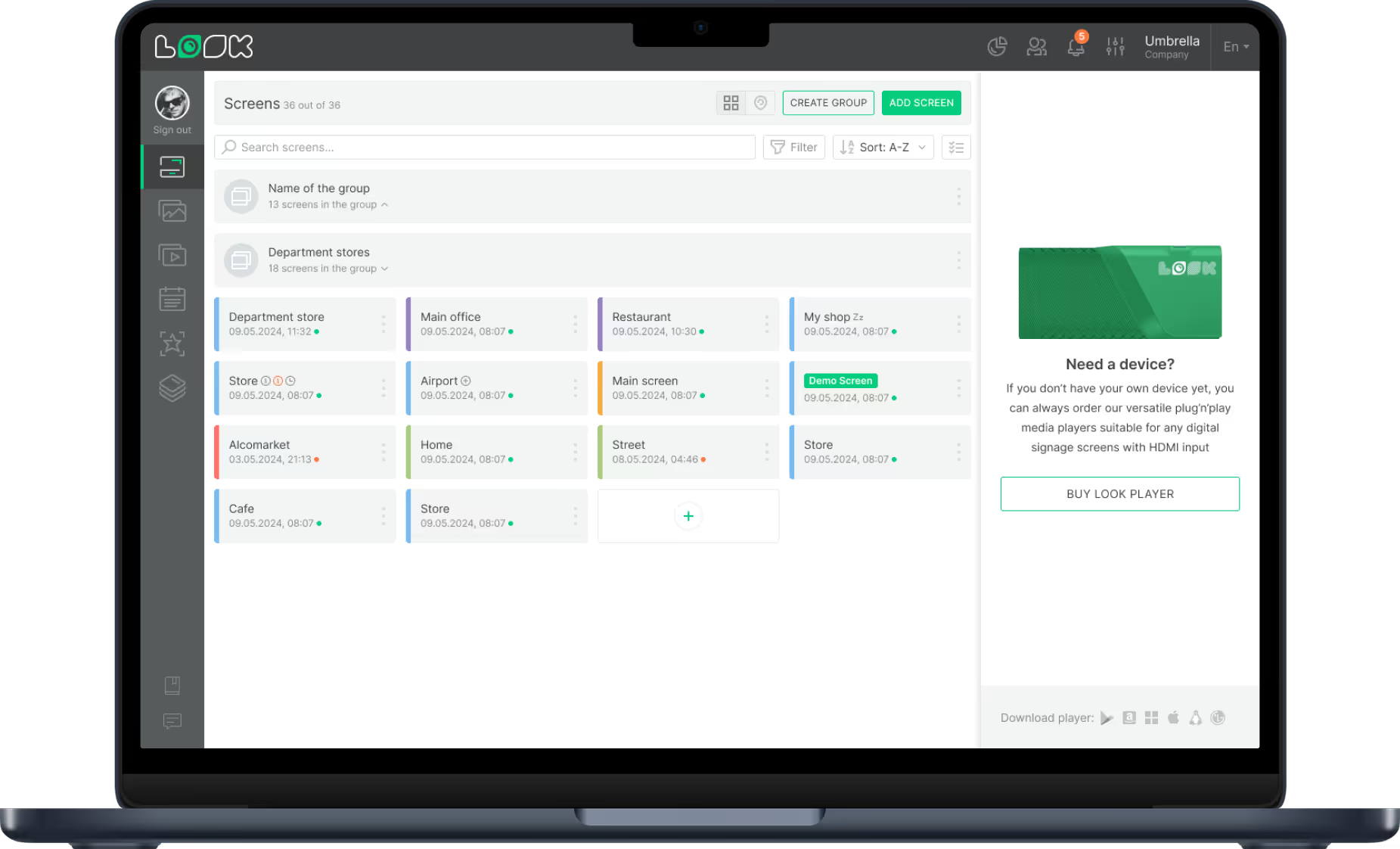
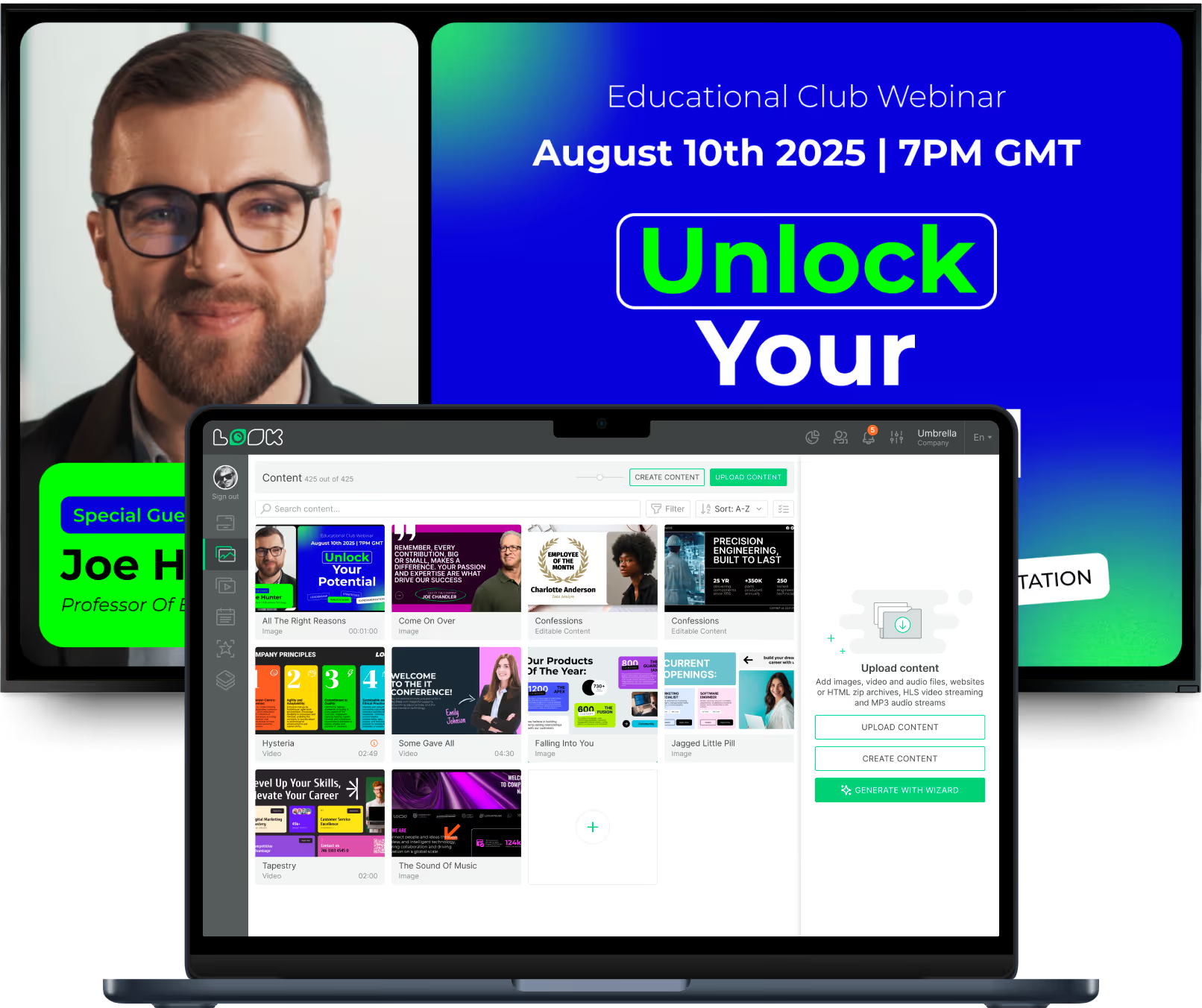
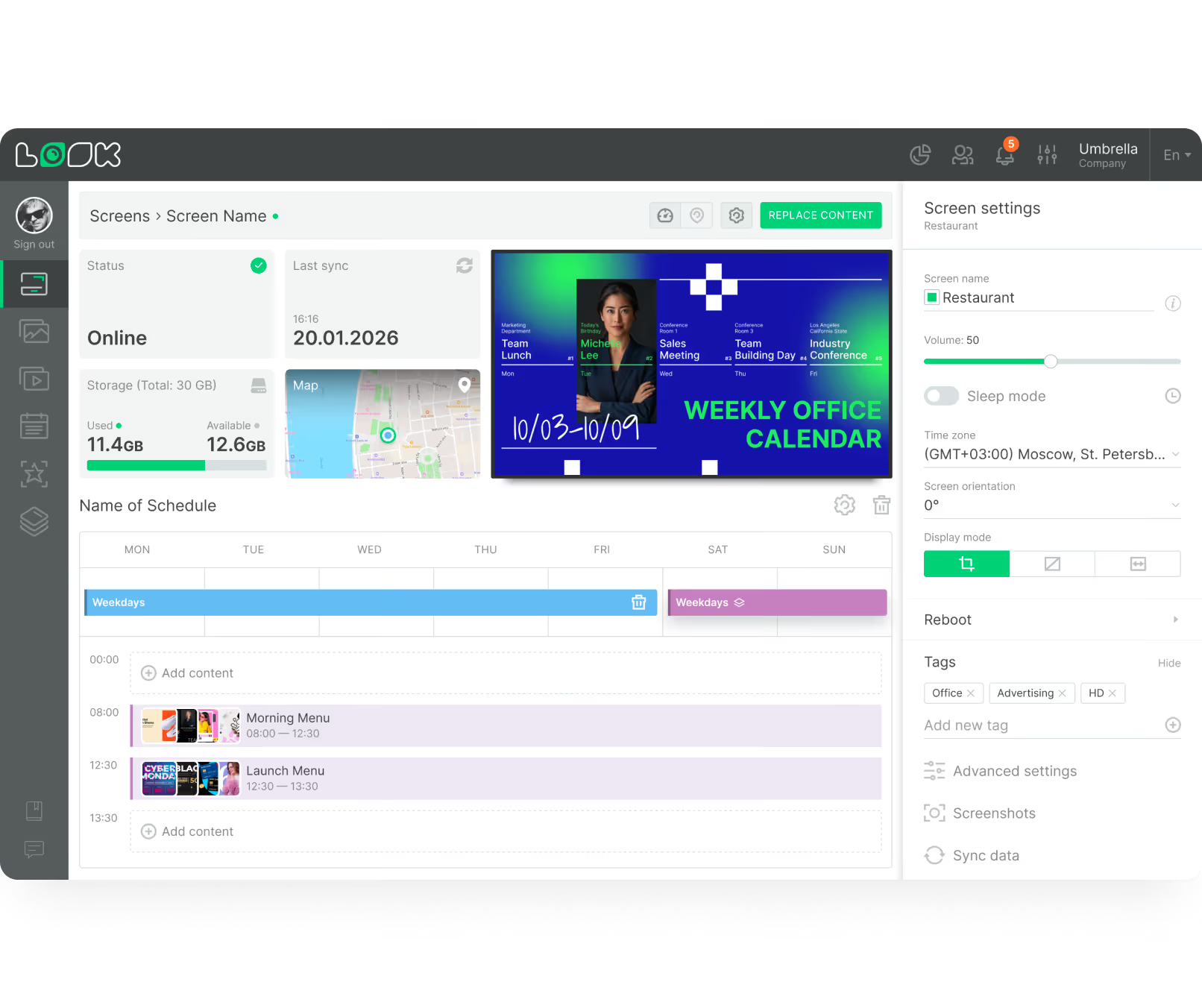
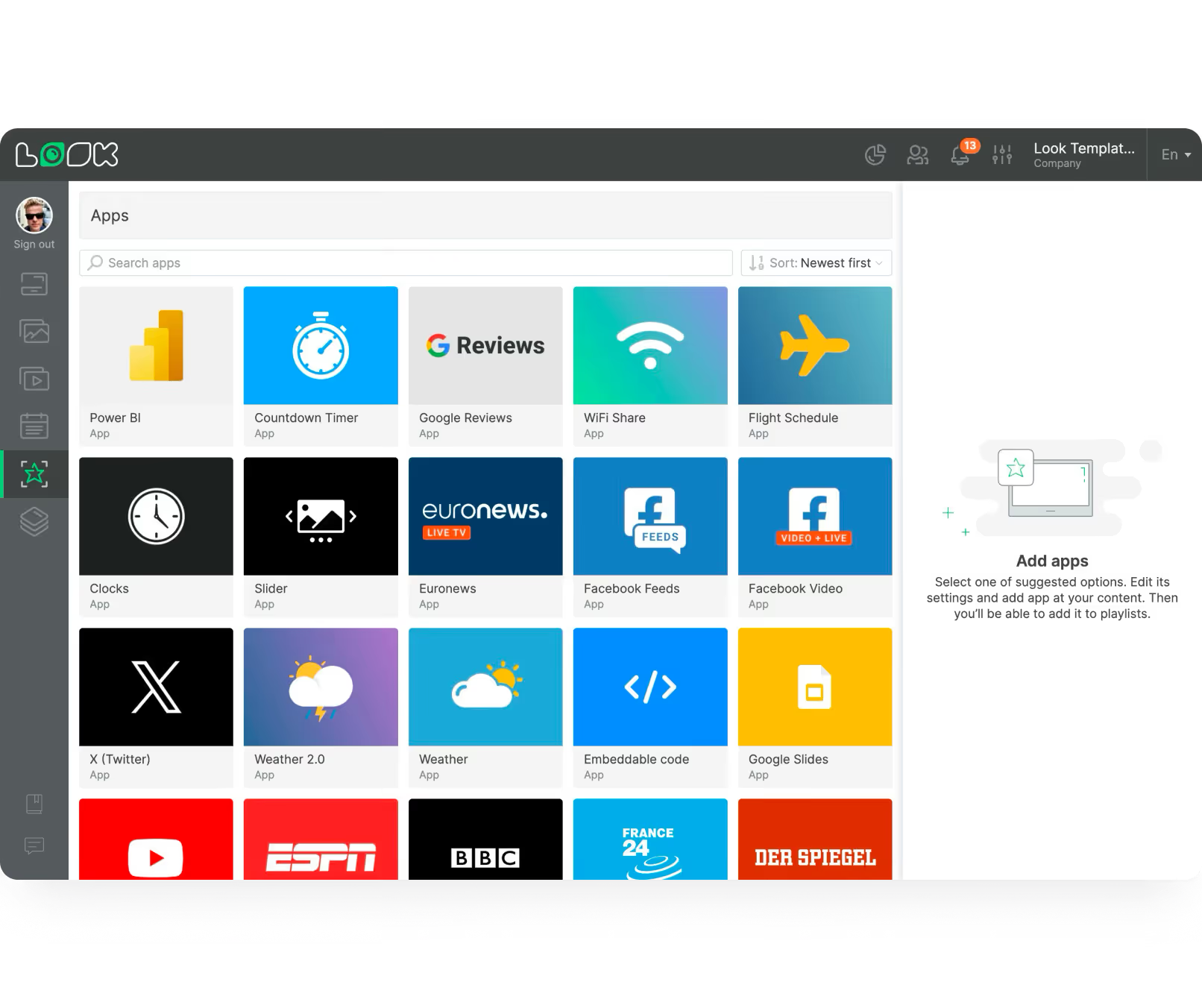
The Look CMS is your control centre. Build playlists, connect live data from Power BI or Google Workspace, and manage every screen remotely from any browser.
3
The videos, images, live dashboards, and announcements that actually speak to your team — scheduled automatically and updated in real time as your business changes.
Why it works








Every workspace covered
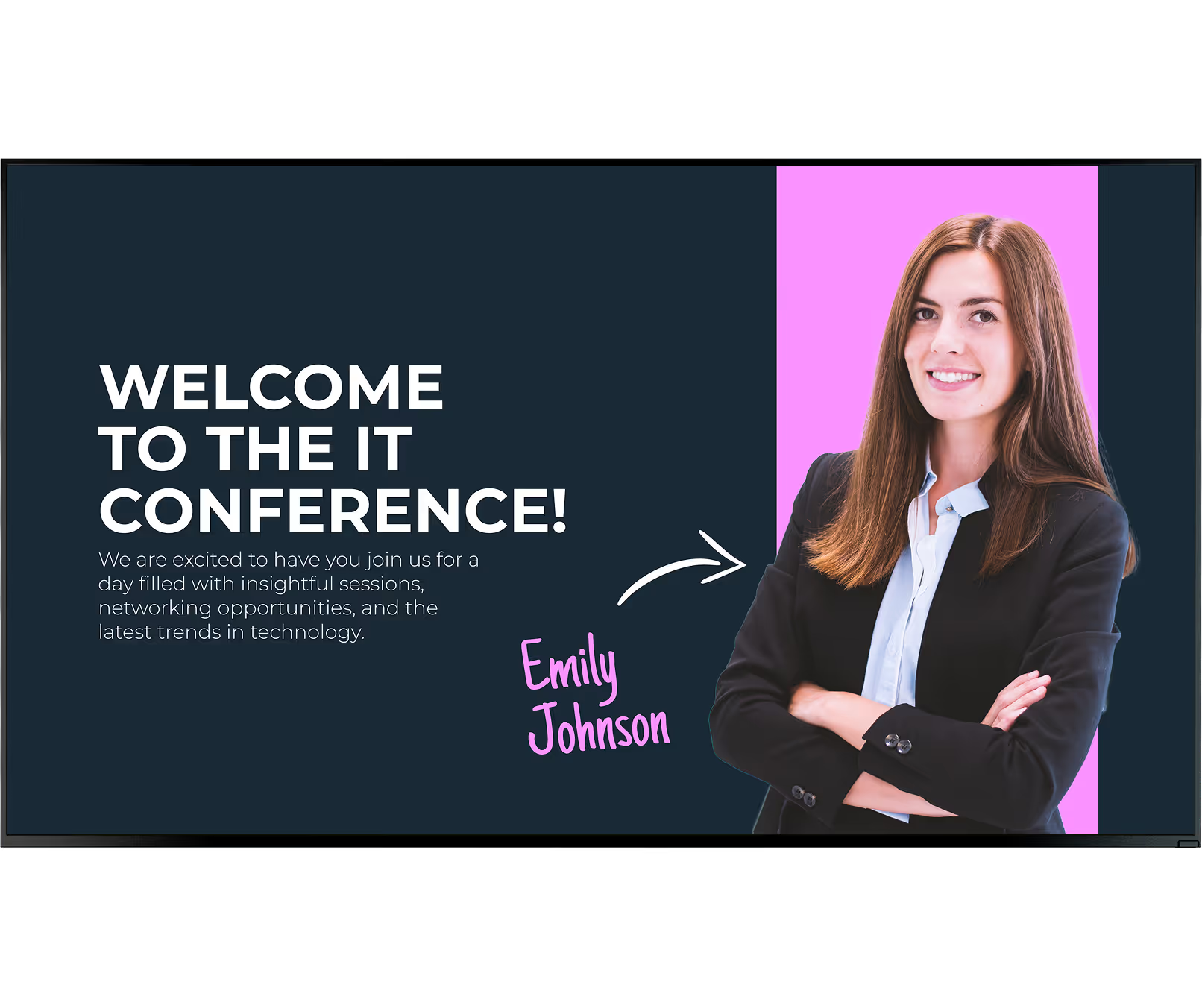
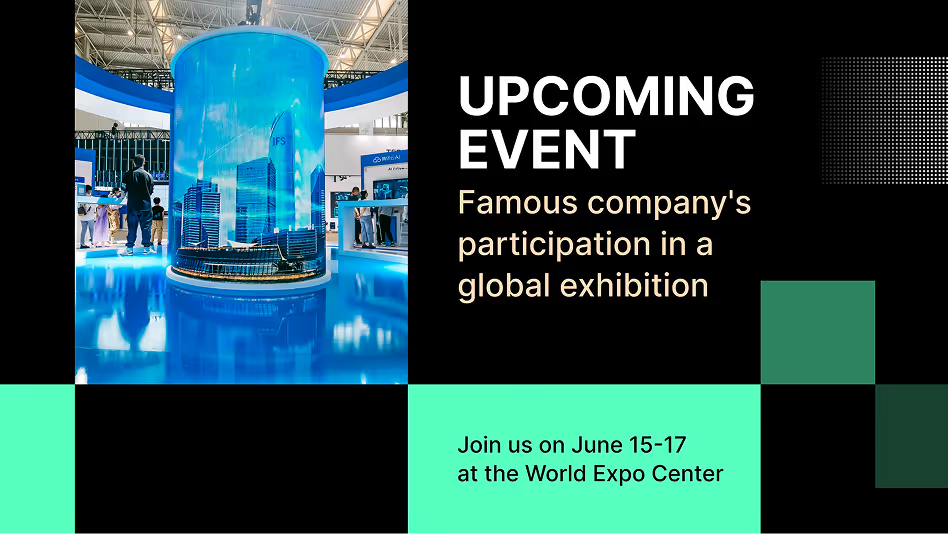
A digital screen in the lobby sends a modern, welcoming signal to guests. Greet visitors by name, display company news, broadcast live share prices or sustainability metrics, and provide clear directions — all from one screen that updates automatically.
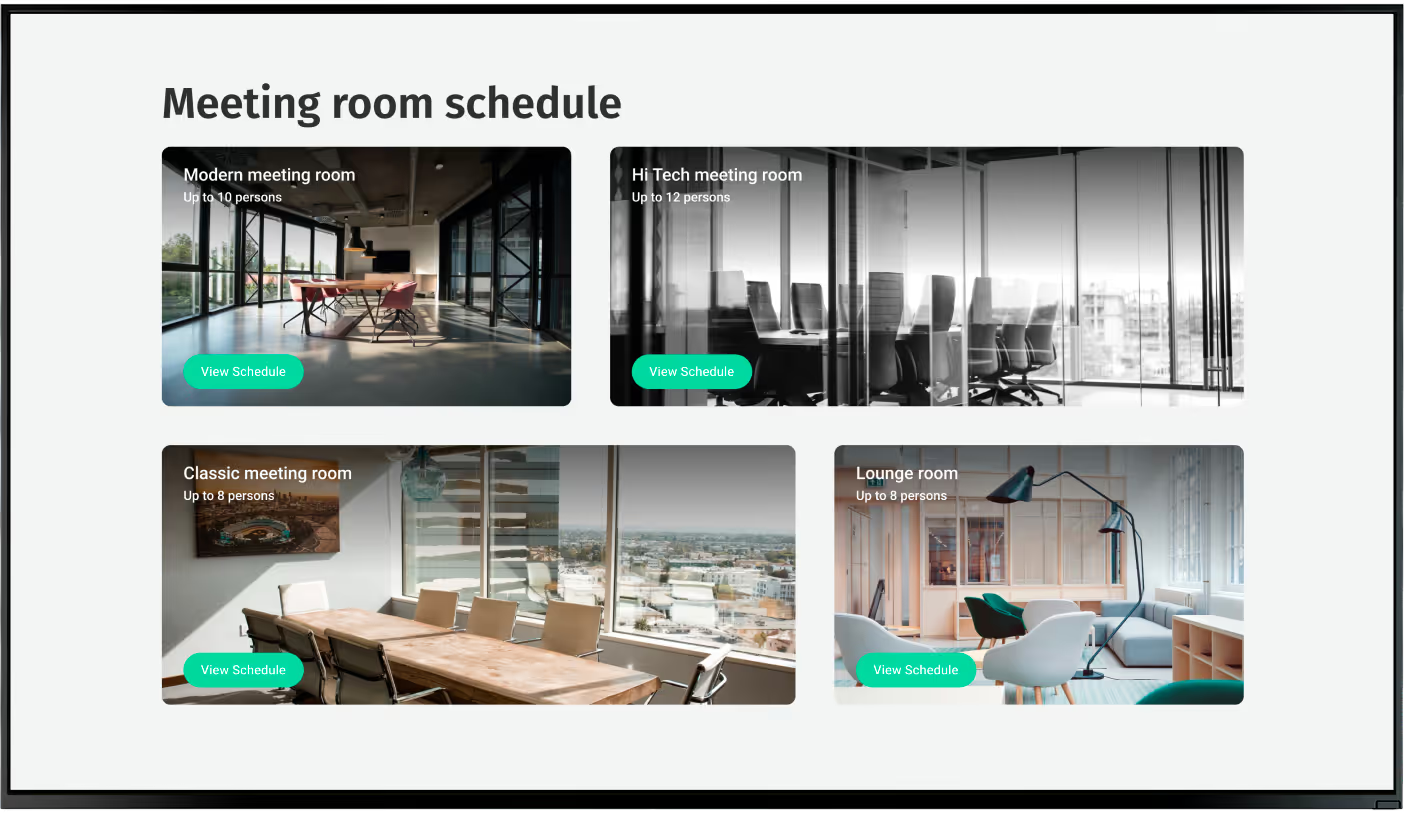
Digital displays mounted outside conference rooms show live booking details to prevent scheduling conflicts. Linked to calendar apps, these screens display current meetings and open slots instantly. Wayfinding maps and staff directories help visitors and new hires navigate large offices.
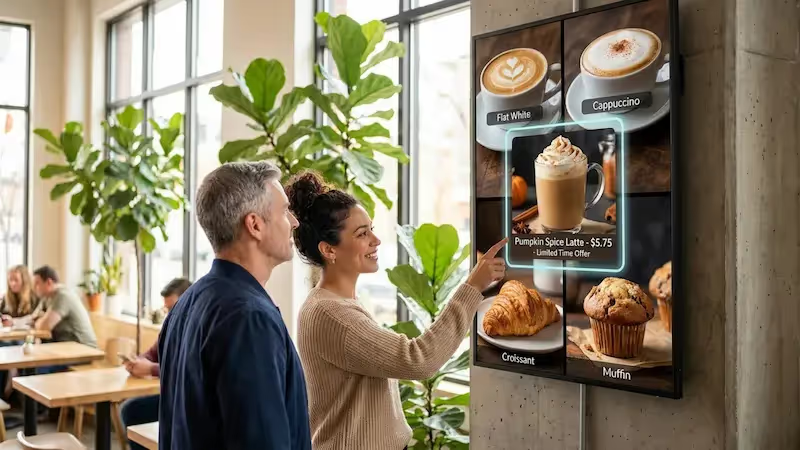
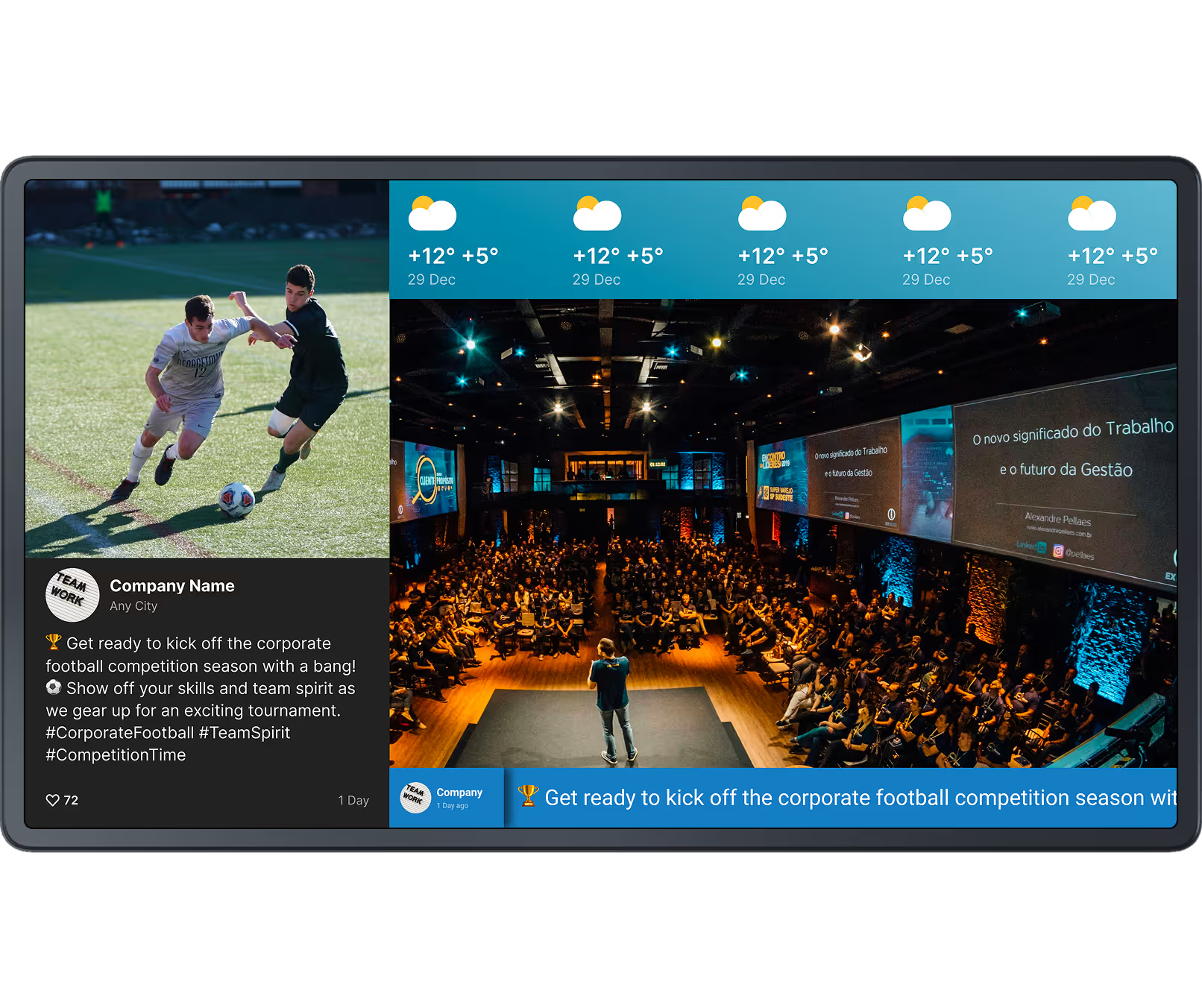
Daily cafeteria menus, team photos, social feeds, and countdowns to product launches make the breakroom feel connected and welcoming. Screens placed where staff naturally gather turn a passive rest area into an active touchpoint for culture and community.
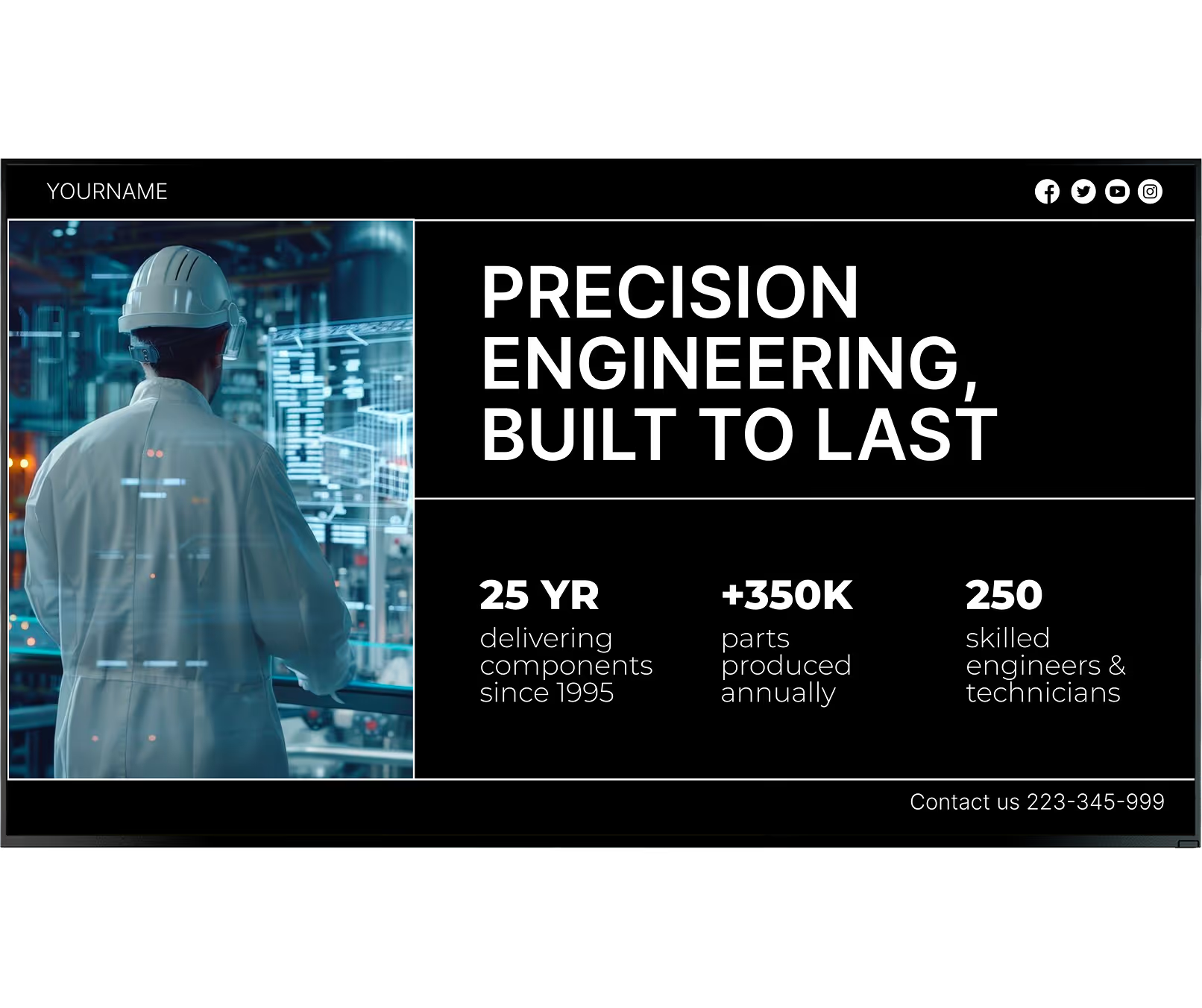
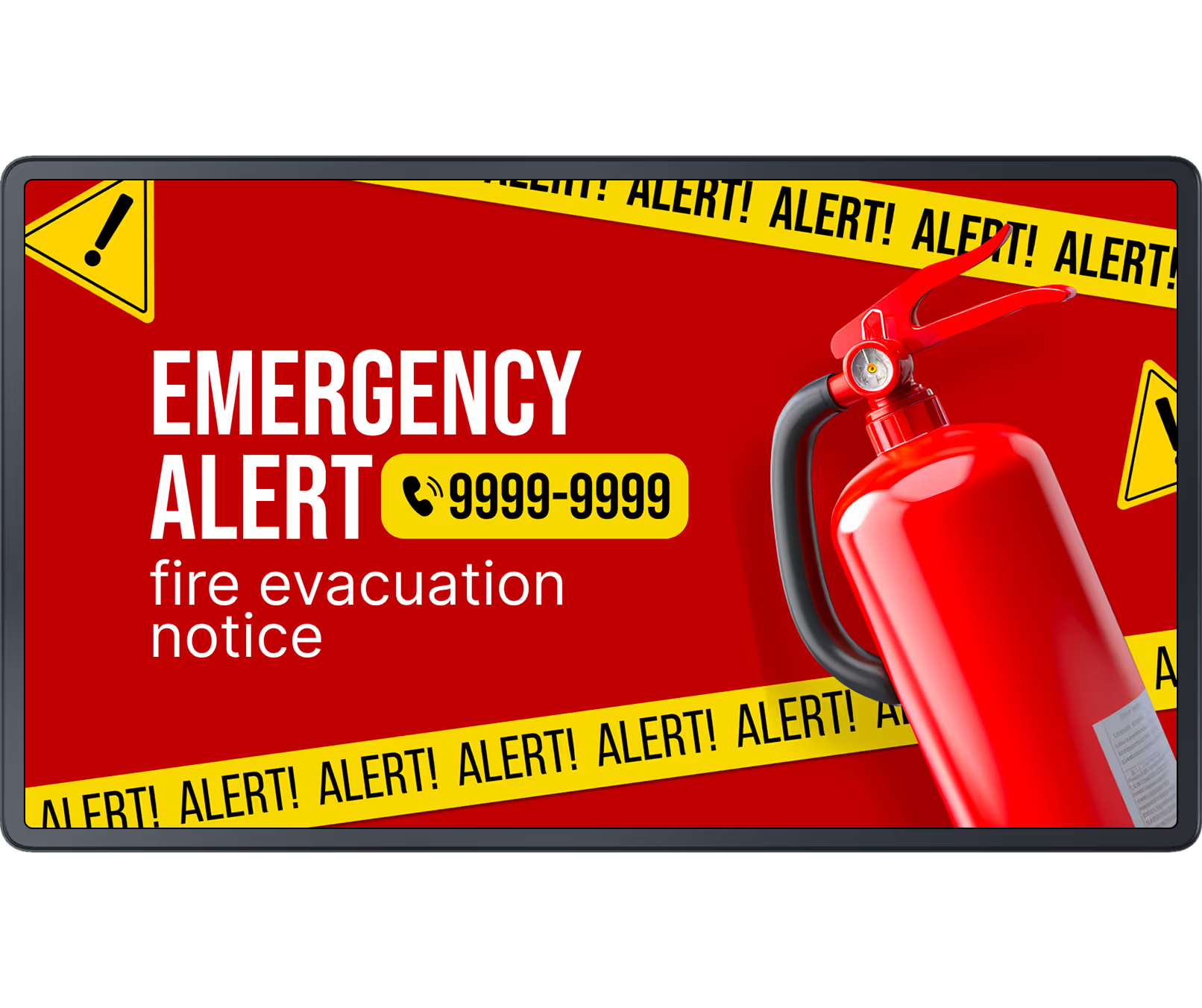
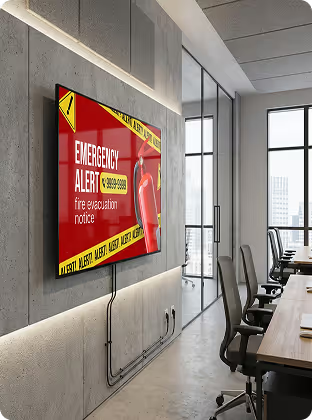
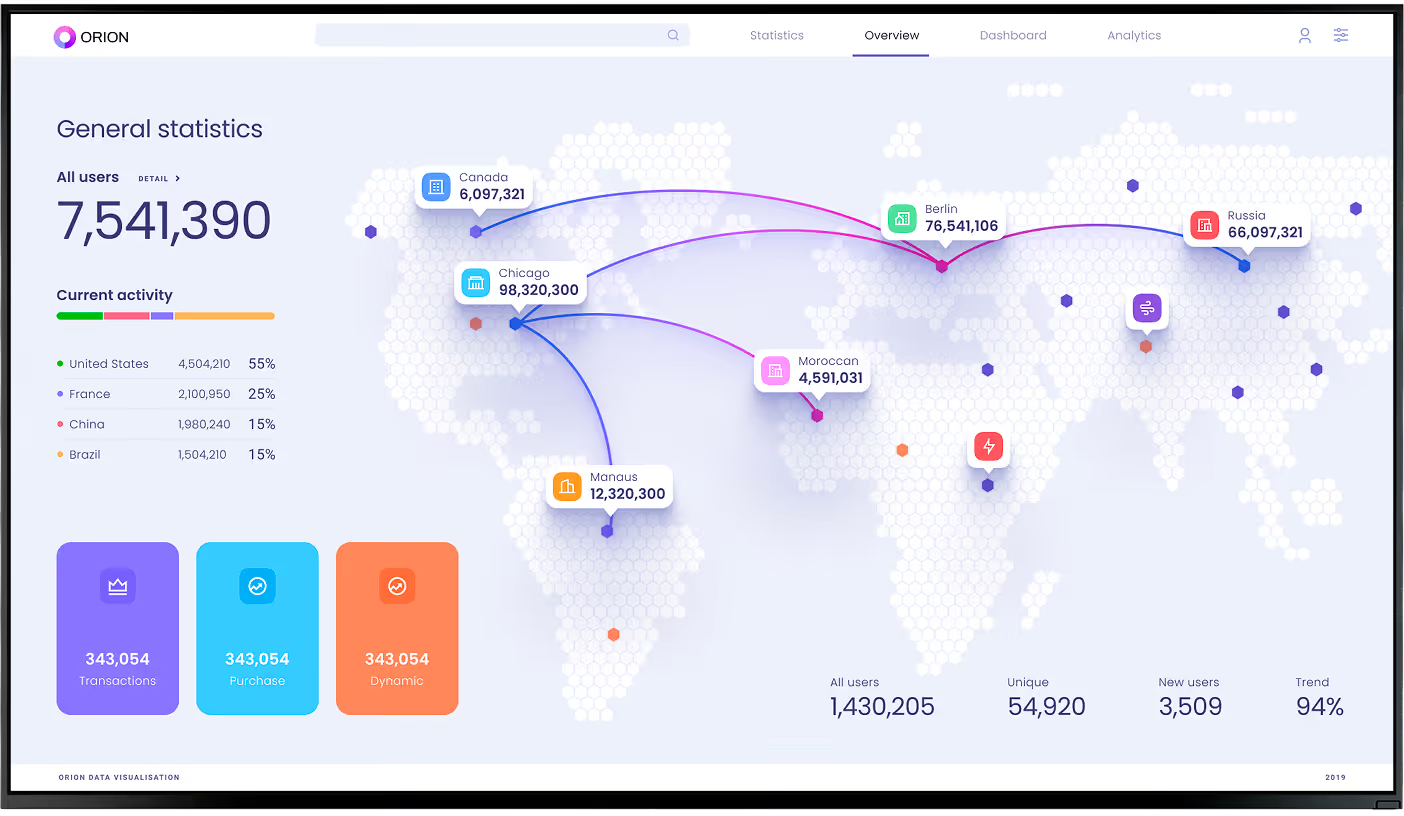
Production stats, safety tips, incident-free day counters, and line stoppage alerts keep factory and warehouse teams informed and compliant. Screens reach workers who never open a laptop — delivering the information that matters most right where they work.
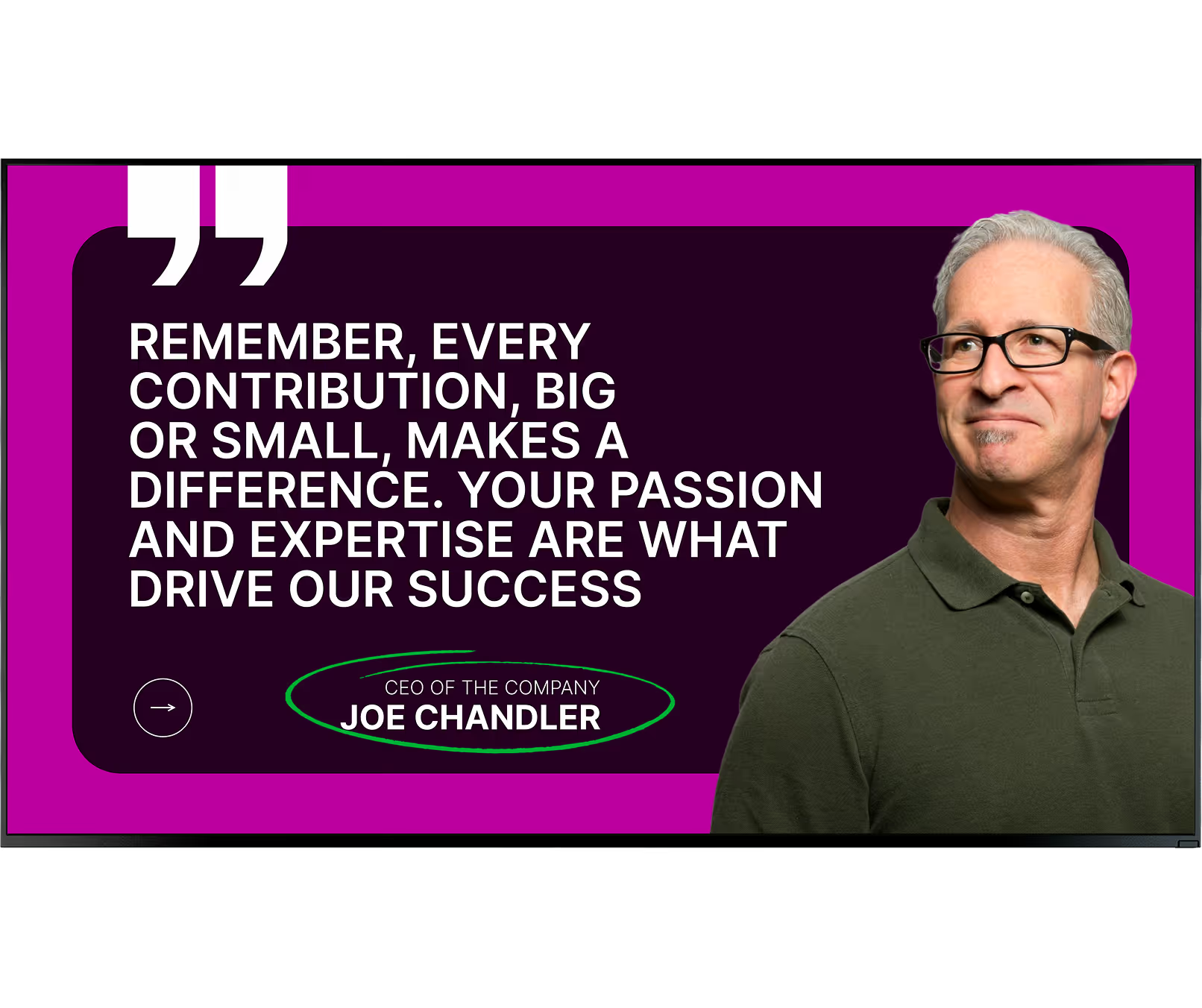
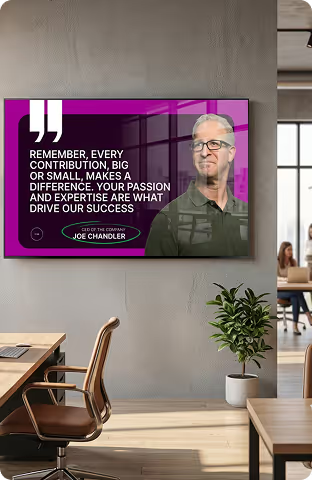
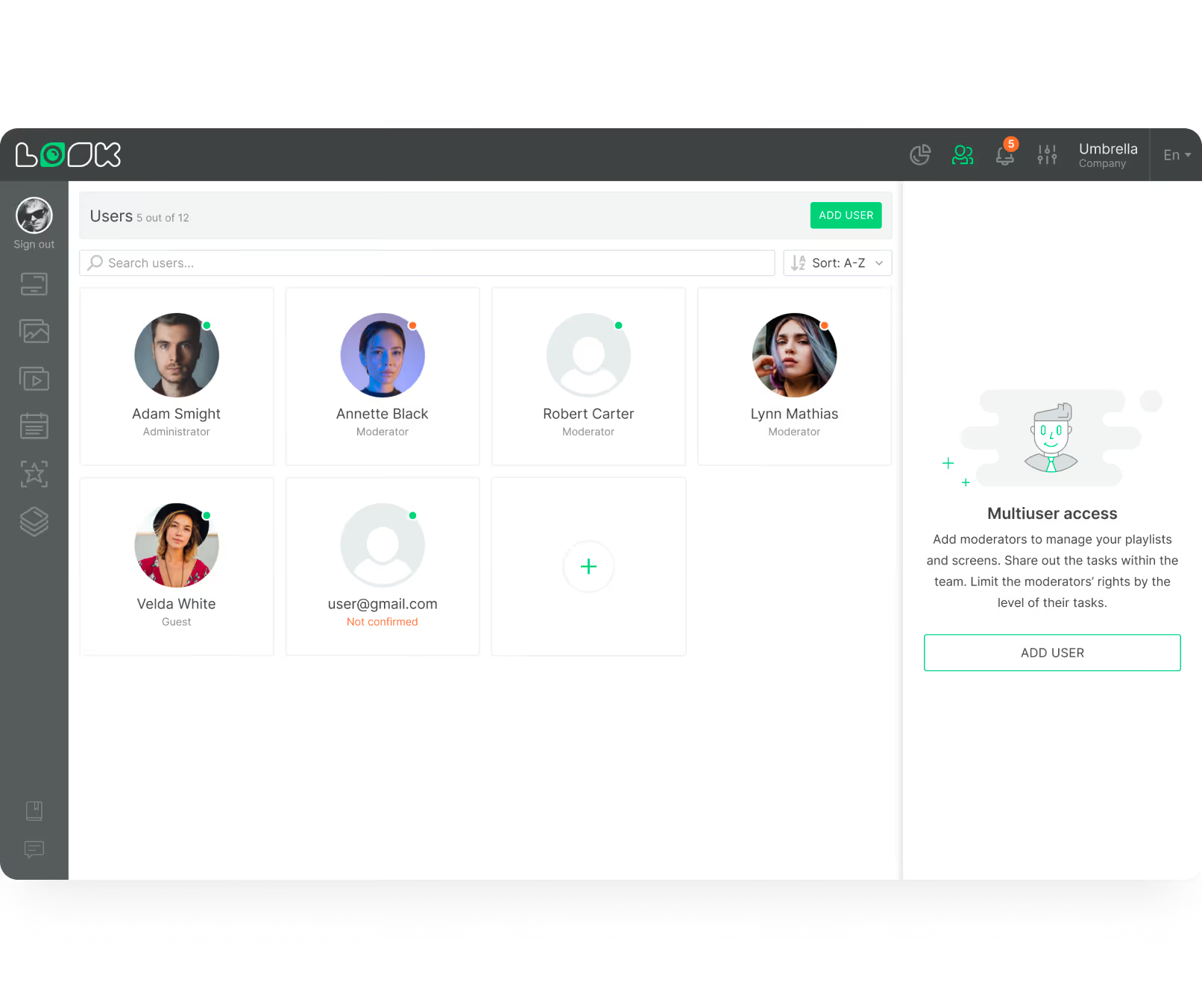
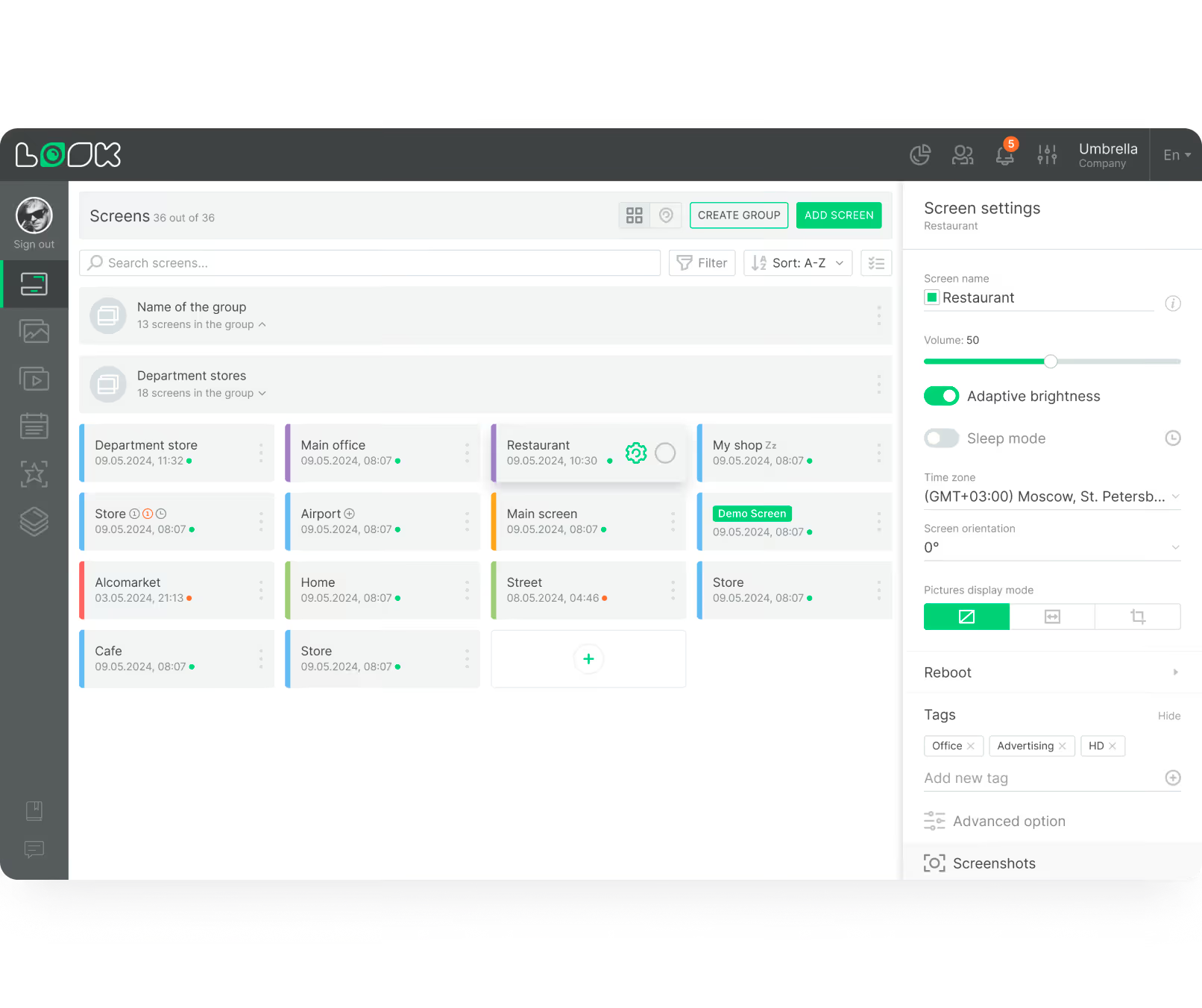
Push a policy change or a CEO video to every location simultaneously. Role-based access lets local managers update their breakroom screen while headquarters locks in lobby content. Group screens by department, region, or screen type for fast, targeted updates.
Turn all office displays into a live streaming network for town halls and global meetings. Staff in different time zones join in on every screen in the building. Record and schedule replays to ensure anyone who missed it catches up later in the day.
Where you'll use it
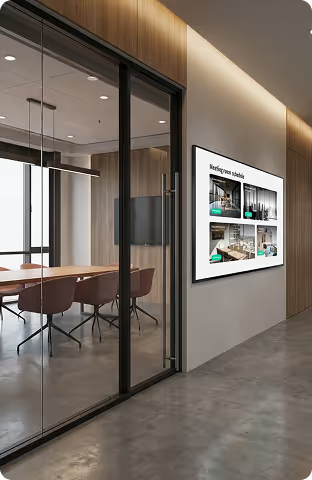
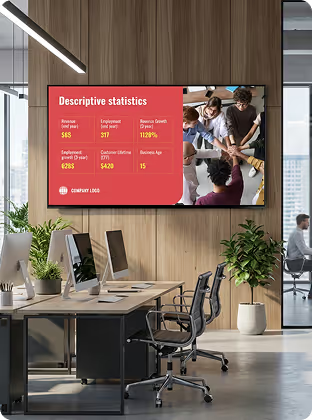
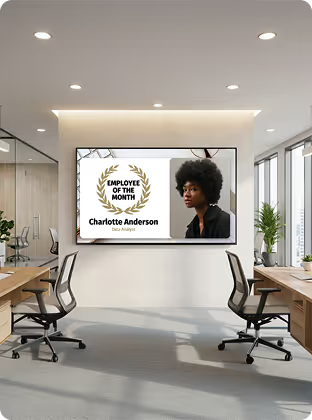
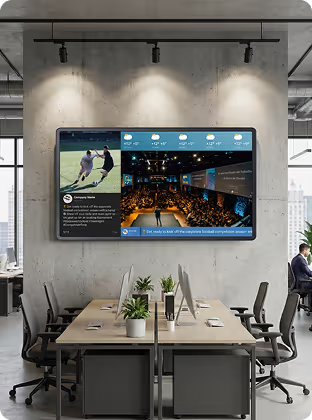
Setup
Install the free Look App on any compatible display you already own. Ideal for repurposing existing smart TVs in stockrooms, staff areas, or smaller store locations — no new hardware spend required to run a pilot.




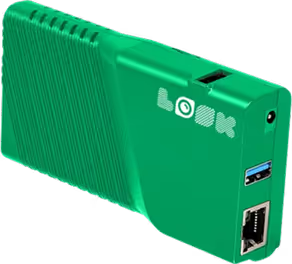
The Look HDMI Player connects to any screen via HDMI for reliable, always-on playback. Plug in, connect to Wi-Fi, log in — your screen is live. Caches playlists locally for offline playback, ensuring promotions keep running even if the store's internet drops. Worldwide shipping, no configuration expertise required.
Corporate hardware note:
For lobby video walls and executive conference rooms, commercial-grade displays rated for continuous operation are recommended. In manufacturing and warehouse environments, industrial screens with higher ingress protection (IP) ratings withstand dust, moisture, and temperature variation — ensuring screens stay visible on the production floor.
How it works


Key features











Content best practices
01
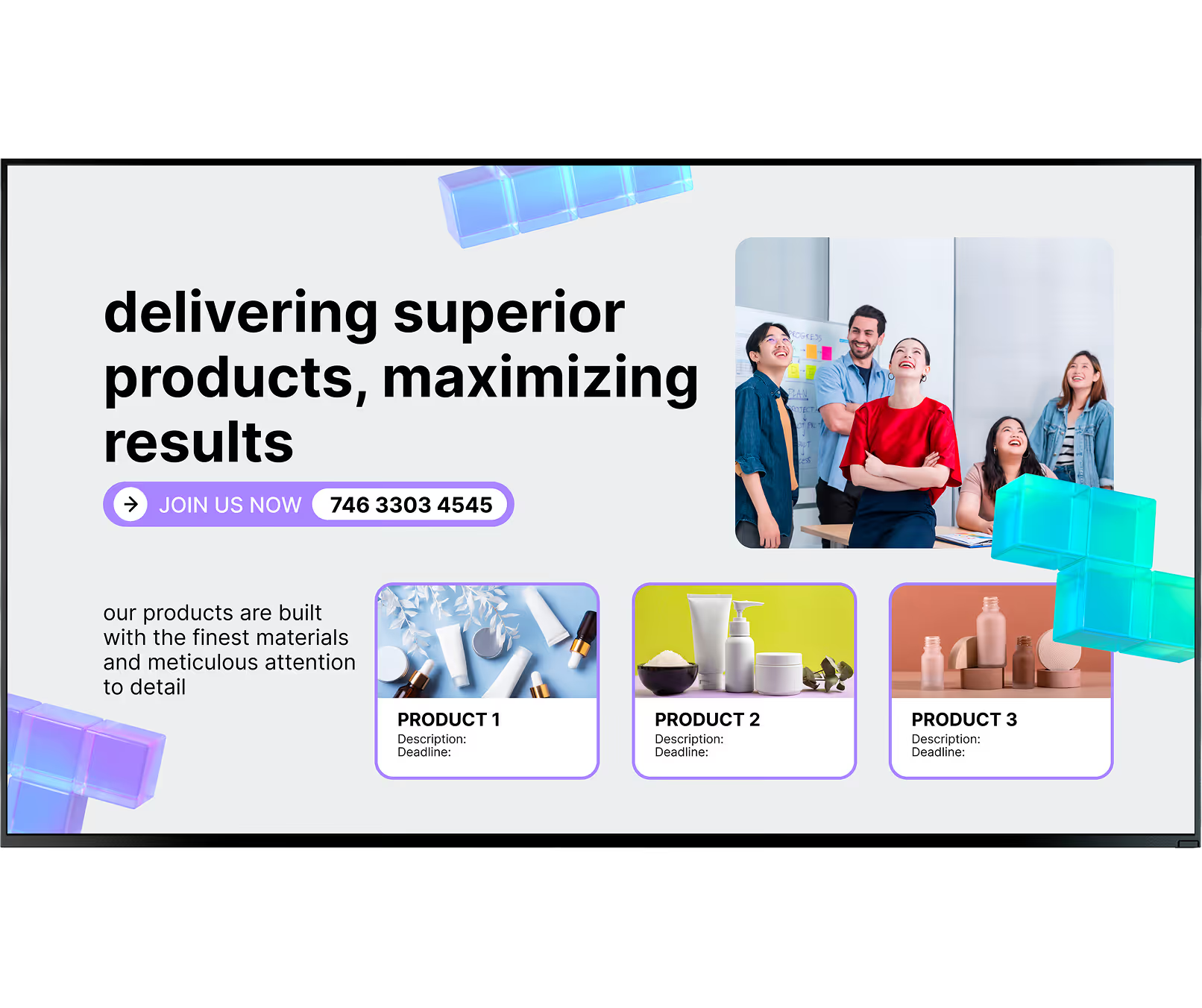
Decide what matters most to each team before designing content. Factory workers need safety reminders and production stats, while the sales team wants live revenue trackers. Grouping screens by audience makes your messages highly relevant and dramatically improves how content is received.
02
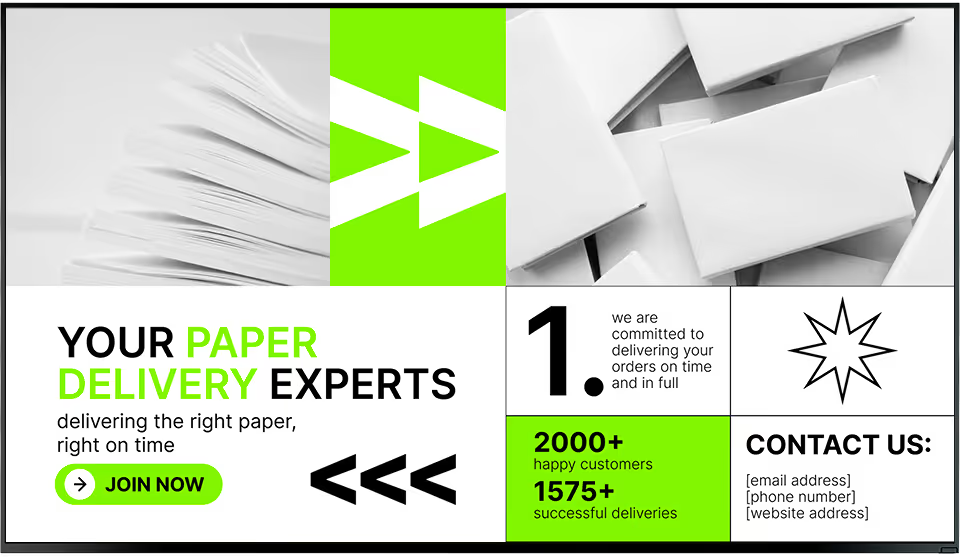
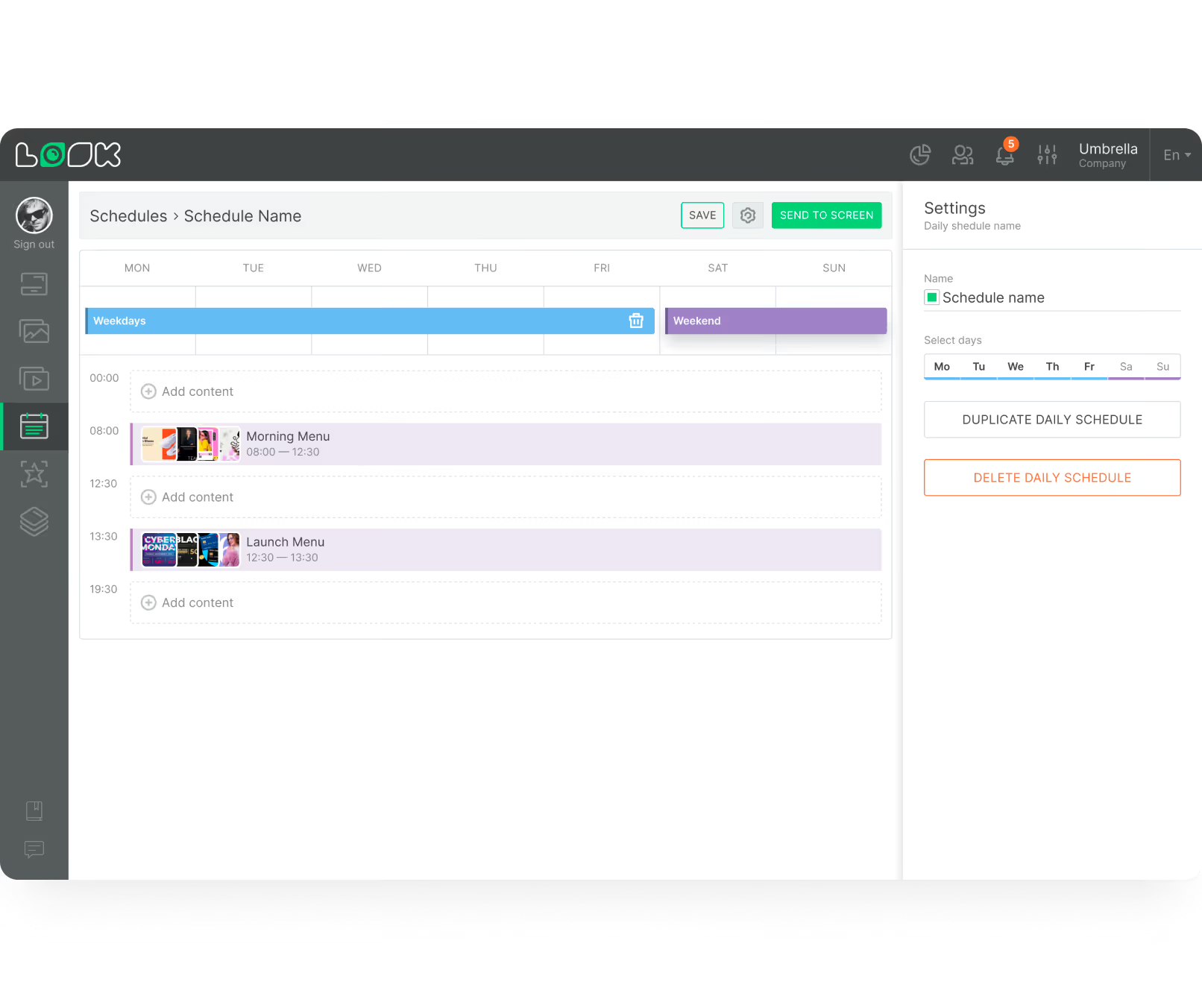
Do not start from scratch every time. Ready-made templates allow you to create polished announcements in minutes. Smart Scheduling handles the rest — set a playlist to run only during the morning shift or a holiday greeting to expire automatically, without daily manual intervention.
03
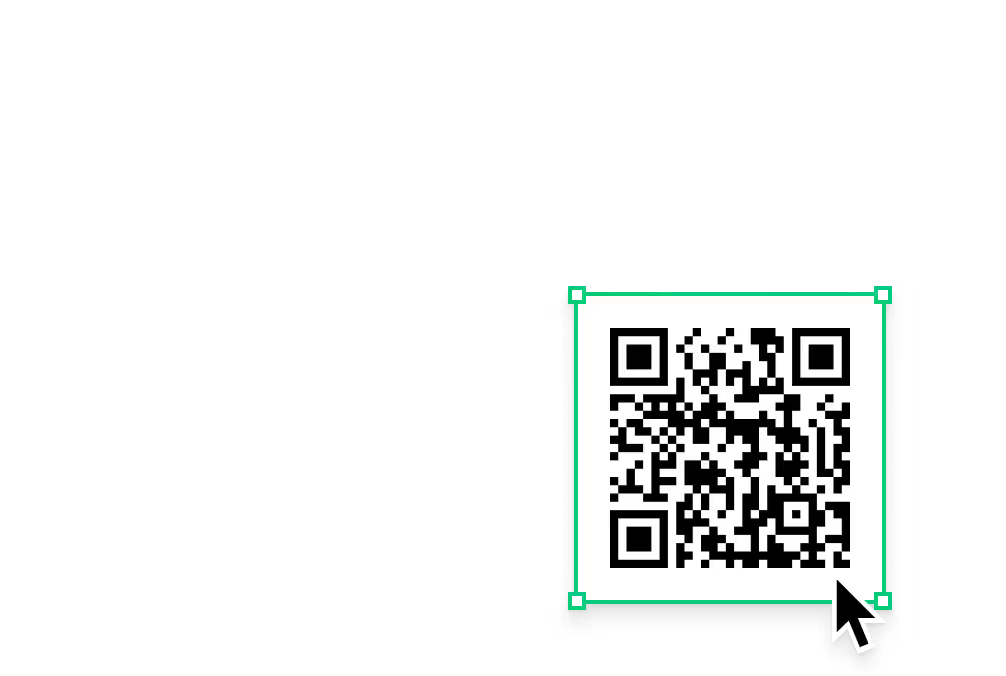
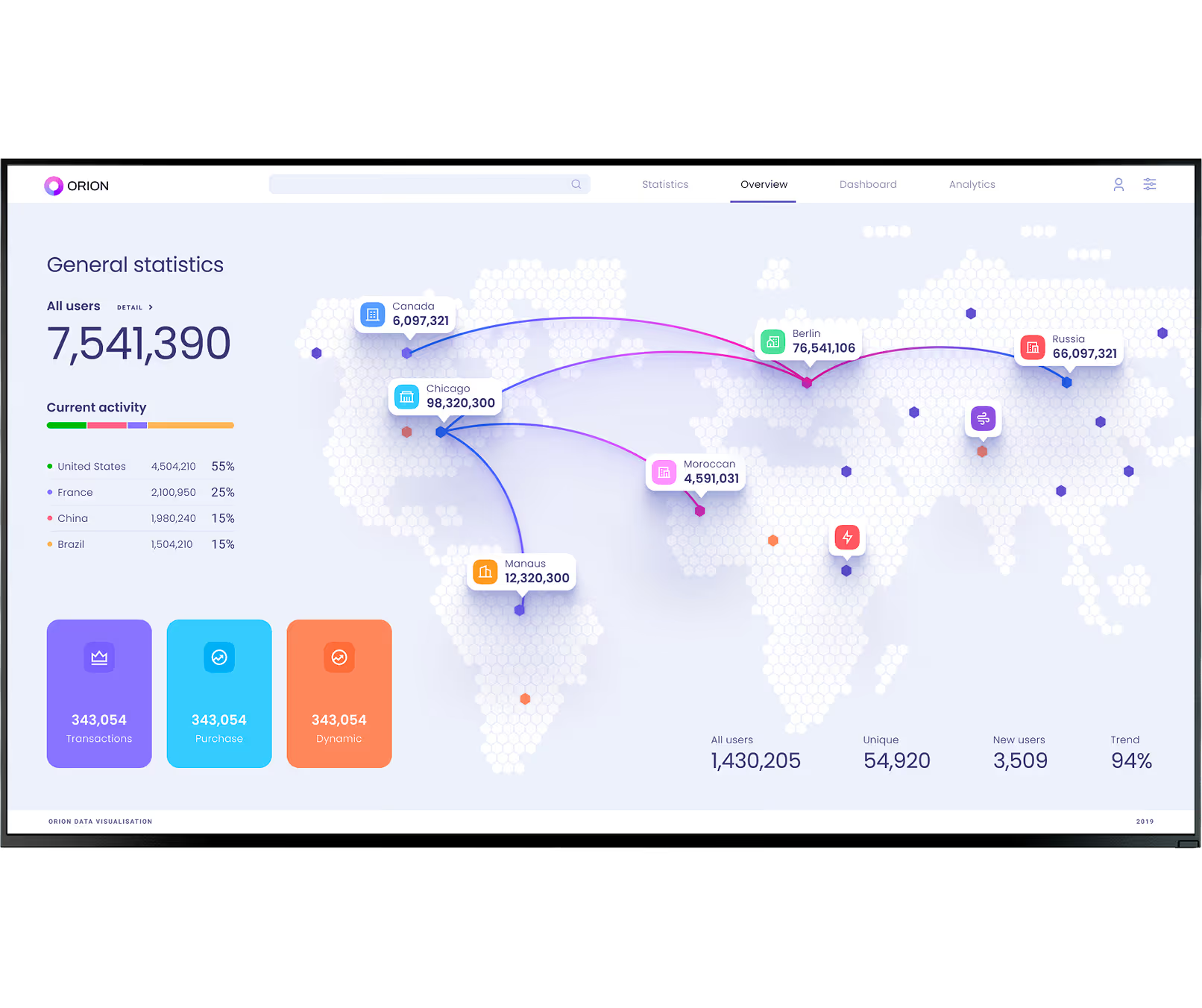
Dashboards showing real-time metrics provide transparency and help teams track progress without waiting for a weekly report. Live data turns screens into a vital, always-current resource rather than a rotating poster. Add QR codes so employees can dive deeper from their phones.
04
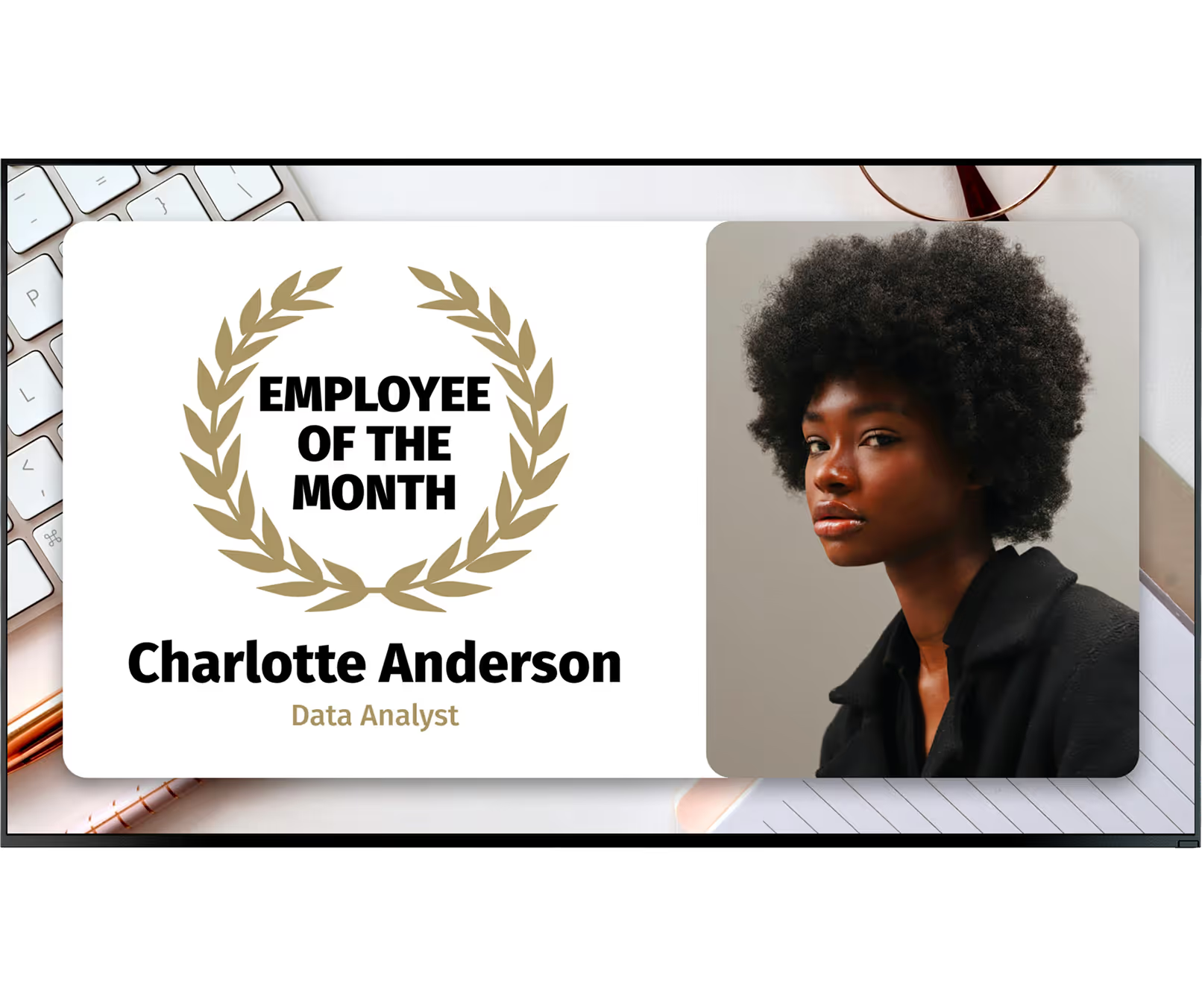
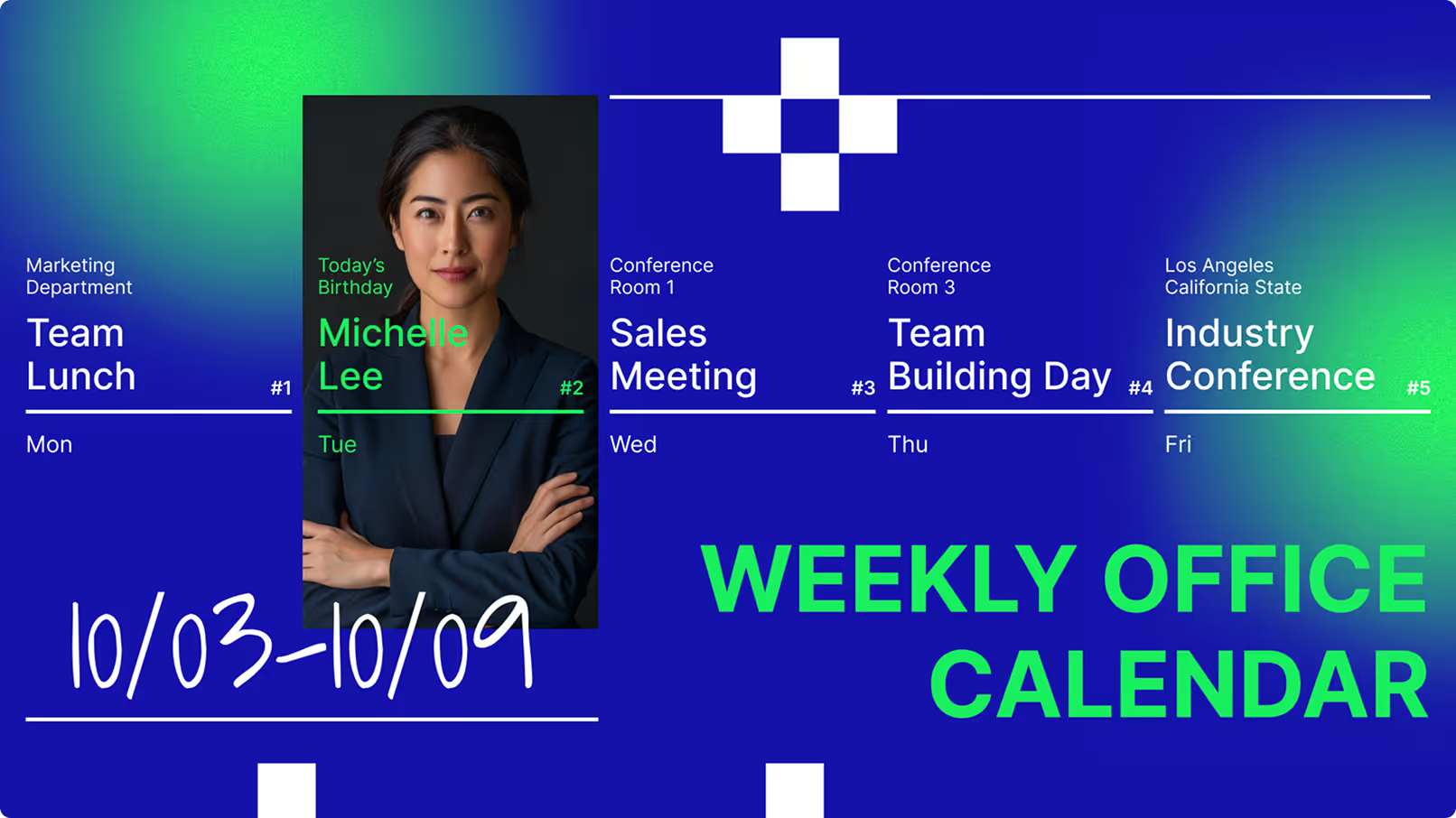
A good content plan balances company goals — like quarterly sales targets — with personal milestones such as employee anniversaries or team wins. Screens that only show KPI data feel transactional. Mixing data with human moments builds culture and keeps people genuinely watching.
05
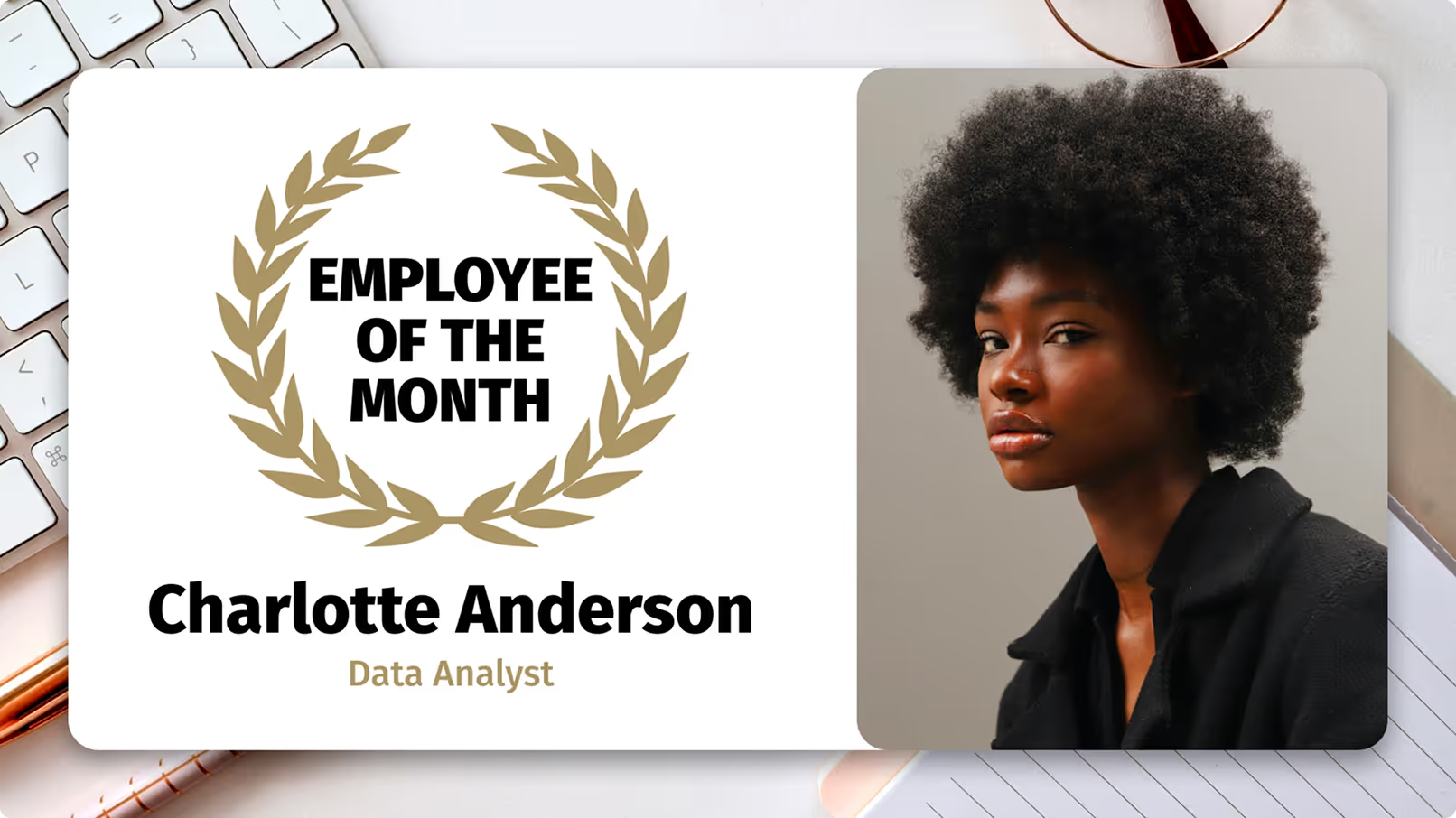
Refreshing content often keeps people looking. Rotating weekly themes ensure your screens remain a trusted source of current news rather than background light that staff tune out. Even small updates — a new quote, a new recognition card — signal that the screens are alive and worth attention.
06
Use high-contrast colours and large text so messages are visible from a distance and accessible to all employees. Ensure your approach respects internal privacy rules, especially when sharing employee photos or performance data. Clear, legible content also reduces questions and support requests from staff.
Common mistakes
Fix: Group screens by department, location, or audience in the CMS. Push targeted content to each group. Lobby displays show visitor-facing messaging, floor screens show production data, breakrooms get culture and wellness content.
Fix: Connect screens to live data sources — KPI dashboards, calendars, news feeds, recognition tools. Content that updates automatically stays relevant without requiring daily manual effort from your communications team.
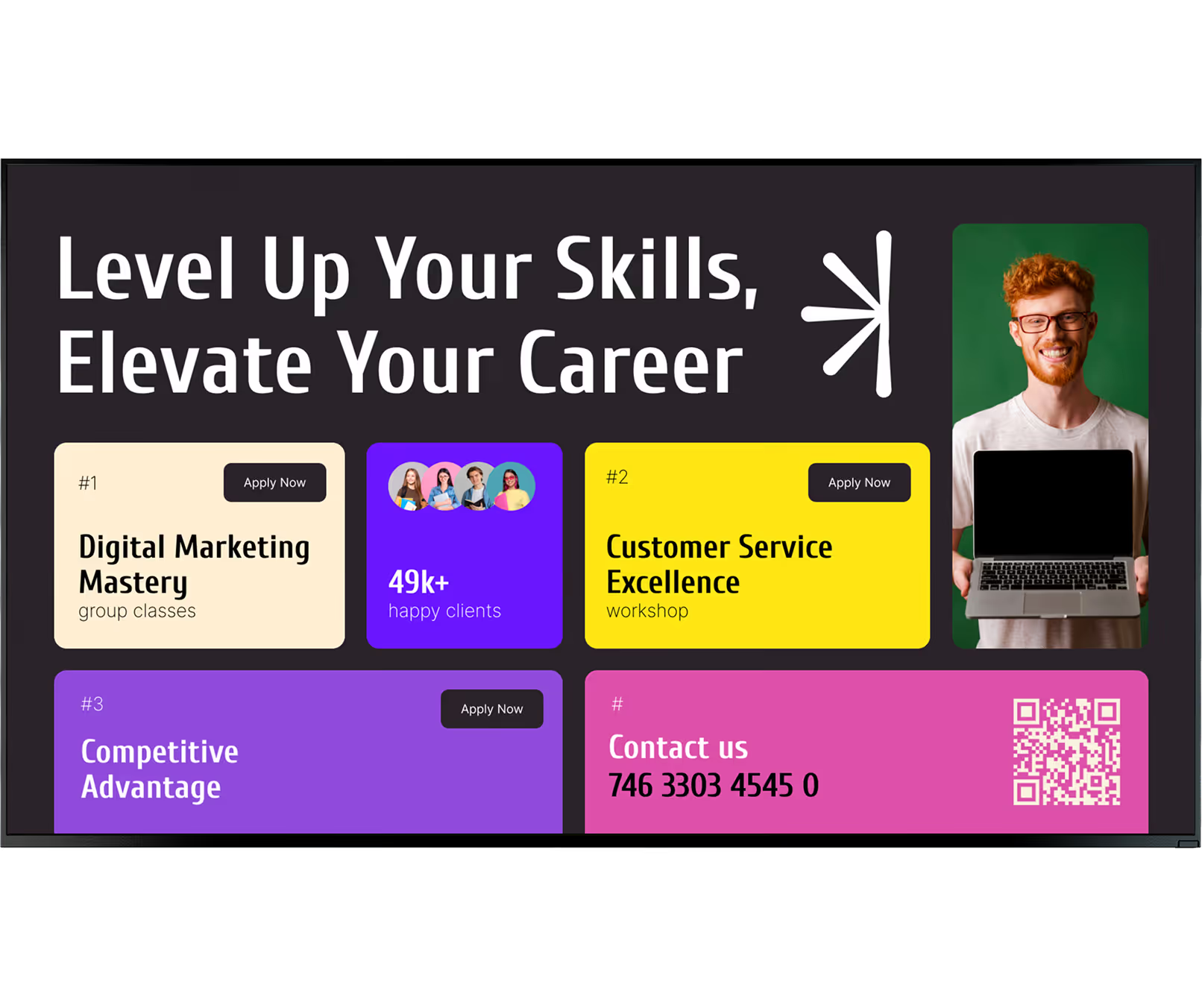
Fix: Use high-contrast colours and large text sized for the furthest viewer in the space. Keep messages brief — three seconds of reading time is all most passersby will give a screen during a working day.
Fix: Choose a platform built for non-technical teams. Look DS is designed so HR, comms, and ops staff can create, schedule, and publish content independently — without relying on IT support for day-to-day changes.
What customers say
In terms of using the system, the other options that I found were a little clunky and Look was not only affordable but really easy for us to deploy and get up and running.


Look is well-priced, it’s a very user-friendly software cloud-based service, where you can update your screens from wherever you are. We can definitely recommend to others!
Our experience with Look was simply excellent. We were able to offer our clients a new feature-rich solution that can meet their various requirements in terms of digital signage, with a relatively affordable monthly cost.




FAQ
Free templates

No credit card required

100% of features, no trial limitations

Fast human support 24/7