Cafe
digital signage menu boards
Enhance your café experience with Look digital menu boards, designed to improve the customer journey, streamline your menu updates, and increase sales

4.9

5.0


🌍 120+ countries





25%
increase in featured pastry sales after scheduling a morning "Coffee & Croissant Combo"
Source: "The Daily Grind" case study in the article
15%
boost in average transaction value when combo promotions were timed to rush-hour demand
Source: "The Daily Grind" case study in the article
20
locations can be managed from one laptop with cloud-based remote management
Source: "User-Friendly Interface and Remote Management"
$0
recurring printing budget for ongoing menu updates once changes are handled digitally
Source: "Reduces Printing Costs" section
What is cafe digital signage?
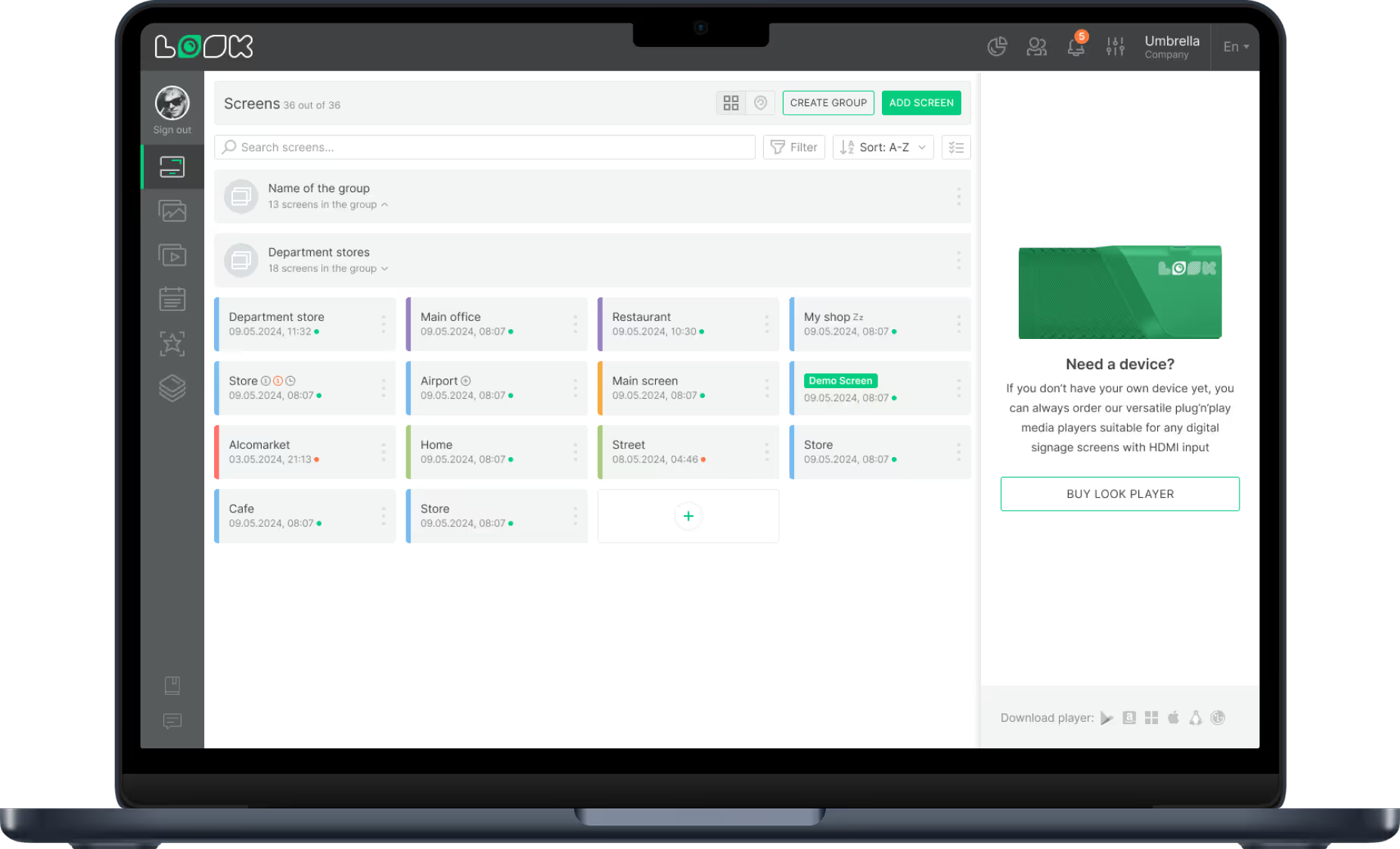
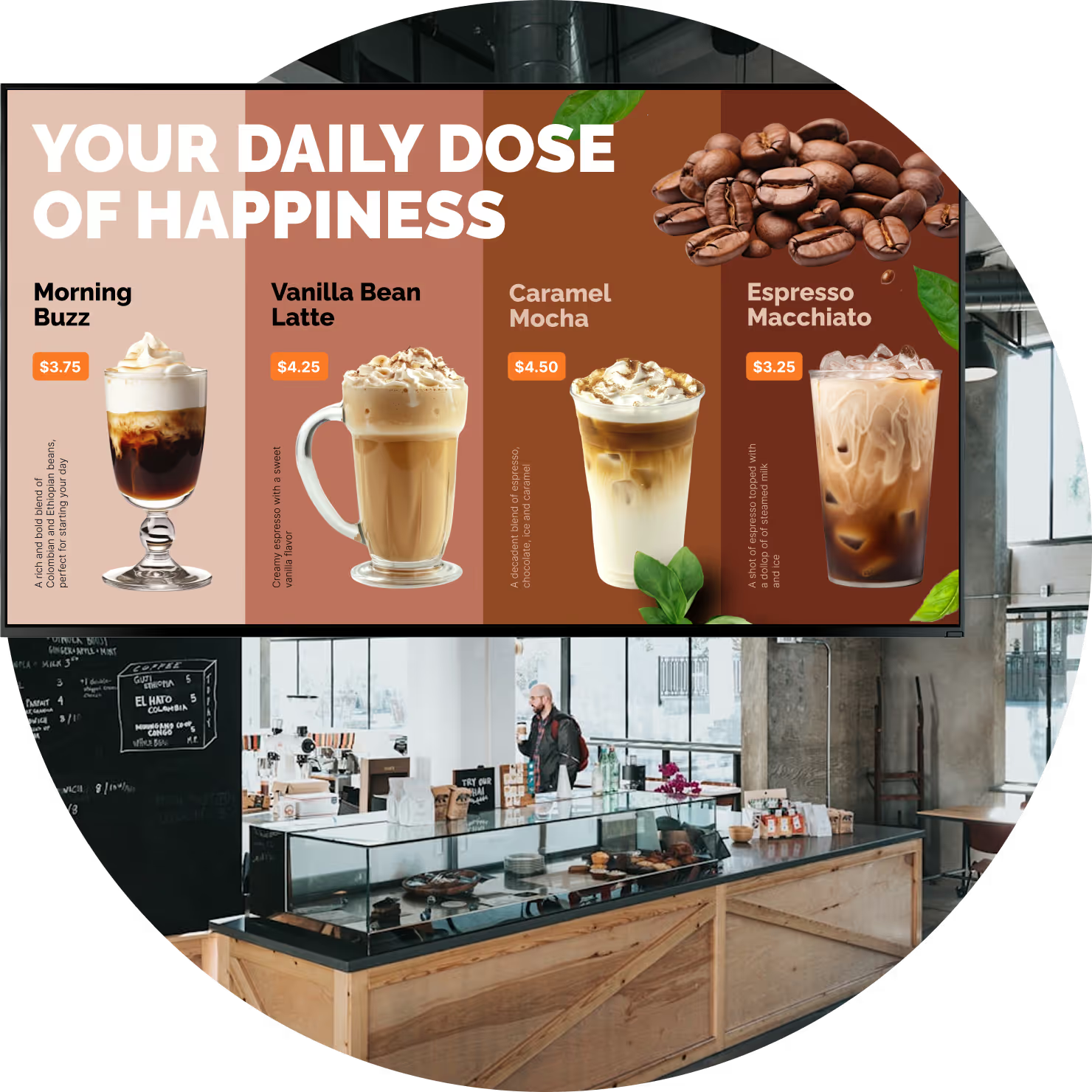
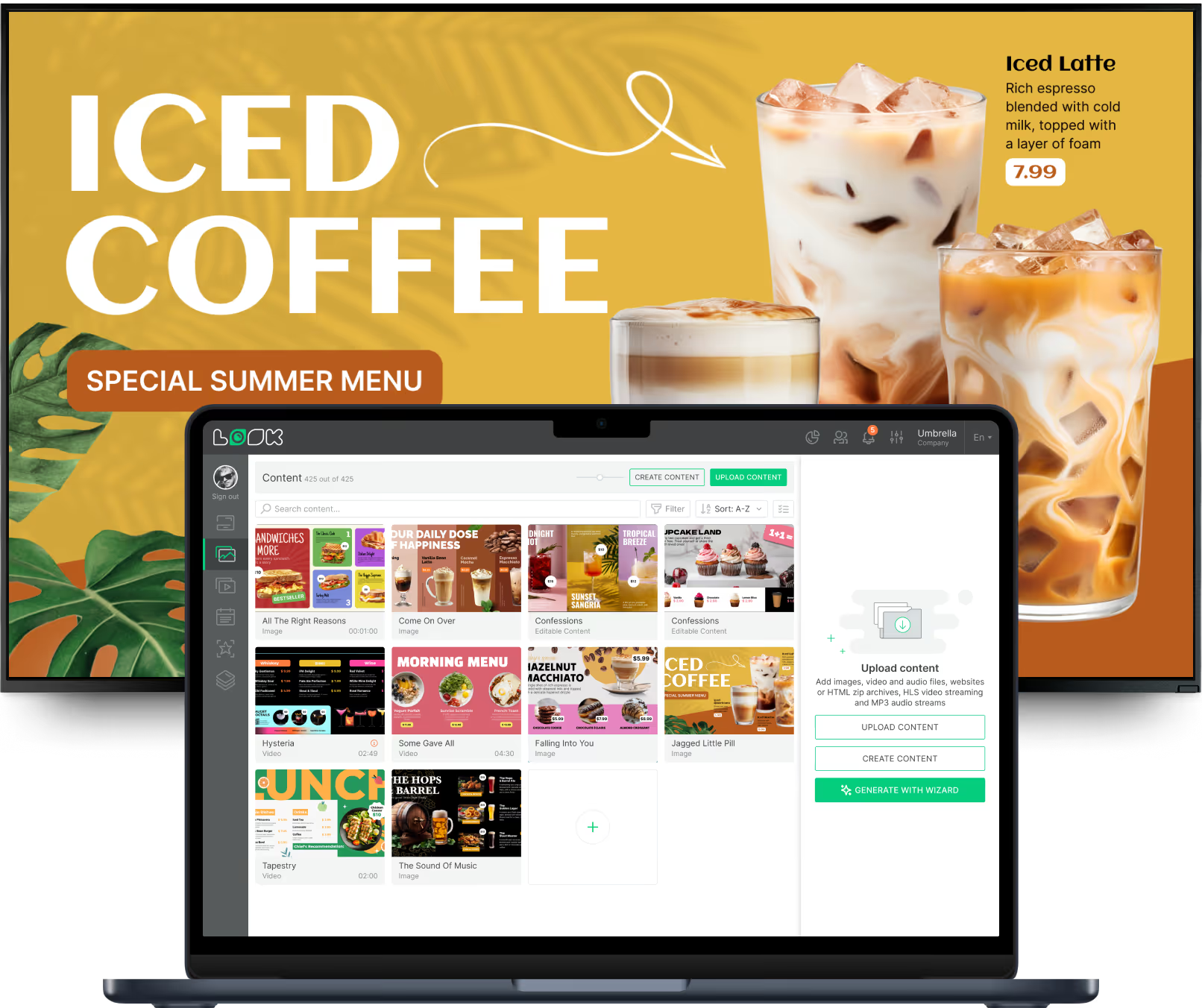
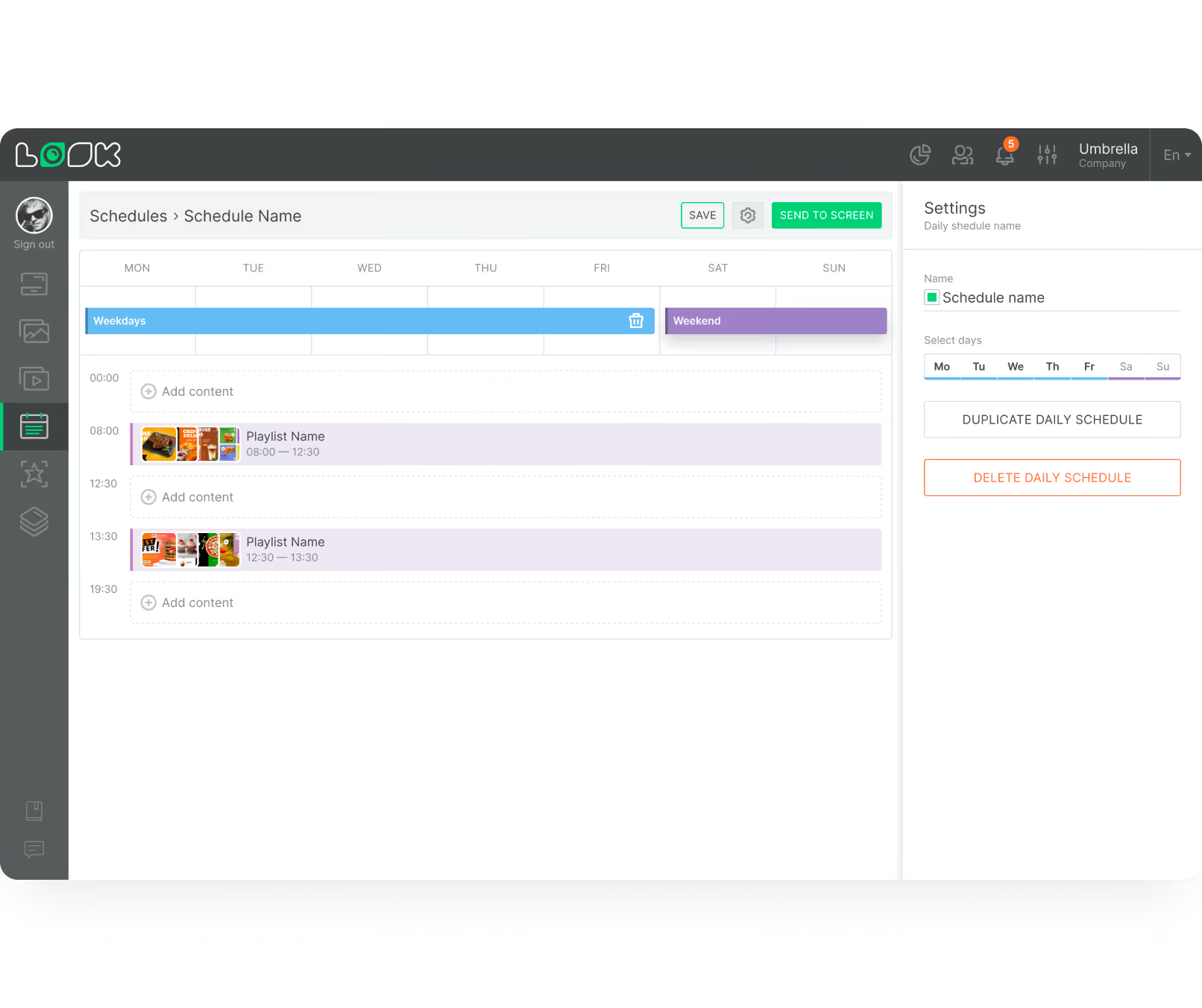
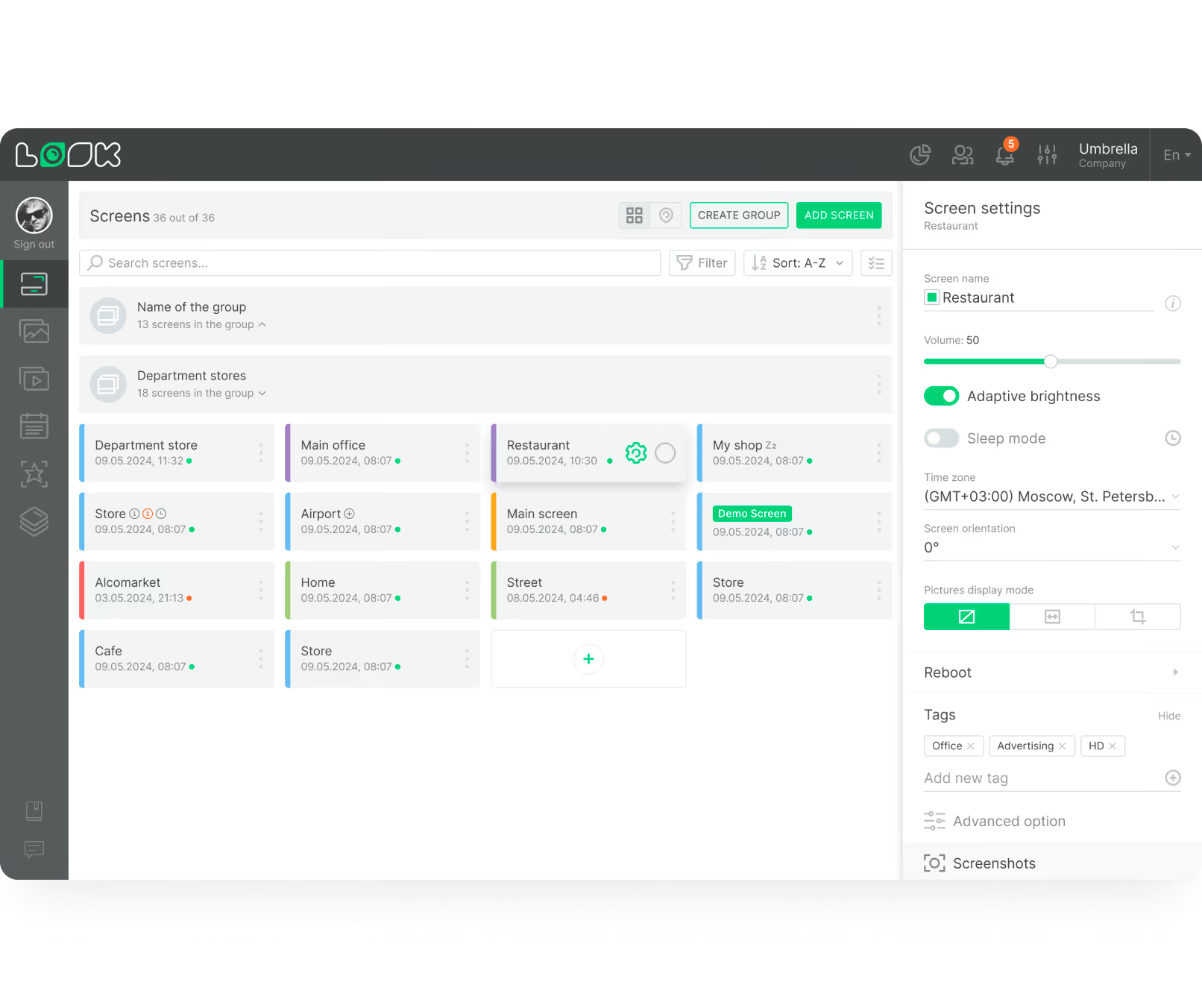
Digital signage for cafe menu boards replaces physical menus with dynamic screens controlled by cloud-based software. Using a platform like Look CMS, you can create content, schedule playlists, and control screens from one dashboard on a laptop or phone.
It combines stronger visuals with faster operations.
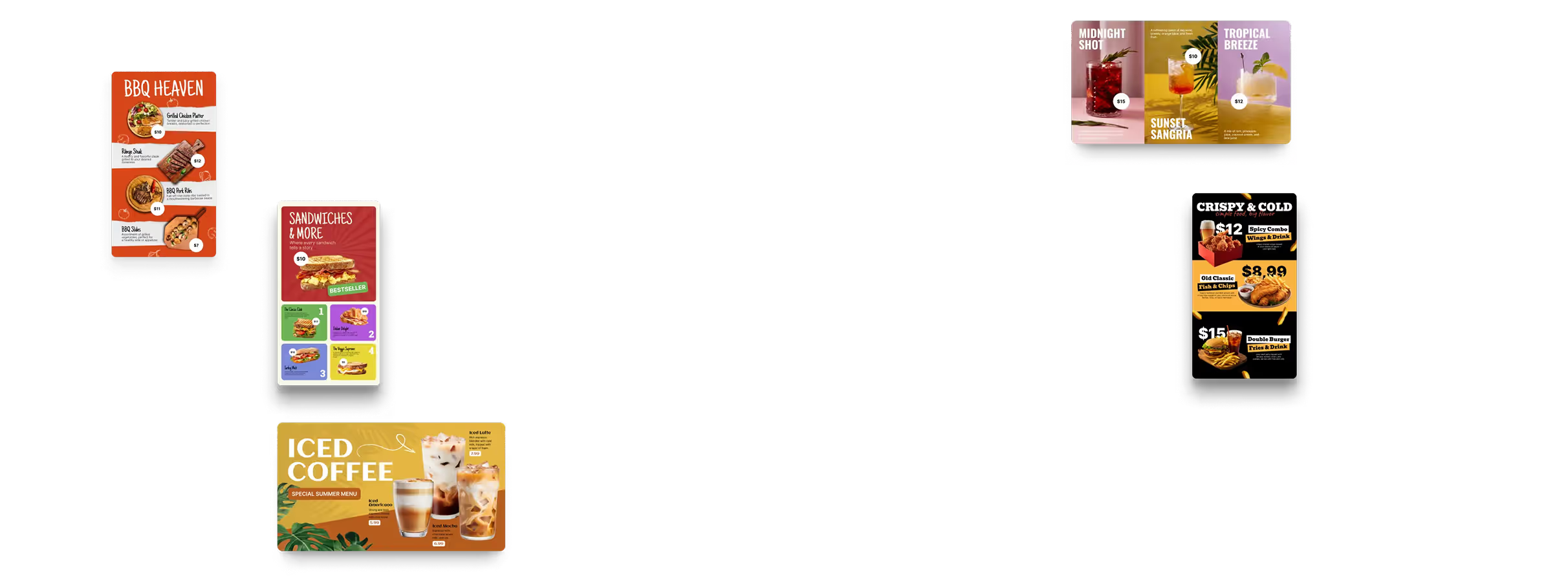
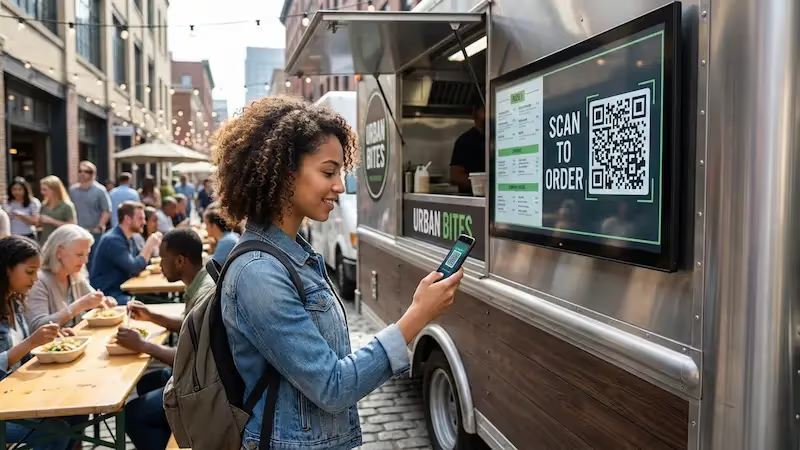
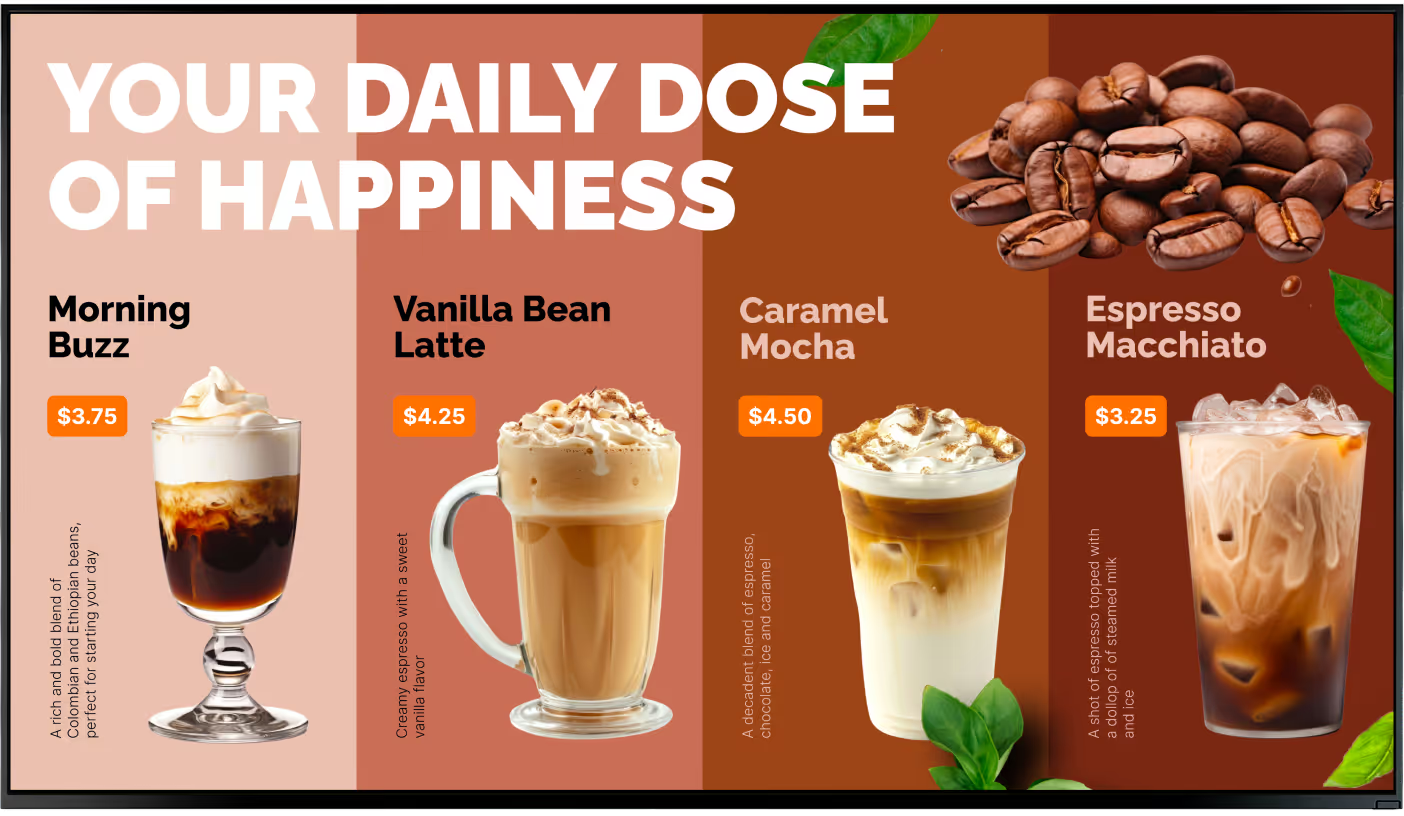
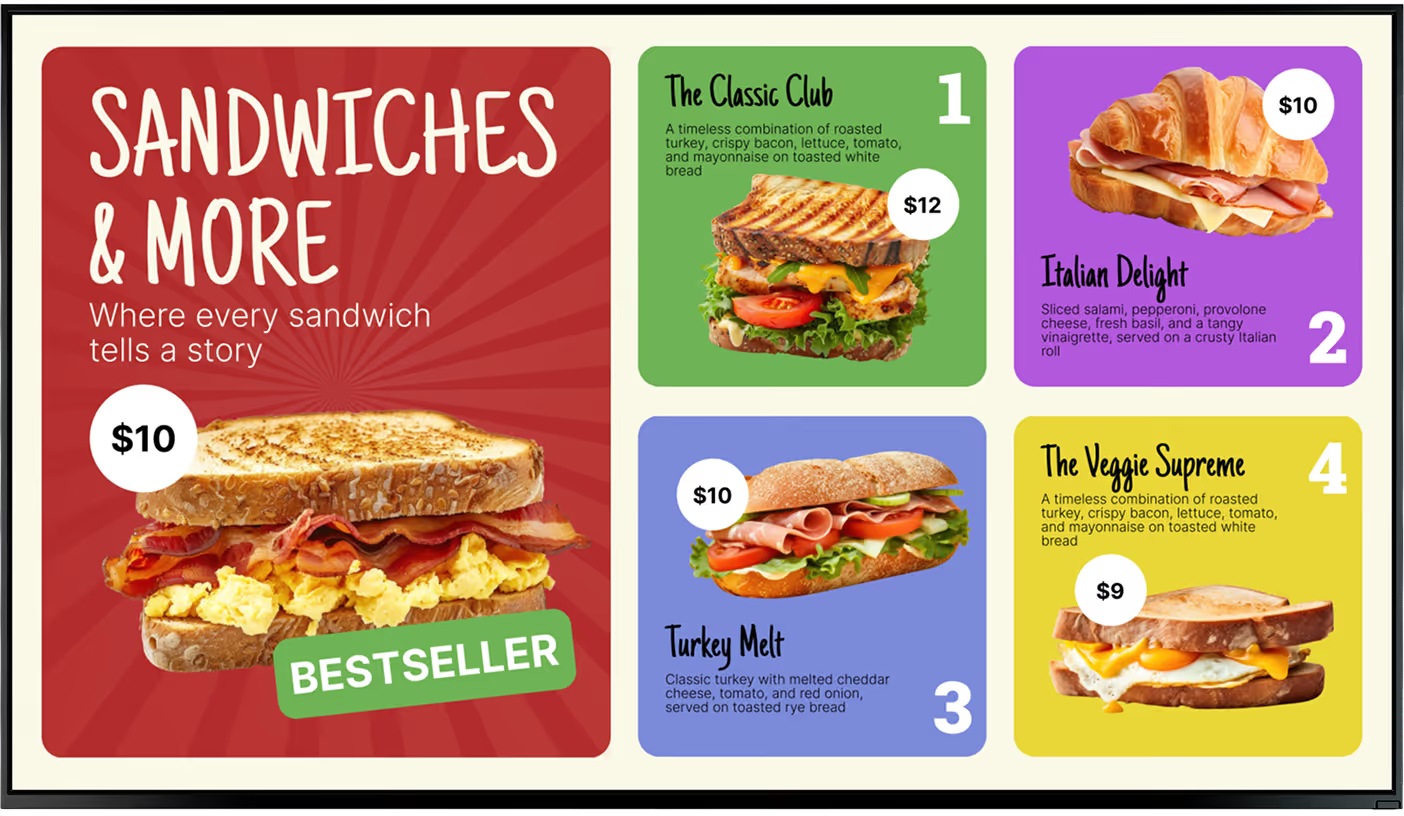
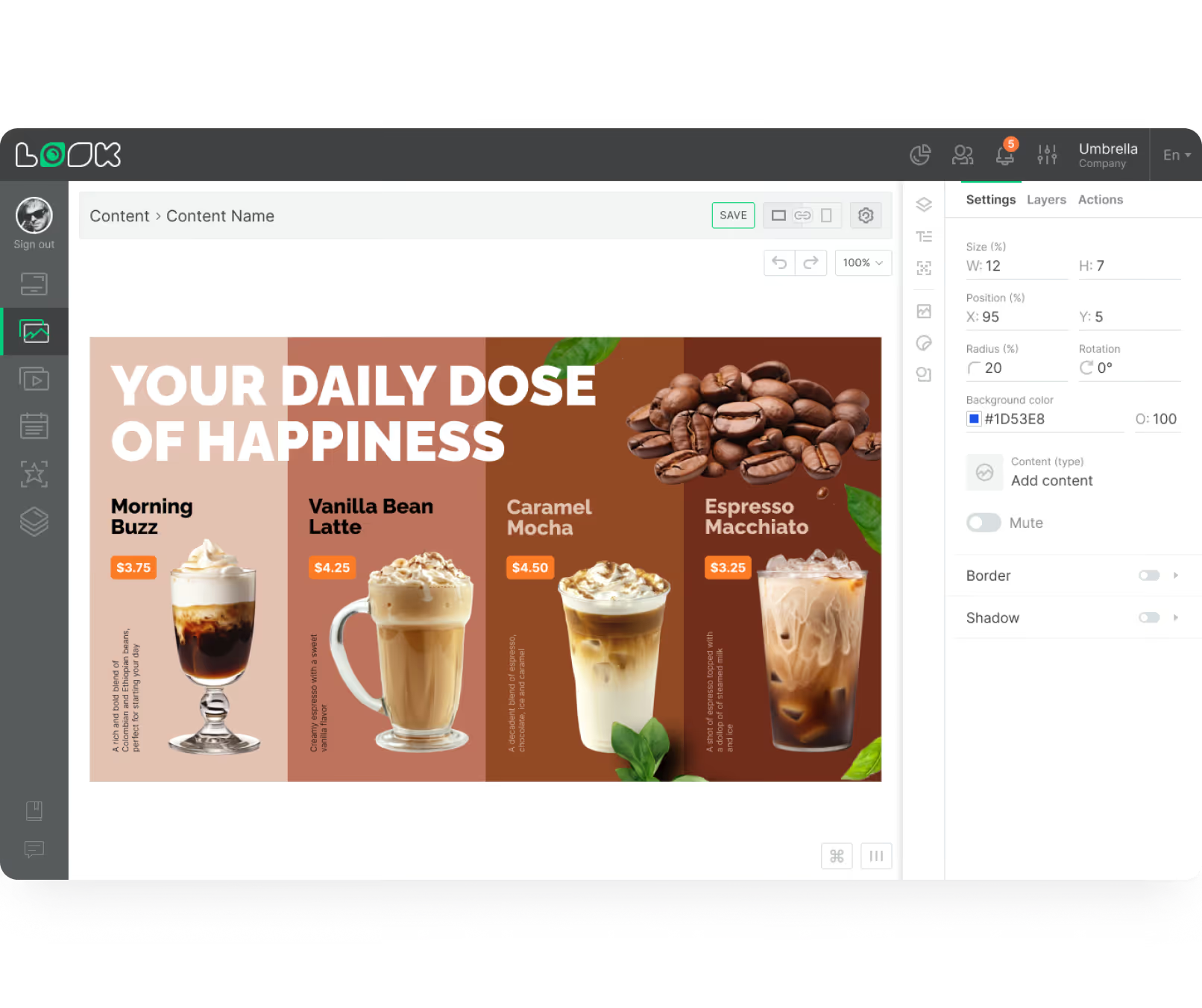
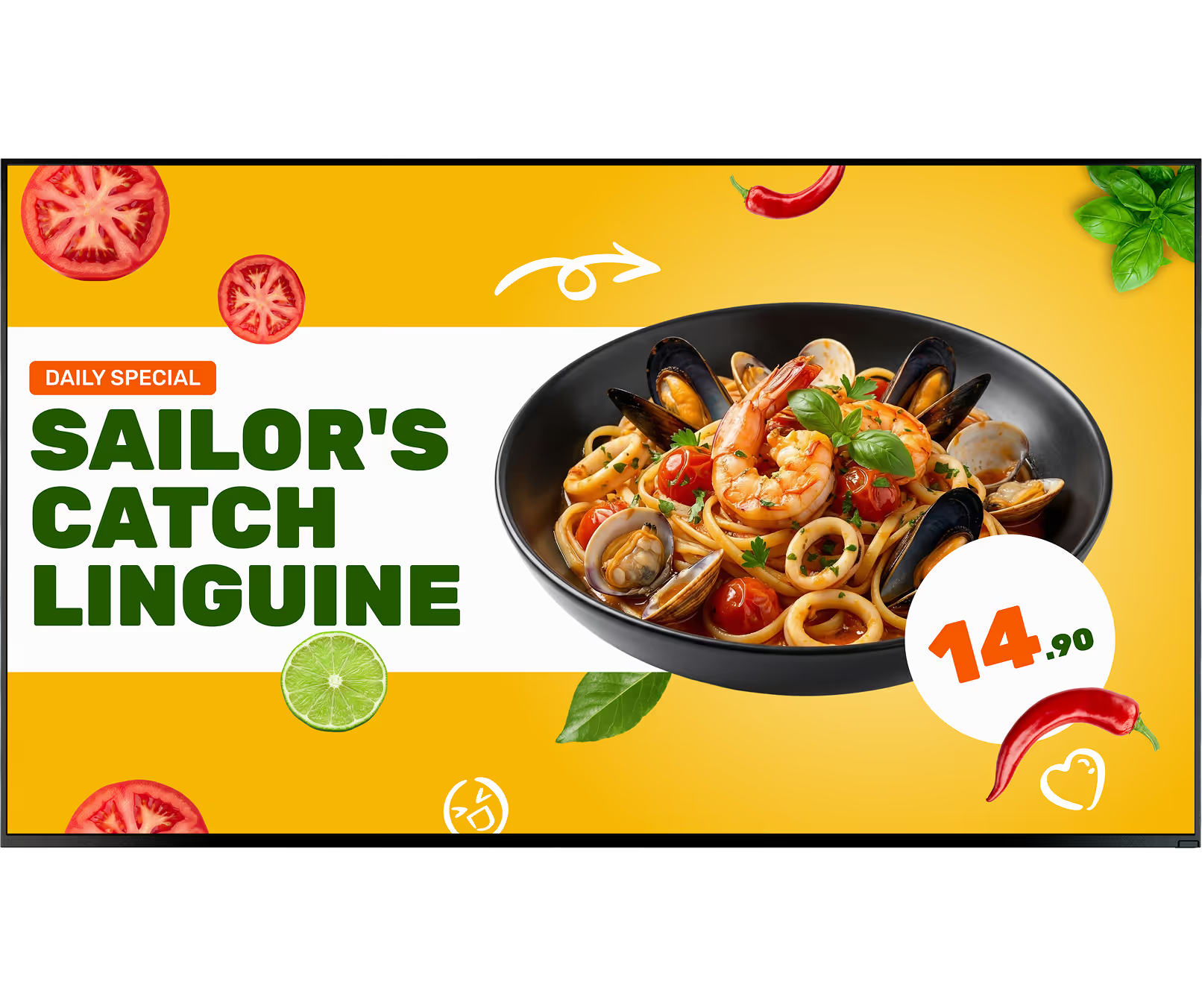
High-quality photos and short videos make items more tempting than a static printed list, while the same screens can show allergen information, loyalty prompts, and QR codes during busy periods.
Digital vs. traditional menu boards

Updates are slow and outdated prices can stay visible
Messy handwriting or worn print can hurt readability
One fixed layout stays on-screen all day
Seasonal changes require new print runs
Limited space for allergen details and QR actions

Update prices and availability once, then publish everywhere
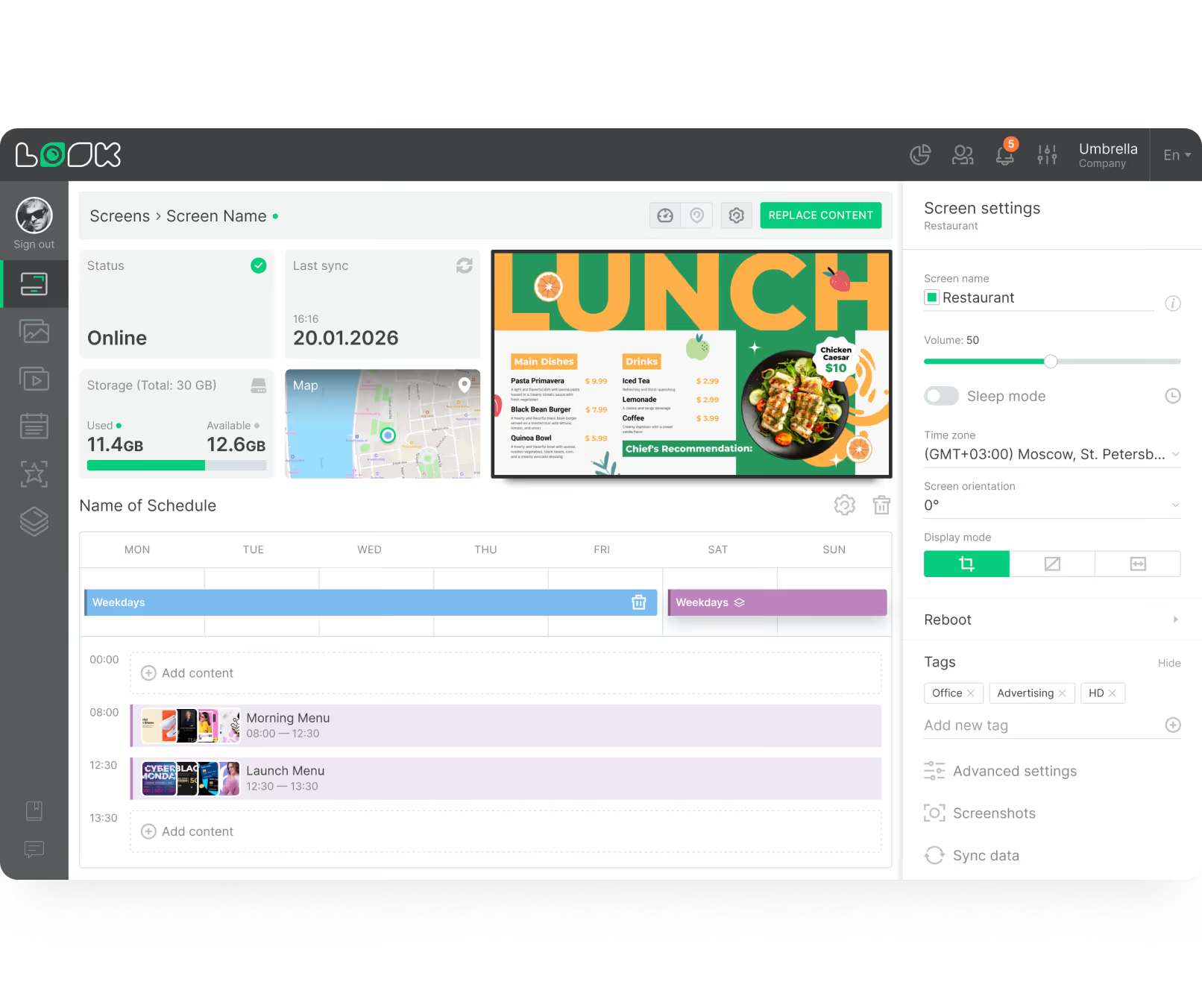
Schedule breakfast, lunch, and happy-hour playlists automatically
Use clear layouts with subtle motion to guide attention
Show allergens, calorie info, and loyalty QR codes clearly
Manage one cafe or many locations from the same dashboard

3 core components
1
Create menu content, build playlists, and schedule dayparting from one place so each update publishes across every connected screen.
2
Choose LCD or LED displays based on lighting conditions, then run content with either the free Look App or a dedicated Look HDMI Player.
3
Use daypart rules, product photography, and simple motion to promote the right items at the right time while keeping menu text readable.
Why it works

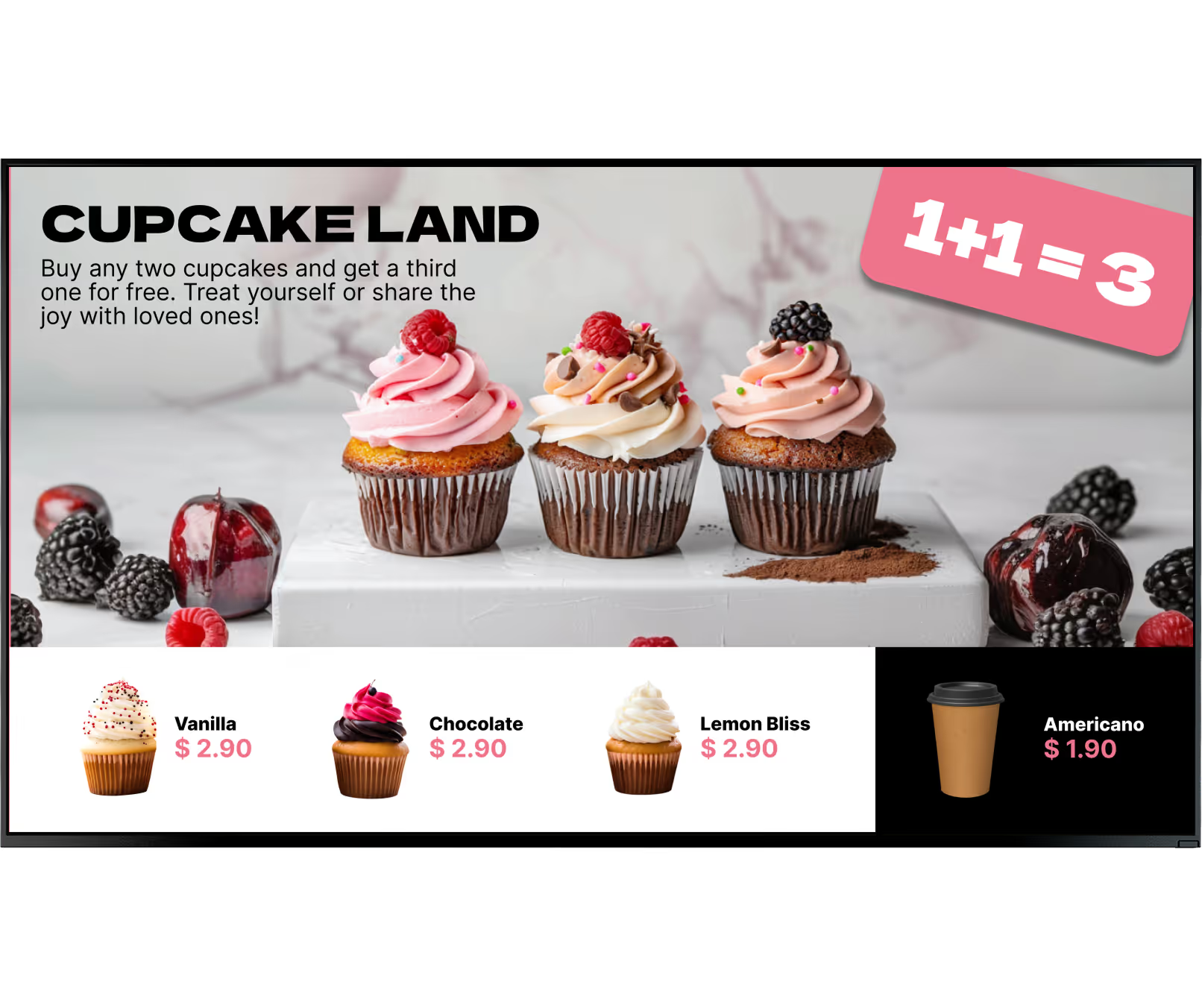

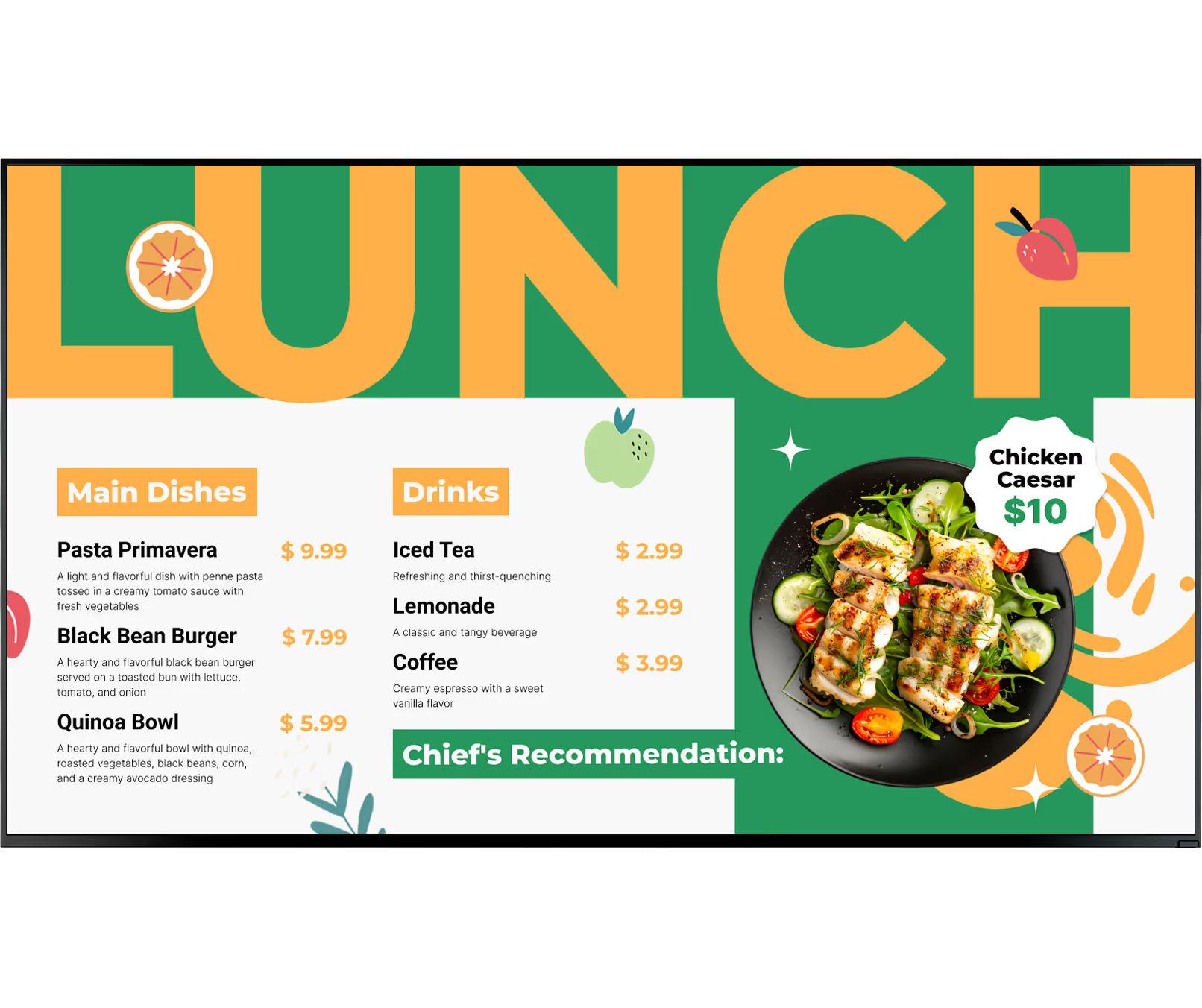

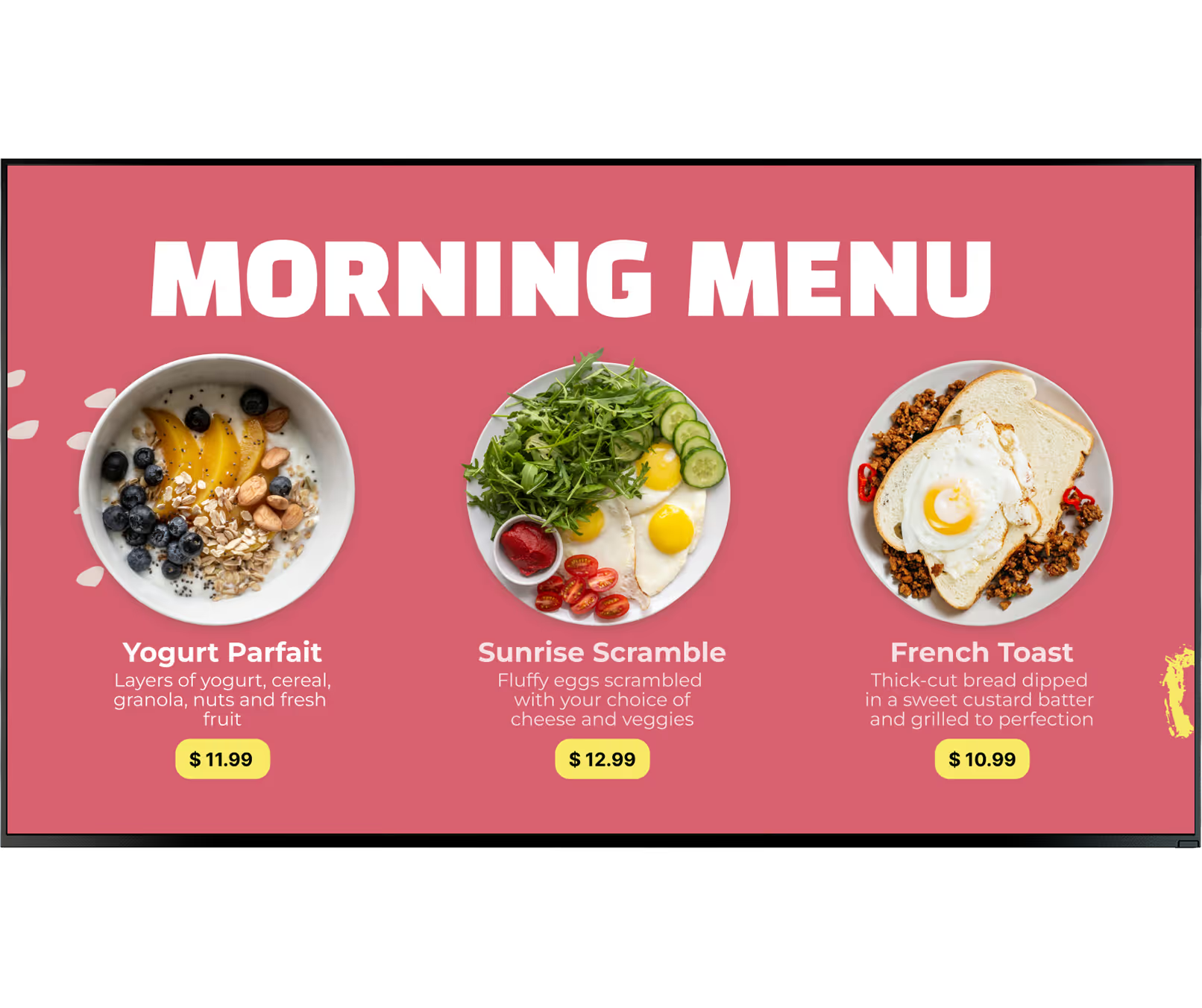


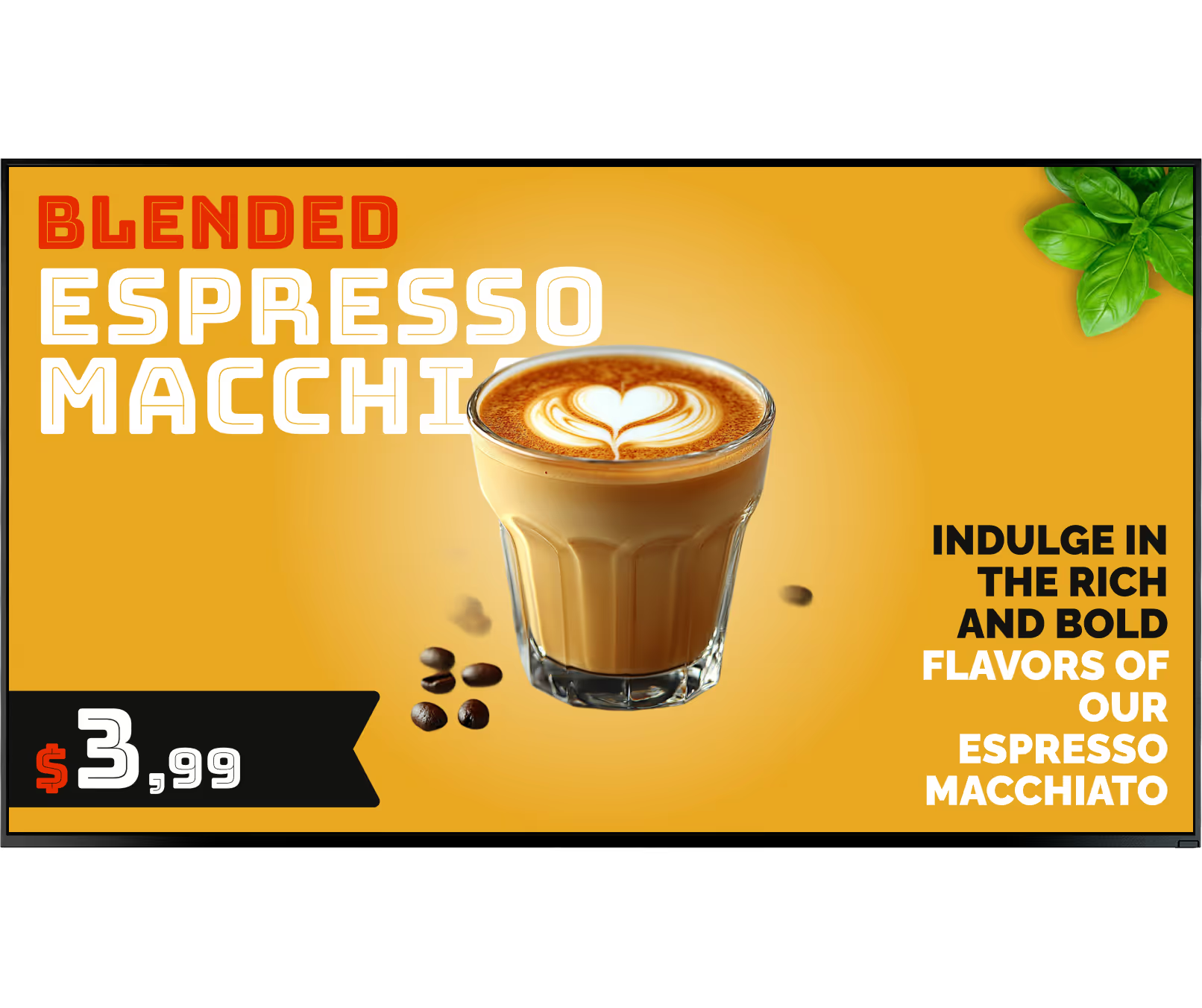

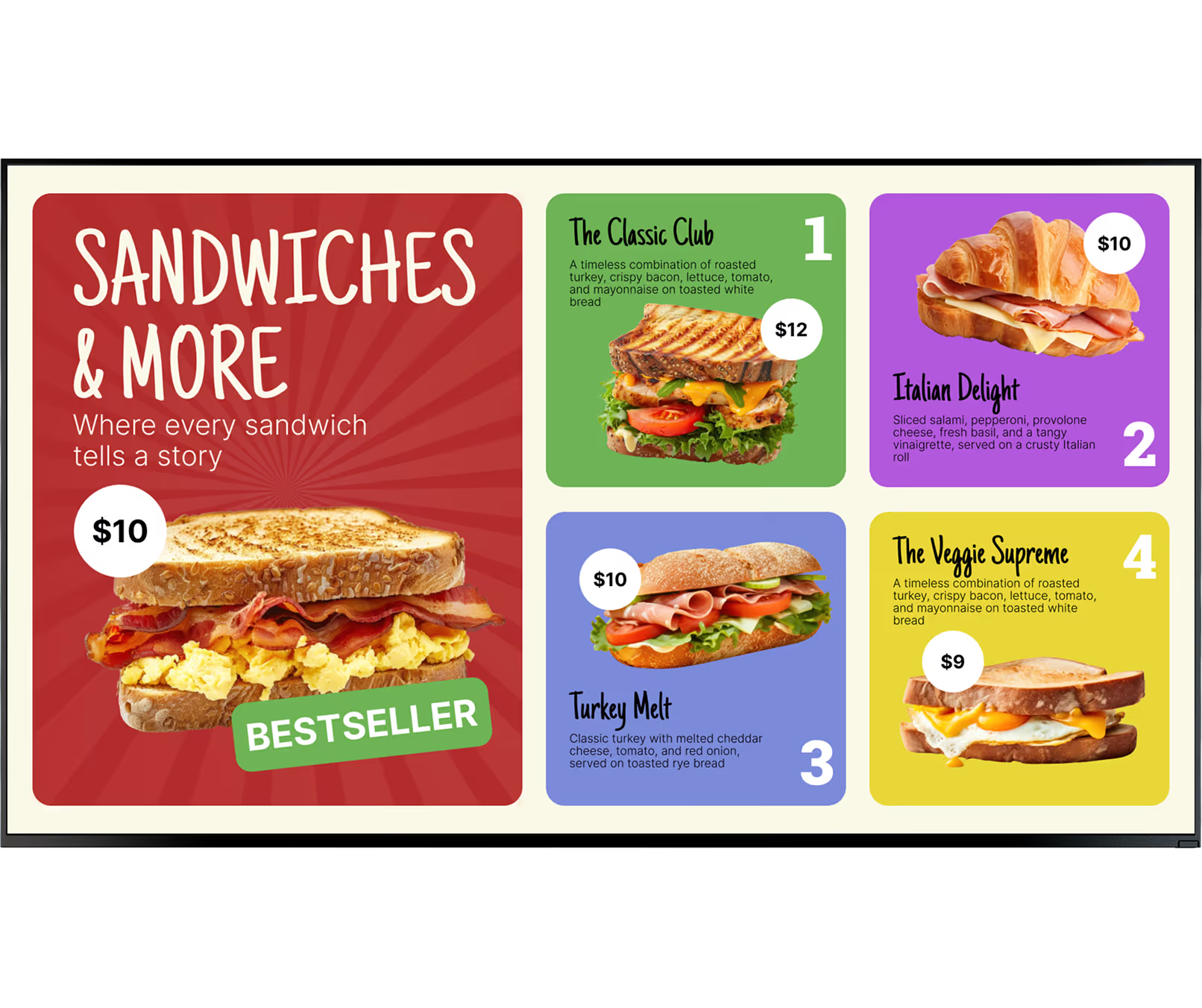


Every format covered
Commercial LCD displays are highlighted as cost-effective for indoor menu use while still delivering sharp image quality. They suit cafes where lighting is controlled and menu readability is the main requirement.
LED screens are brighter and better suited to locations with intense natural light. This helps maintain readability when boards are near windows or storefront glazing.
Supported smart TVs can run the free Look App, reducing startup overhead for teams testing digital workflows. Operators still get cloud publishing and scheduling while piloting first screens.
The Look HDMI Player is positioned as a reliable plug-and-play option for cafes that need stable, continuous playback. It fits environments where uptime matters and manual troubleshooting must stay minimal.
The rollout guidance recommends piloting one screen first, then expanding after validating layout and workflow. Staff can learn quick remote updates before a wider hardware commitment.
Cloud management supports scaling from a single store to dozens while preserving consistent menu structure. API-based POS sync can automate availability changes across all locations when stock shifts.
Where you'll deploy it
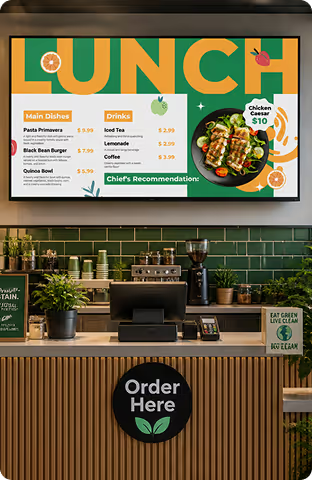
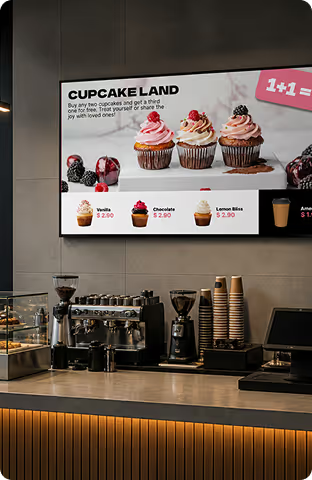
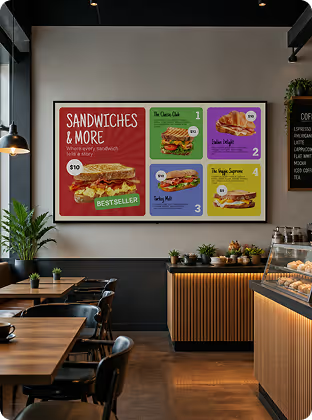
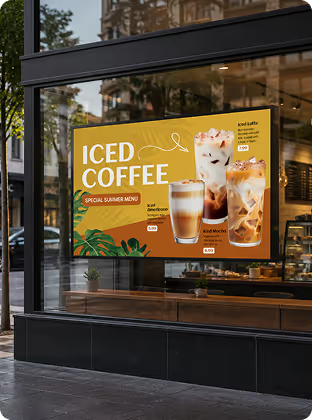
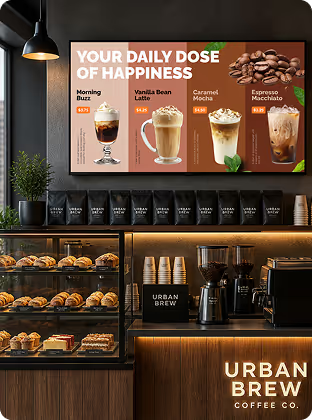
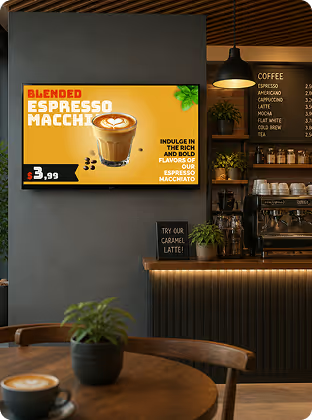
Hardware & setup
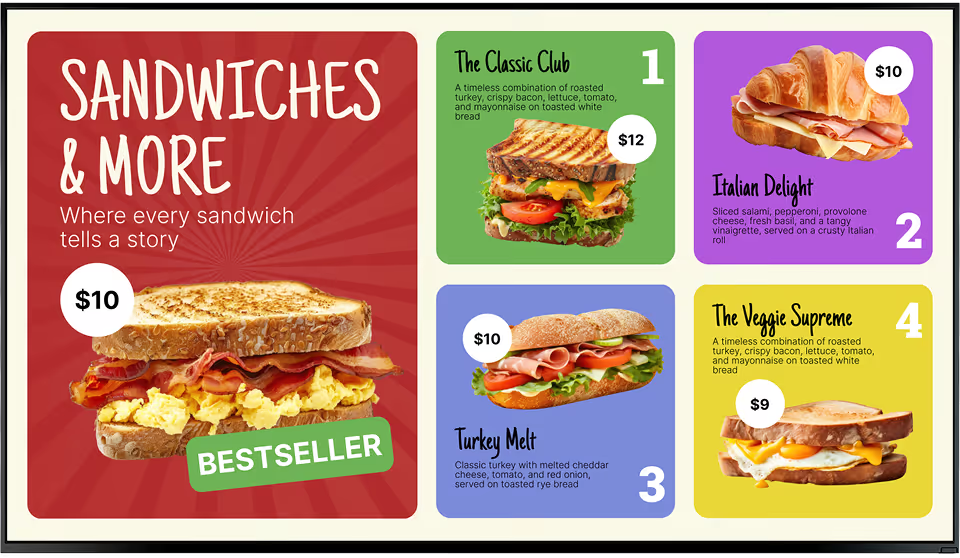
Install the free Look App when you want a low-friction start with existing display hardware. This is effective for pilot deployments and single-cafe rollouts where speed matters.




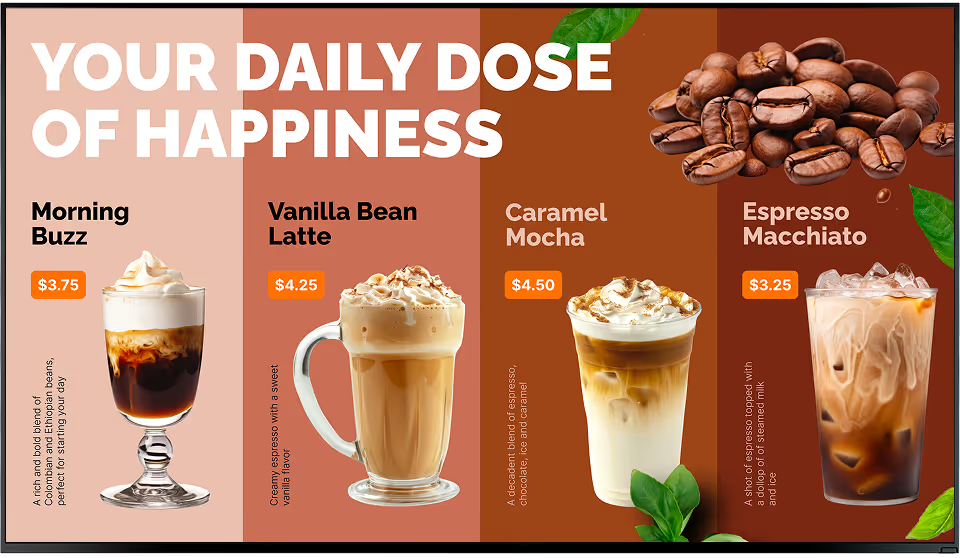
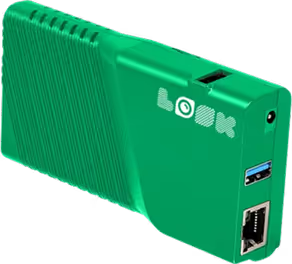
Use the Look HDMI Player when you need stable plug-and-play playback for long operating hours. Combined with offline caching, it helps keep menus active during temporary network interruptions.
Cafe setup note:
Check where customers stand and where glare appears before final display placement. The article recommends commercial-grade screens, secure mounts, and stable Wi-Fi or Ethernet so remote updates stay dependable.
How it works


Platform capabilities













Content best practices
01
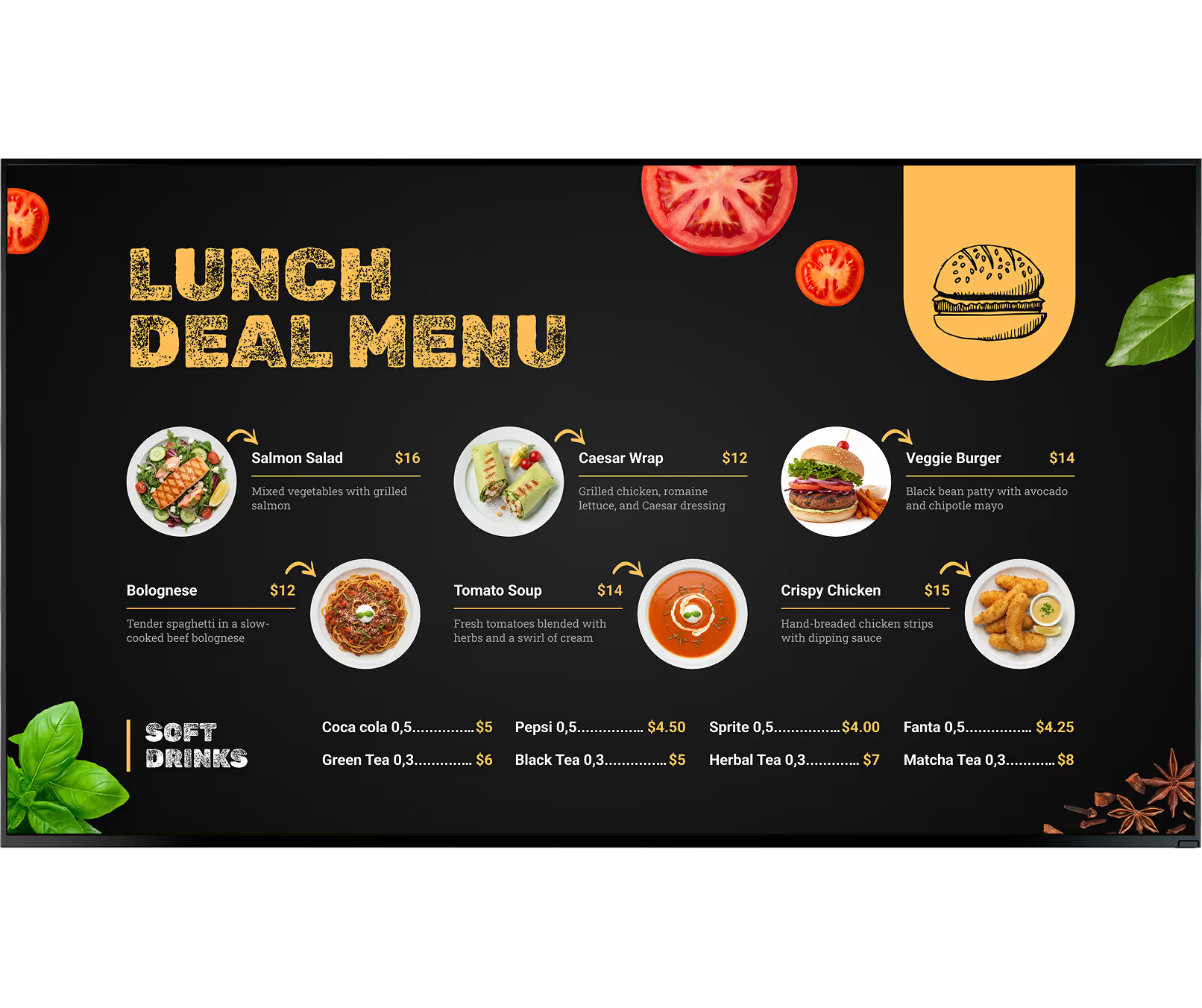
Use clean sans-serif fonts and high contrast combinations so customers can read quickly from a distance. Avoid stylized type choices that look attractive but reduce legibility during busy service.
02
Group items under obvious headers such as Espresso, Teas, and Pastries to reduce decision time. If your assortment is large, split categories across multiple screens instead of shrinking text.
03
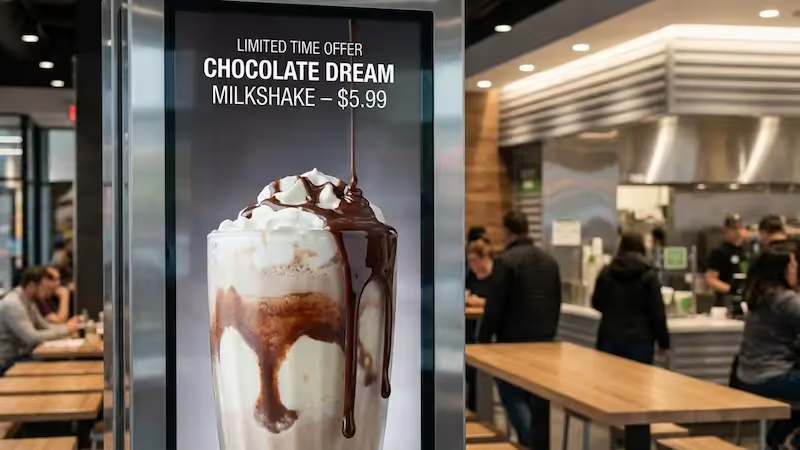
Use a fixed area for high-margin specials with contrasting color or strong product photography. This keeps the core menu stable while still driving focused upsell behavior.
04
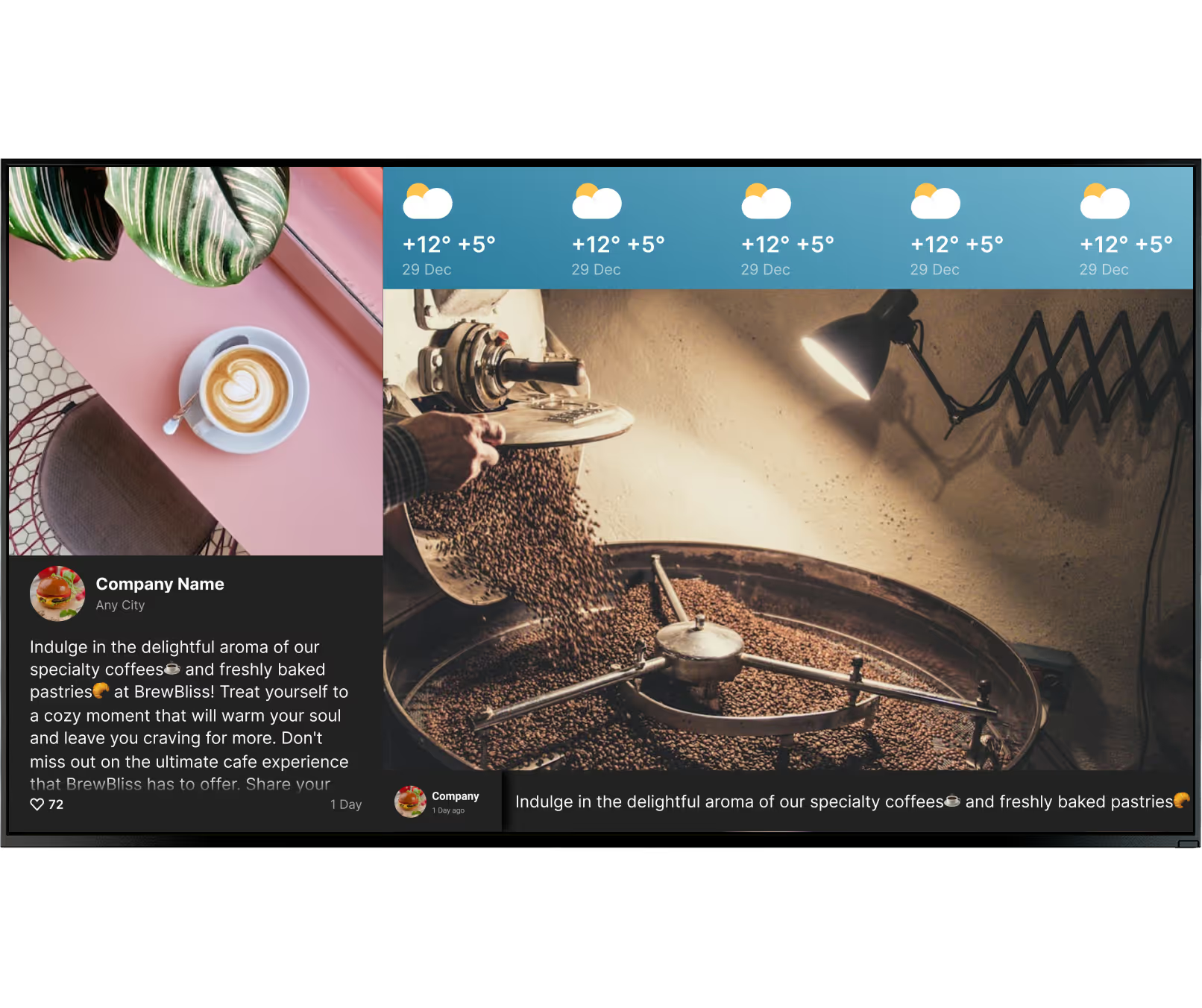
A rotating playlist can feature seasonal items without disrupting the full menu hierarchy. Scheduled timing ensures each offer appears when the relevant audience is in line.
05
Short video clips and smooth transitions can make the board feel premium and attention-grabbing. Avoid rapid or flashy effects that distract from pricing and ordering details.
06
Use font sizes that remain readable from the back of the line and clearly mark allergens and dietary tags. Consistent layout patterns help customers find what they need quickly and comfortably.
What to avoid
Fix: Break menus into category-led layouts and spread larger assortments across multiple displays.
Fix: Use short clips and subtle transitions only where they support the product message.
Fix: Reserve consistent layout space for allergen labels, dietary tags, and calories where required.
Fix: Use remote publishing, daypart schedules, and POS-linked updates to keep menus current in real time.
Cafe outcomes
We went with Look, because it gave us the full control of the content that we were streaming to our locations and it also gave us the scalability, which is even more important. Great experience overall.


Look dramatically simplifies the content management process for us. I can change the menus in a couple of clicks in all the restaurants from any place. It’s really easy-to-use and the solution works just smoothly.
Working with Look is been amazing! And one thing I'm excited about even more than experience we already had is the future!




FAQ
Talk to a specialist about layout planning, glare, hardware selection, and rollout sequencing for your cafe. We can map a practical pilot that fits your service flow and staffing model.
Templates

No credit card required

100% of features, no trial limitations

Fast human support 24/7