
News
Top Outdoor Advertising Companies Worldwide
February 9, 2026
October 11, 2024
by
Ilya Zorokhovich


🌍 120+ countries


24/7
Professional displays are engineered for continuous business use with stronger cooling, higher brightness, and commercial warranties.
Source: Digital Signage for Advertising article — Professional Displays vs Commercial TVs
6 formats
DOOH, indoor, outdoor/window-facing, interactive touch, programmatic ad placement, and video wall deployments.
Source: Digital Signage for Advertising article — Main Types of Digital Signage Advertising
9 industries
Retail, restaurants, corporate, healthcare, education, transportation, hospitality, banking, and government use cases.
Source: Digital Signage for Advertising article — Industries and Use Cases
3 parts
A reliable setup combines screens, media players, and cloud management software working together.
Source: Digital Signage for Advertising article — Key Components of a Digital Signage System
What is advertising digital signage?
Digital signage for meeting rooms usually consists of small screens mounted outside each room, often paired with larger displays inside. A platform like Look CMS acts as your central hub, pulling schedule data from digital calendars like Microsoft Outlook or Google Workspace. Any change made in a digital calendar updates on the screen outside the room in seconds.
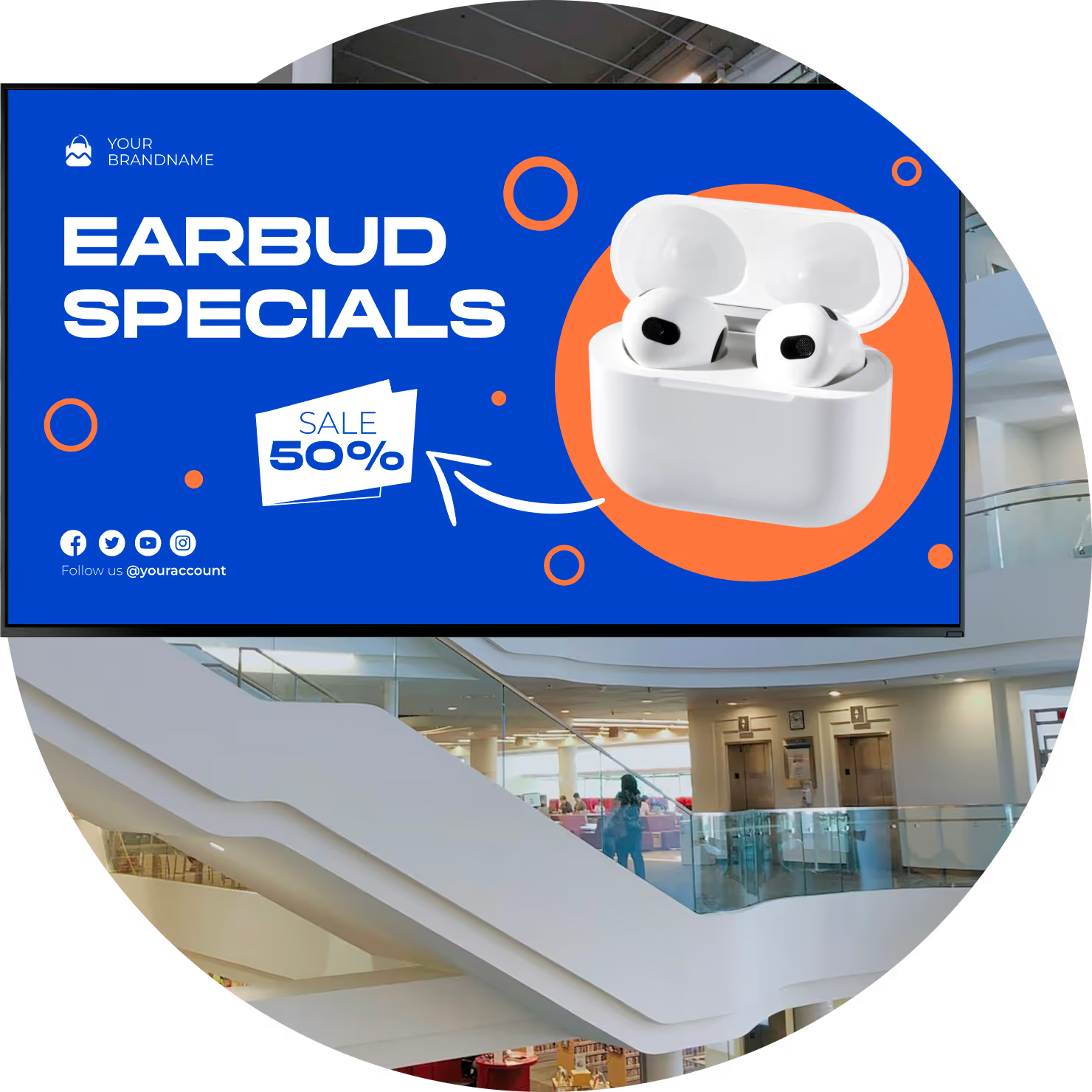
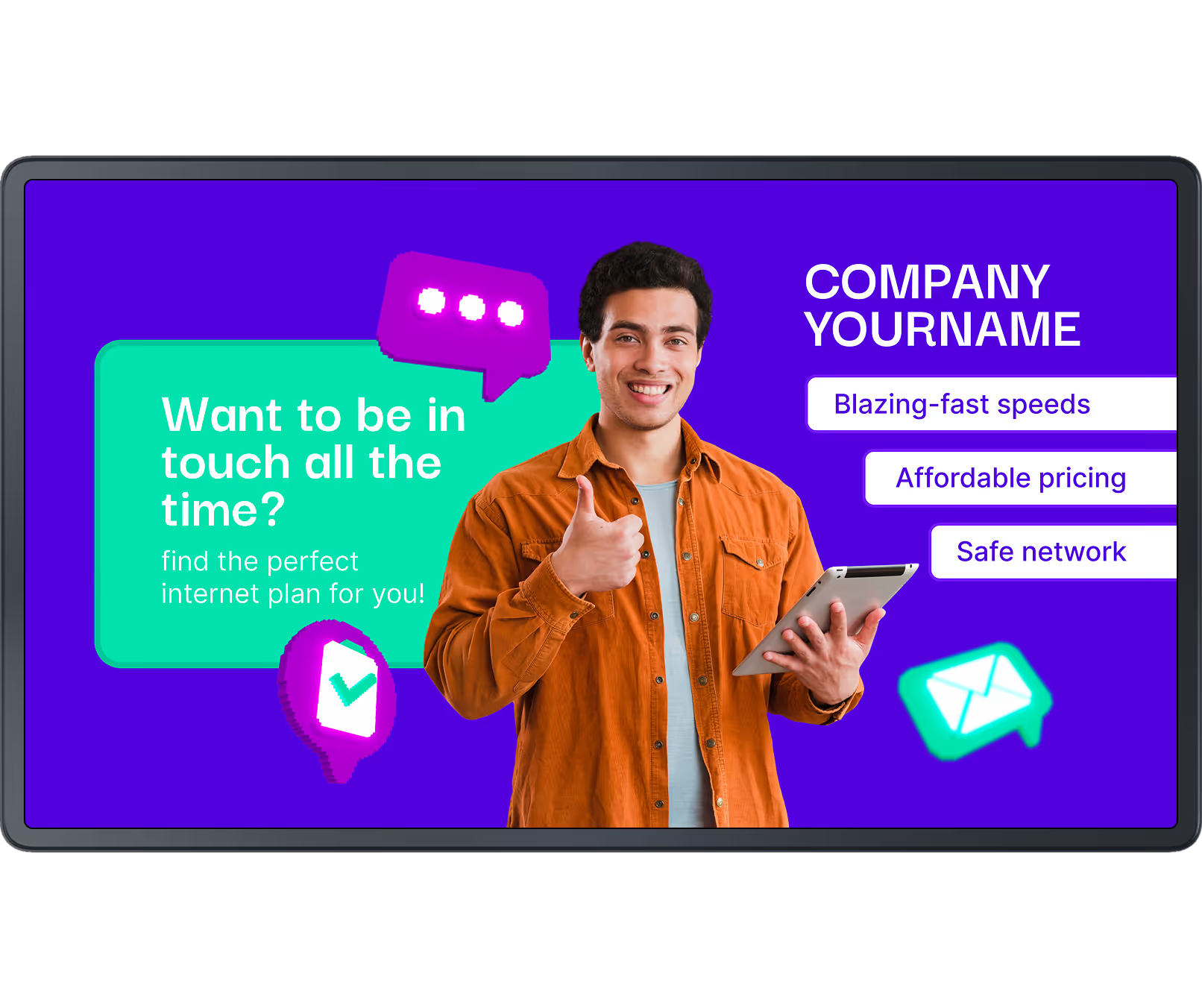
You can deploy one screen in a cafe for daily specials or run synchronized campaigns across a multi-location network. Because content is digital, updates happen in minutes from anywhere rather than waiting for print and on-site installation
Connected networks also support programmatic advertising,
where ad space can be sold automatically by audience type or time of day to help monetize available screen inventory.

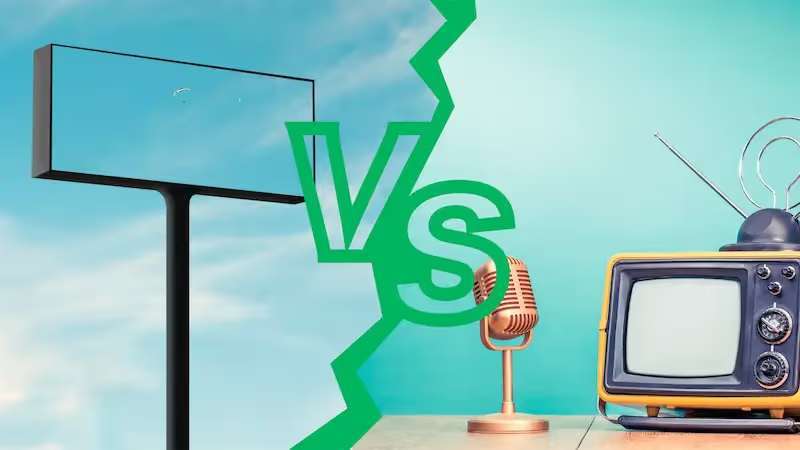
Printed posters and fixed billboards
Content stays fixed until physically replaced
Campaign swaps require redesign, print, and labor
Harder to react to flash sales or pricing errors
Recurring paper, shipping, and install costs

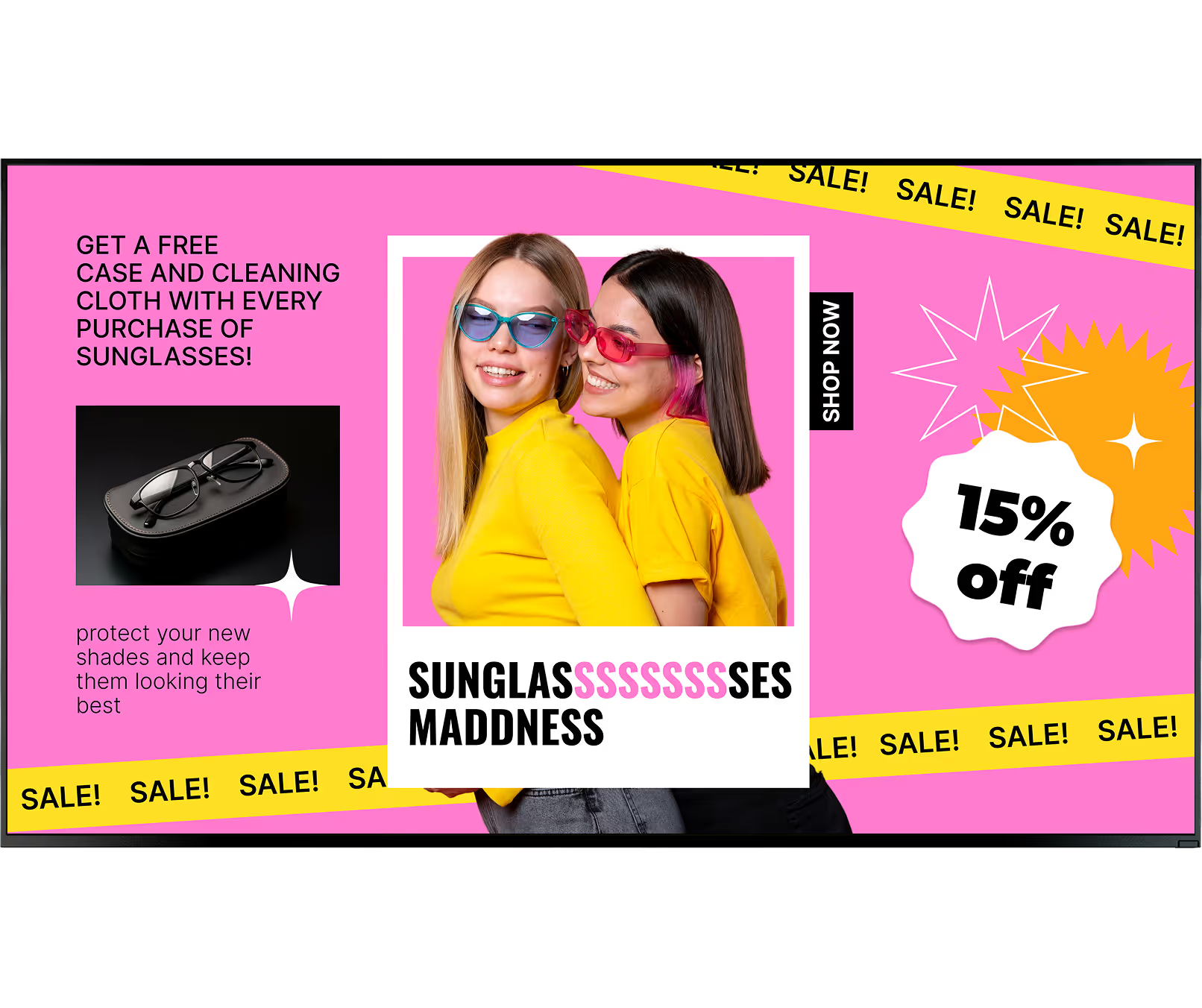
Real-time updates from one central platform
Video, motion graphics, and live data on-screen
Smart scheduling by time, audience, and location
Proof-of-play reporting to validate delivery
Reusable assets with lower long-term operating cost

3 core components
1
The screen is the face of the setup. Commercial displays are built for 24/7 operation, while panel choice (LCD, LED, OLED), brightness level, and mounting method determine where campaigns can run reliably.
2
Media players run the content on-screen and connect displays to your network. Reliable players keep playback smooth and continue running scheduled content from local cache when internet connectivity drops.
3
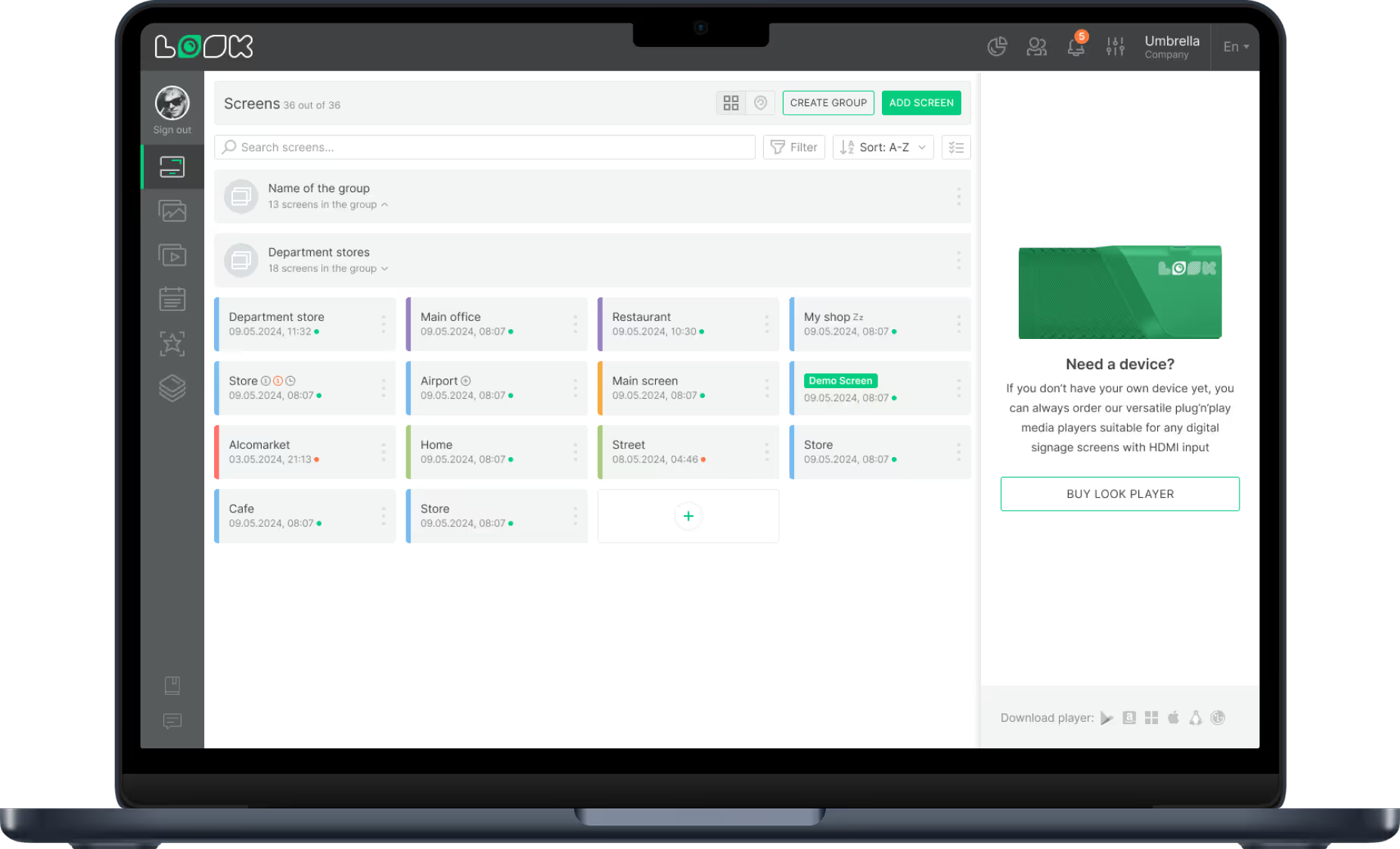
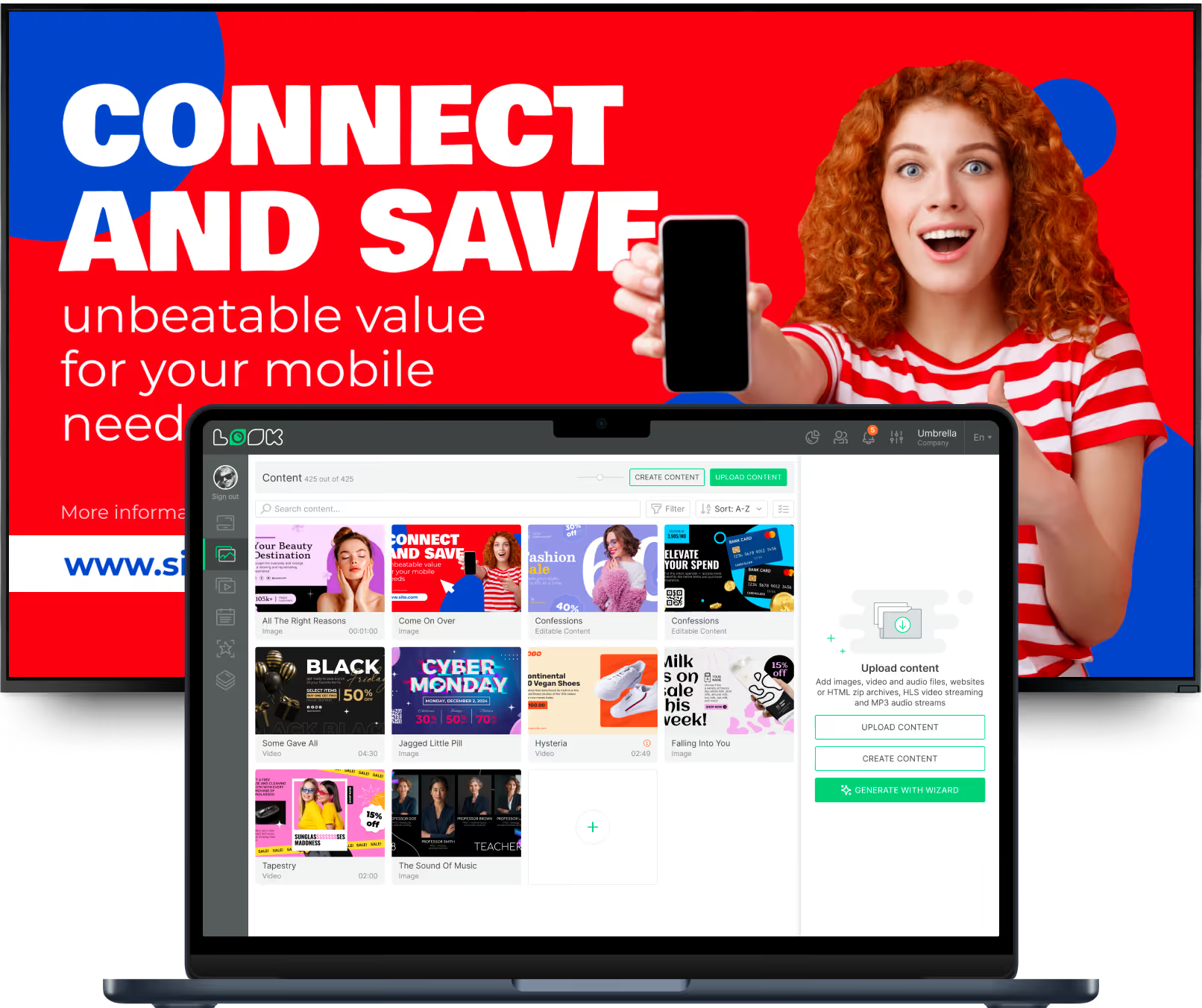
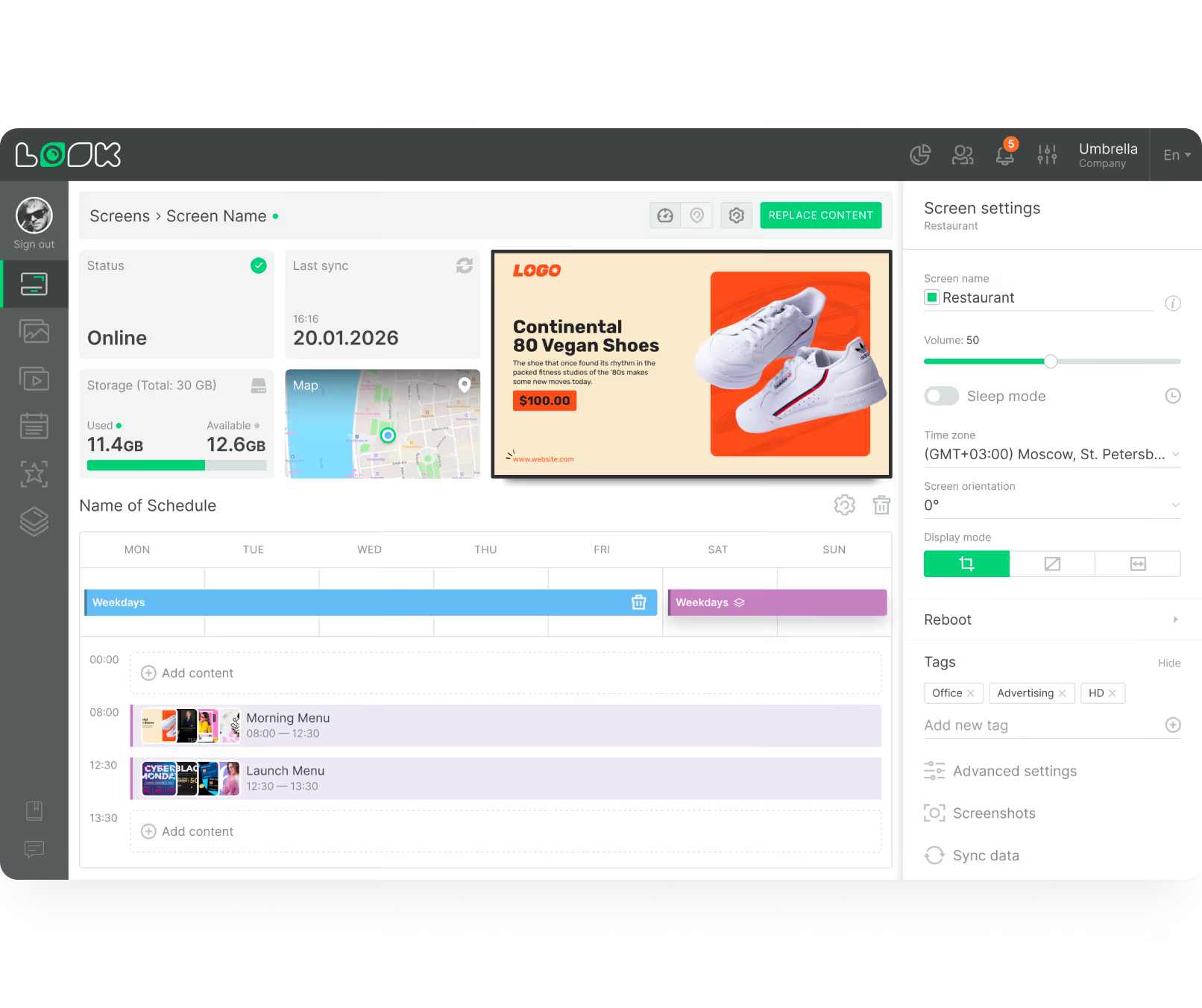
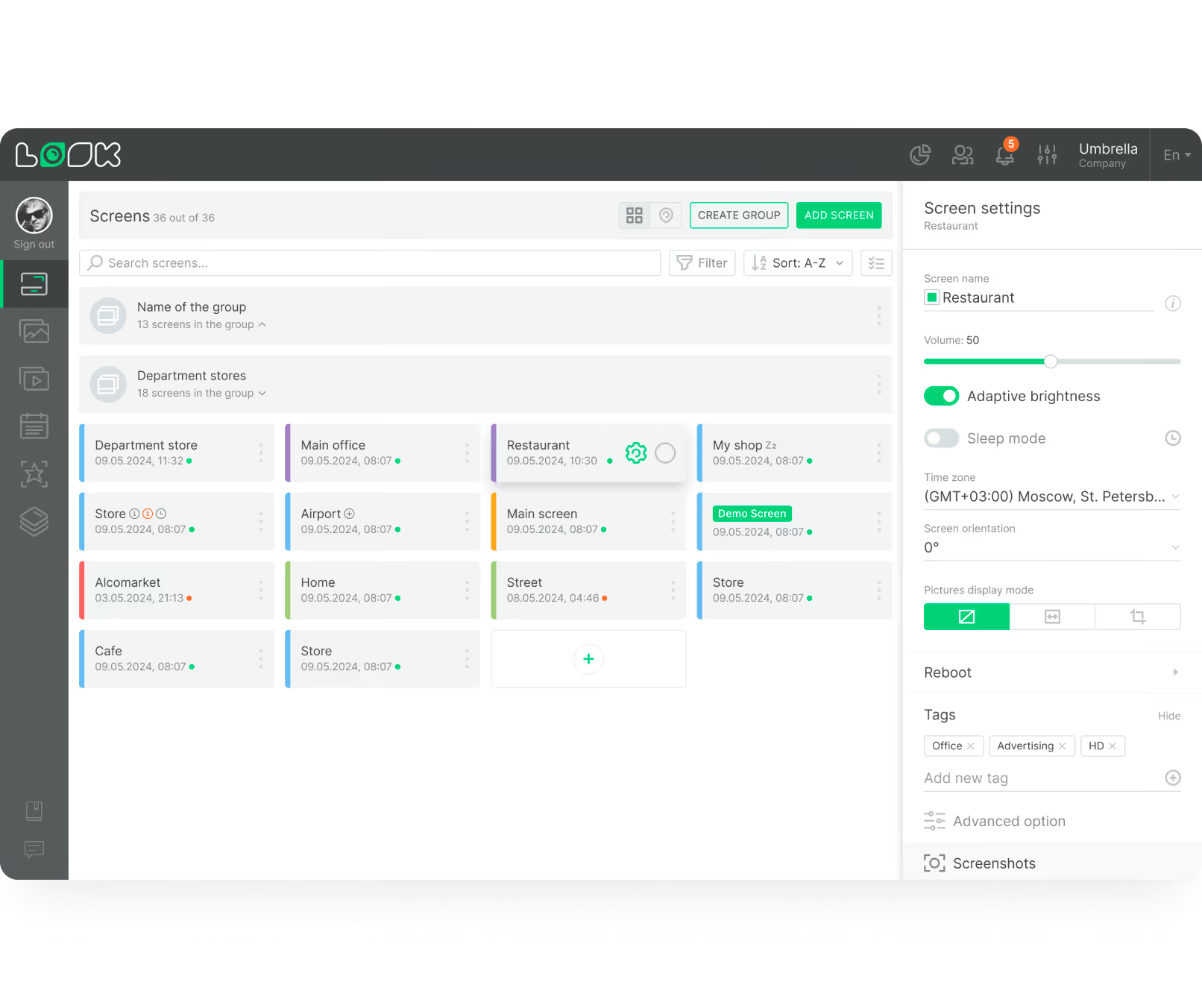
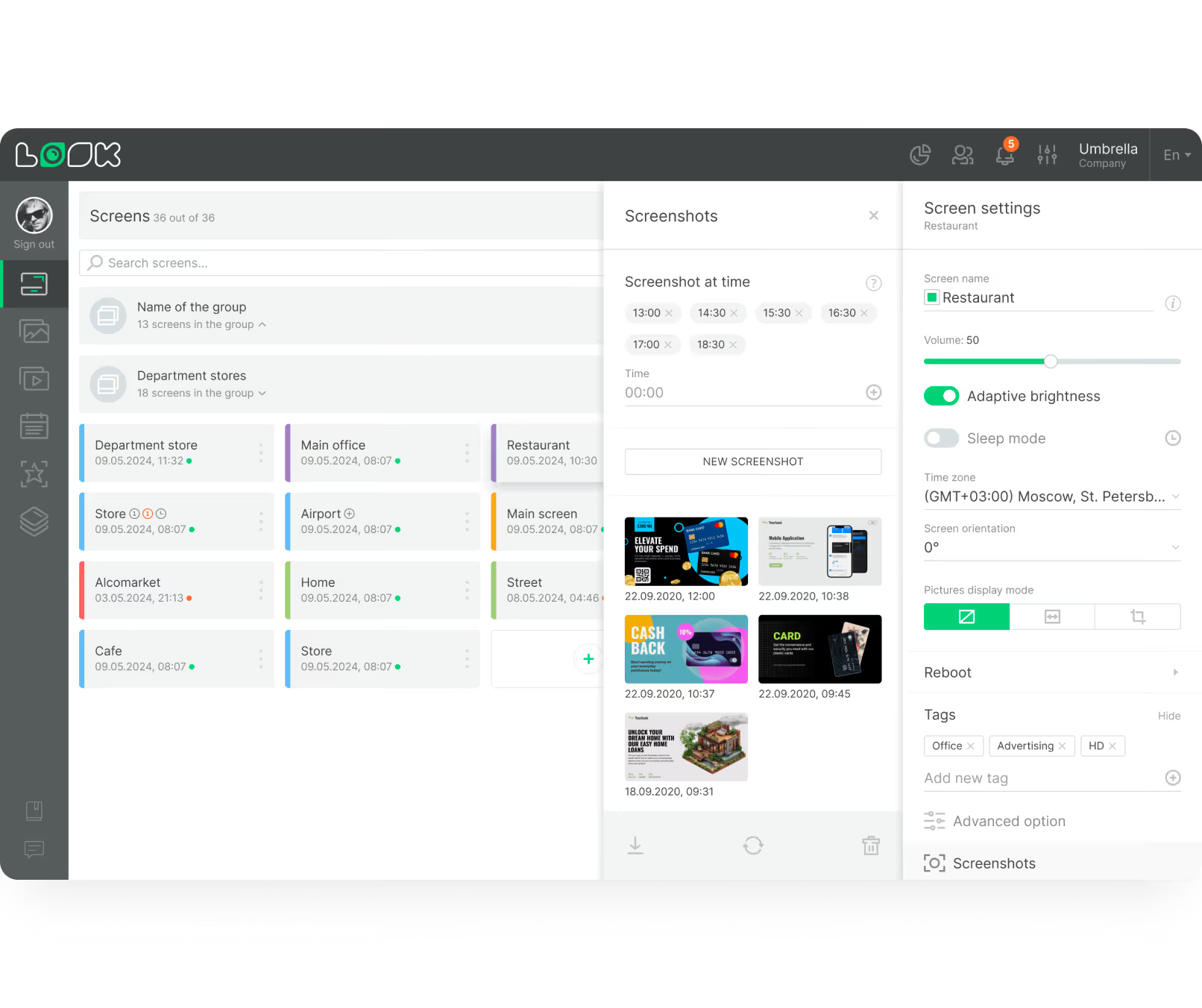
The CMS is the control center for playlists, screen layouts, daypart schedules, and remote device management. It allows one team to manage one screen or hundreds from a web dashboard.
Why it works













Formats and channels
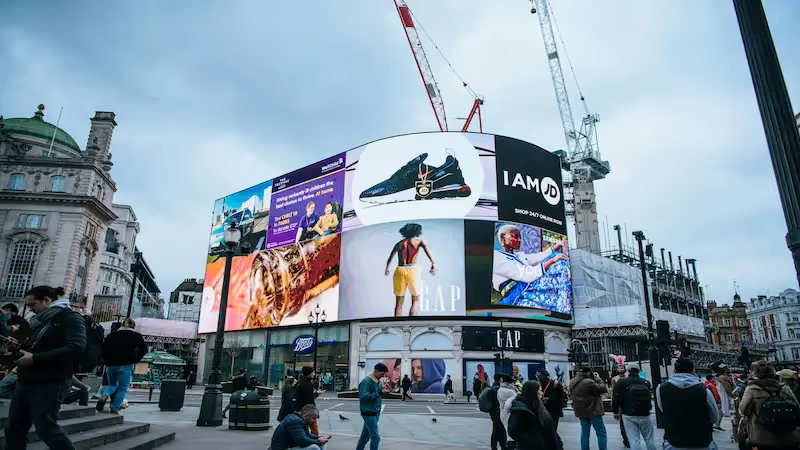
DOOH refers to public-facing screens in transit stops, airports, and roadside placements. These environments are built for broad reach and benefit from time-based scheduling, such as commute-hour messaging in the morning and restaurant promotions in the evening.
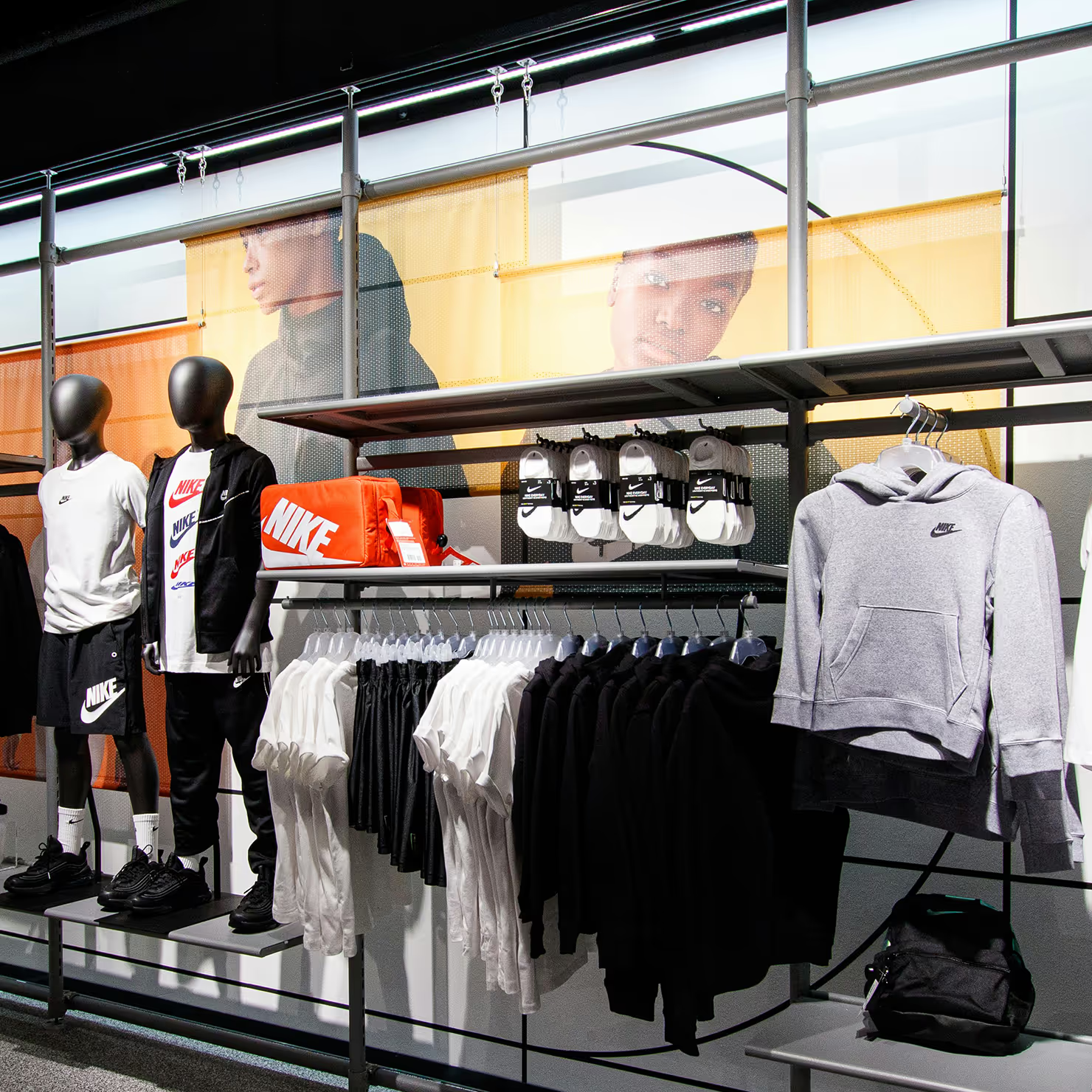
Indoor screens are common in retail, offices, clinics, and schools where viewing conditions are controlled. They are effective for menu boards, directories, and point-of-sale campaigns that need richer on-screen information.
Outdoor screens are designed for rain, temperature shifts, and daylight visibility. Window-facing displays run at very high brightness to attract foot traffic outside and continue advertising even when the location is closed.
Interactive scenarios let viewers engage directly by touch or QR scan. Audiences can browse catalogs, complete surveys, or navigate buildings, creating measurable engagement data for campaign optimization.
Programmatic workflows automate how inventory is bought and sold. Instead of manual negotiation, rules and bidding select which ad plays based on timing, location, and audience criteria.
Video walls combine multiple displays into one large-format canvas for high-impact campaigns. They are used in large venues such as stadiums, lobbies, and conference centers where visibility and visual scale are priorities.
Use cases
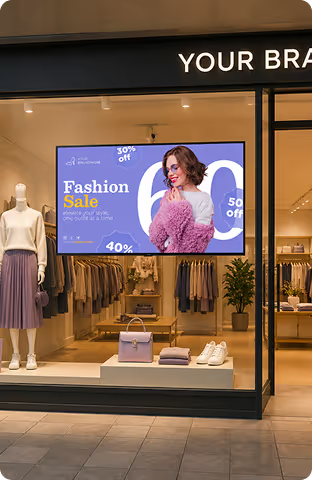
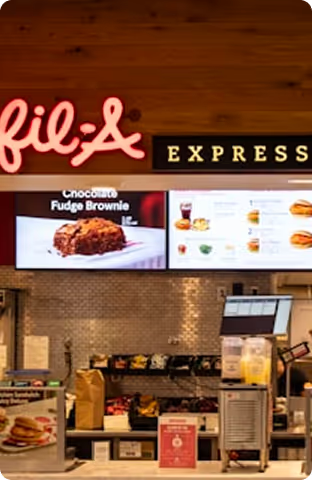
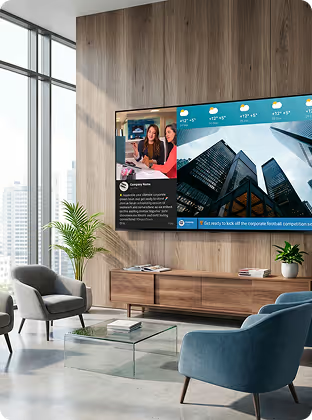


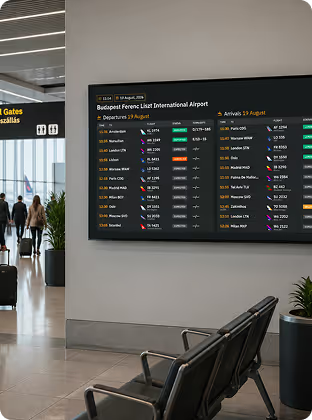
Hardware & setup
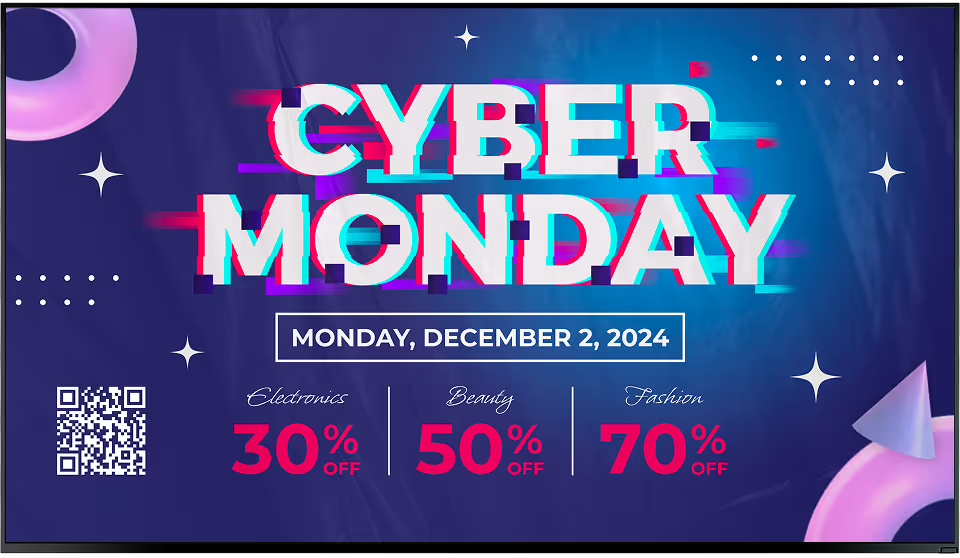
Install the free Look App on supported smart TVs to launch quickly with existing hardware. This is practical for indoor placements such as retail zones, office screens, and digital menu deployments.




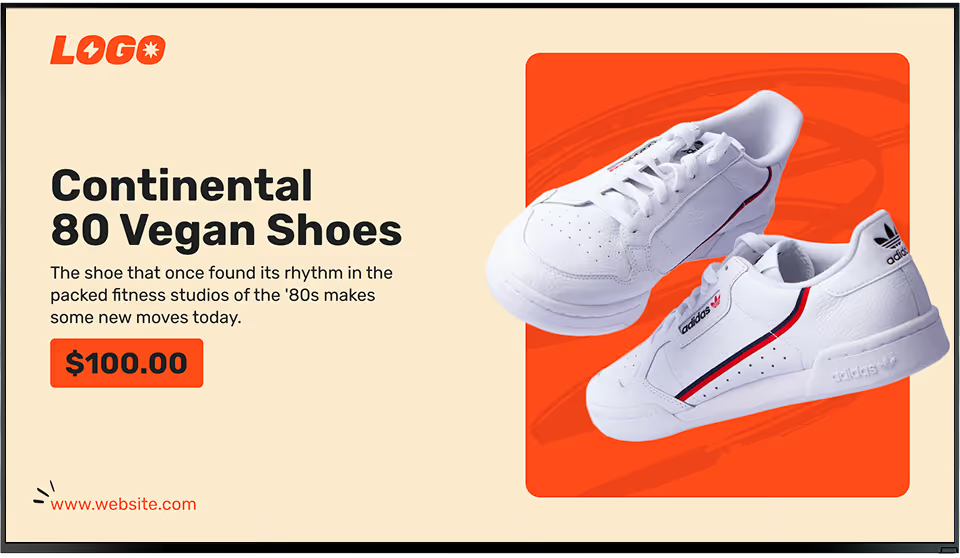
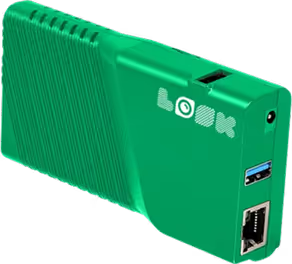
Use a dedicated plug-and-play HDMI player when you need always-on playback across larger networks. Useful for mixed hardware environments and improves reliability for multi-location operations.
Advertising hardware note:
Match hardware to environment before rollout. Outdoor and window-facing deployments need very high brightness, weather-ready enclosures, and secure mounting; indoor deployments can prioritize layout density and panel quality (LCD, LED, or OLED) based on budget and visual goals.
How it works




Features










Content best practices
01
Build separate playlists for commute, lunch, evening, and weekend traffic patterns. Matching content timing to audience behavior improves relevance and usually improves response rates.
02
If the same loop runs for months, people stop noticing it. Use rotating creative and scheduled updates to keep screens useful instead of becoming background noise.
03
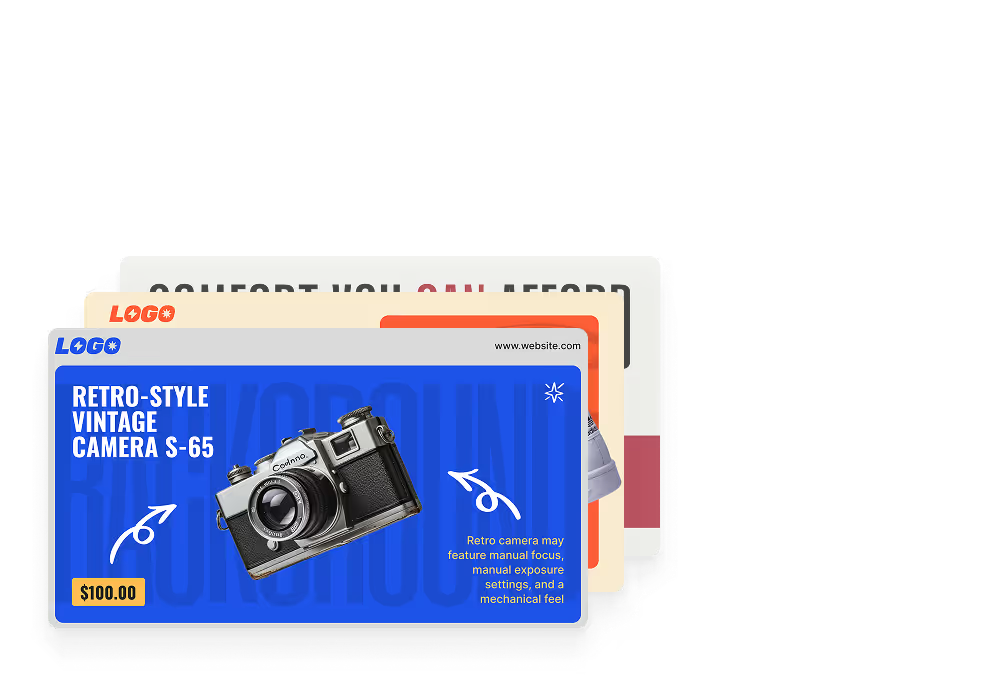
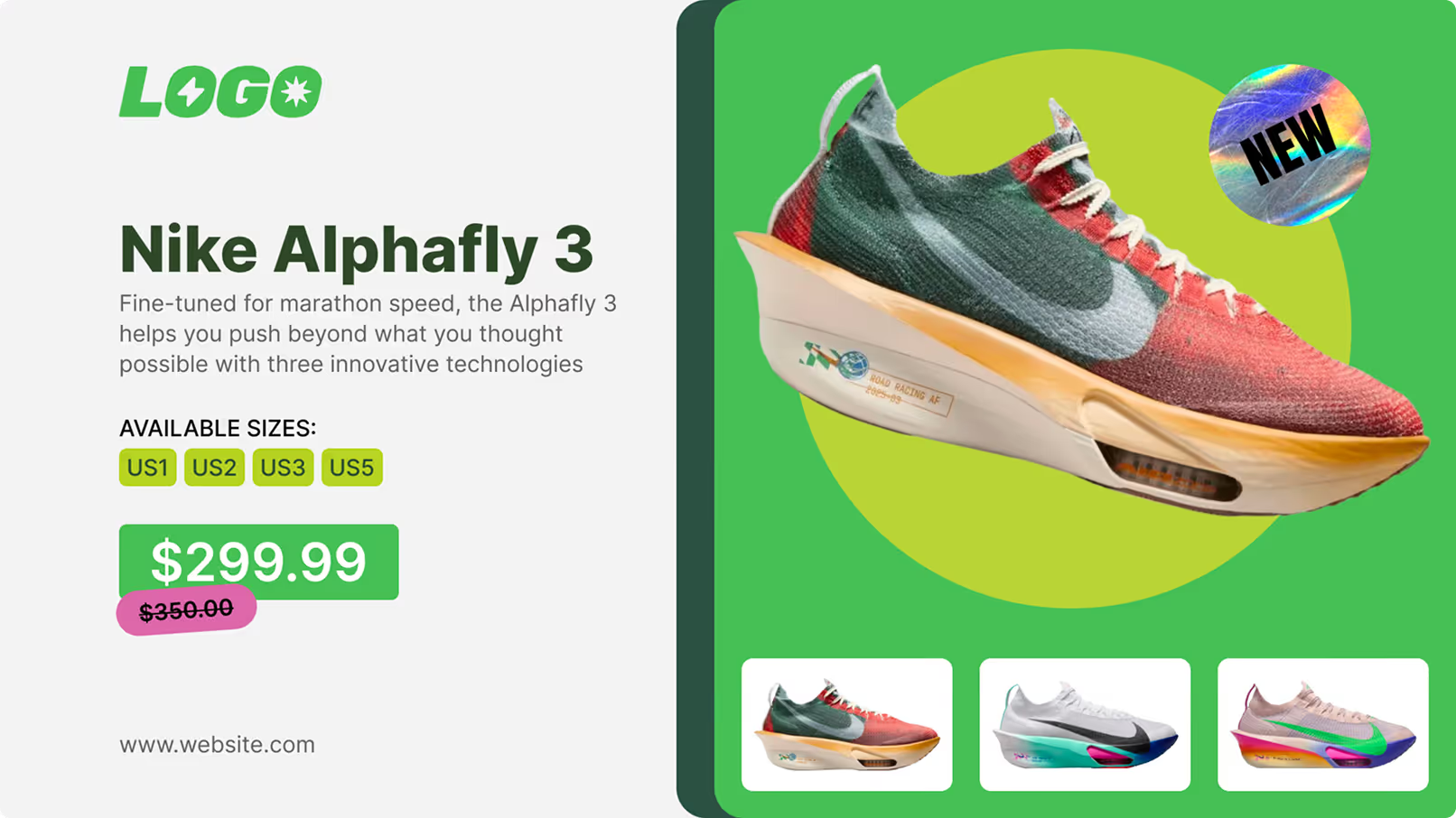
Look CMS tool support ready-made templates for faster campaign production. This helps teams publish consistent layouts without rebuilding each screen from scratch.
04
Use concise headlines, readable hierarchy, and motion only where it supports the message. In high-traffic placements, viewers should understand the core offer in seconds.
05
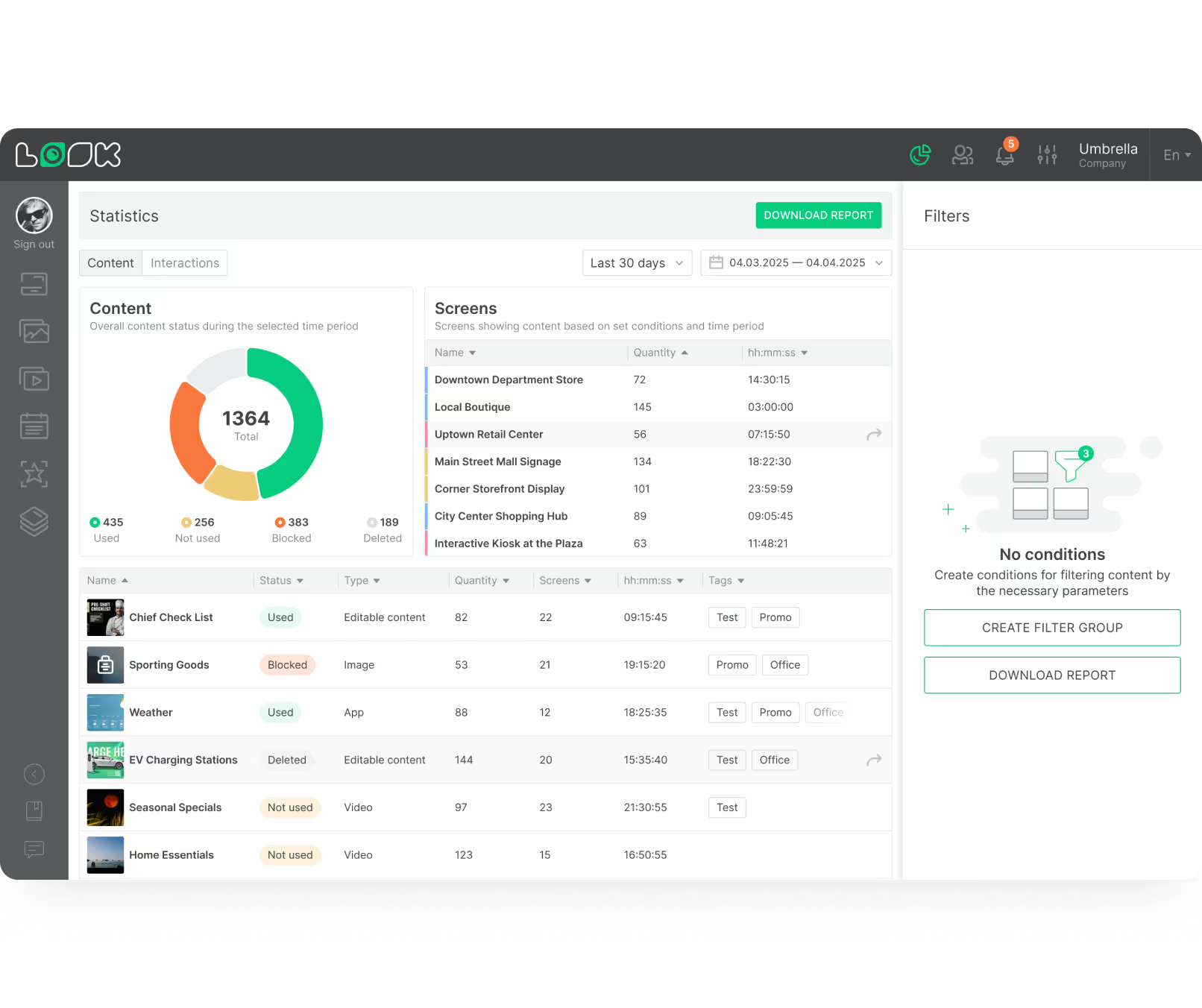
Review proof-of-play, dwell-time signals, and peak viewing periods to see which campaigns work. Use that data to refine schedules and prioritize higher-performing content windows.
06
When using audience analytics, rely on anonymous measurement approaches and follow local privacy requirements. Campaign optimization should not require personally identifying viewers.
Common mistakes
Fix: Use scheduled rotation, recurring playlist updates, and live data modules so content stays relevant without daily manual work.
Fix: Deploy professional displays rated for long operating hours, with higher brightness, stronger cooling, and commercial support terms.

Fix: Plan around total cost of ownership from day one, including hardware, software, installation, and operational support.
Fix: Use role-based publishing access, enforce network hygiene, and keep audience measurement anonymous to maintain a privacy-first deployment.

What advertisers say
In terms of using the system, the other options that I found were a little clunky and Look was not only affordable but really easy for us to deploy and get up and running.


Look is well-priced, it’s a very user-friendly software cloud-based service, where you can update your screens from wherever you are. We can definitely recommend to others!
Our experience with Look was simply excellent. We were able to offer our clients a new feature-rich solution that can meet their various requirements in terms of digital signage, with a relatively affordable monthly cost.




FAQ
Planning a DOOH rollout, indoor network, or window-display refresh? We help teams choose the right hardware, scheduling model, and measurement setup, then map it to budget, operations, and rollout timeline.
Templates







No credit card required

100% of features, no trial limitations

Fast human support 24/7